


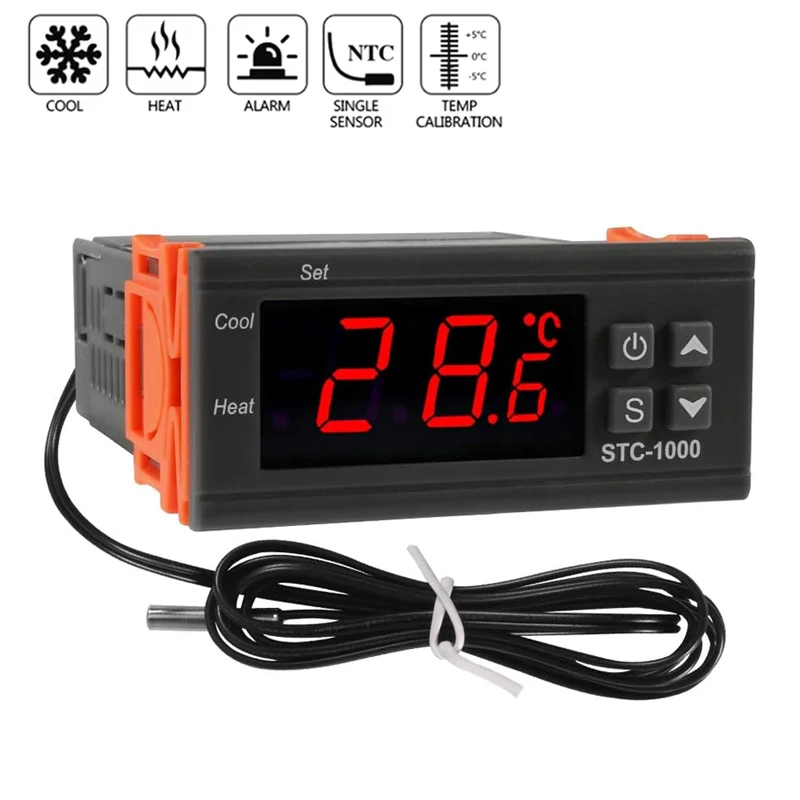
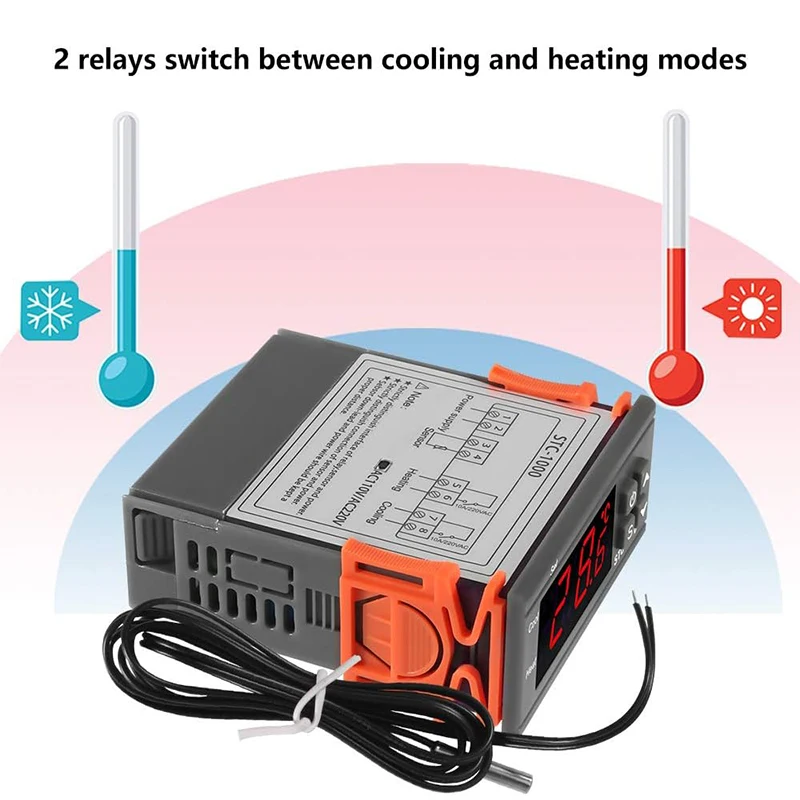
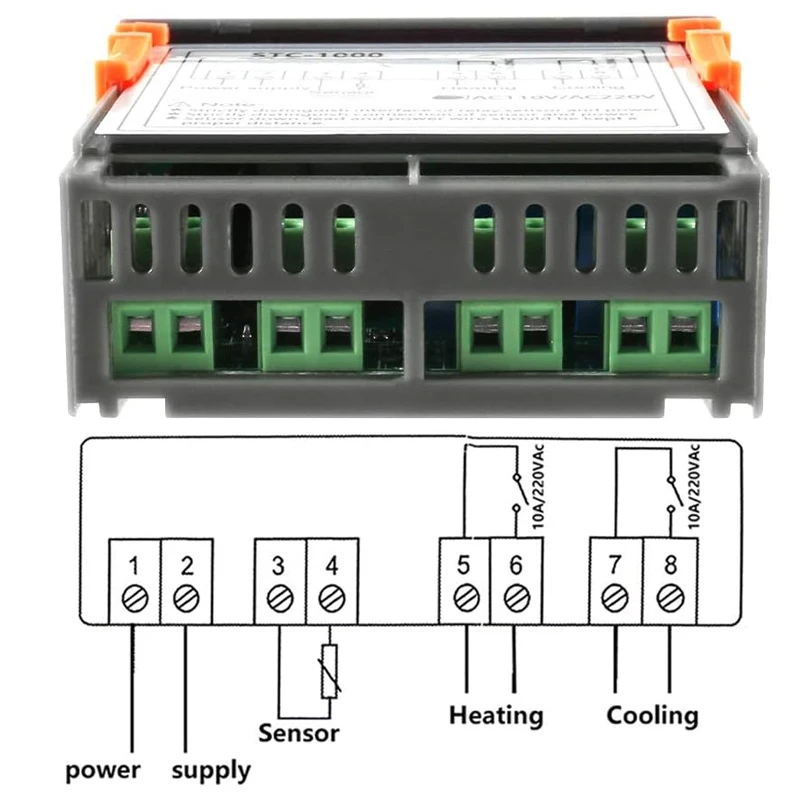
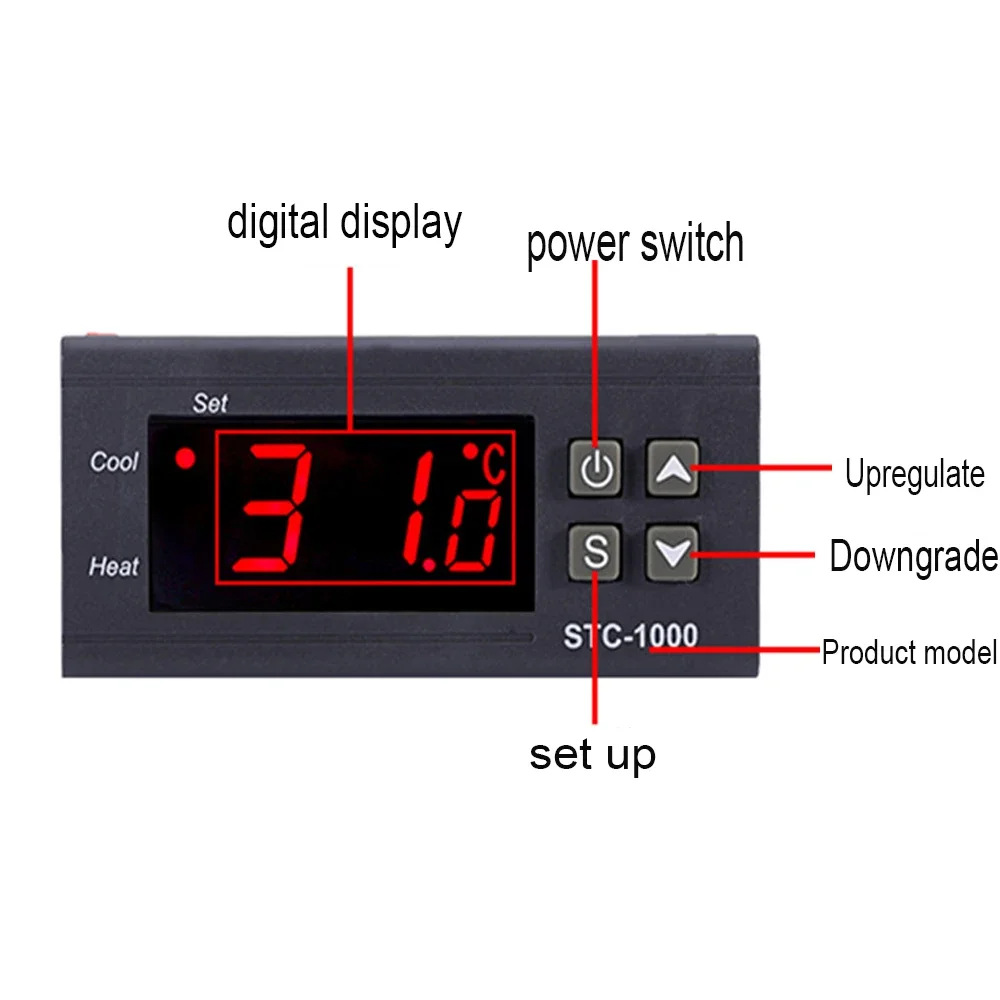

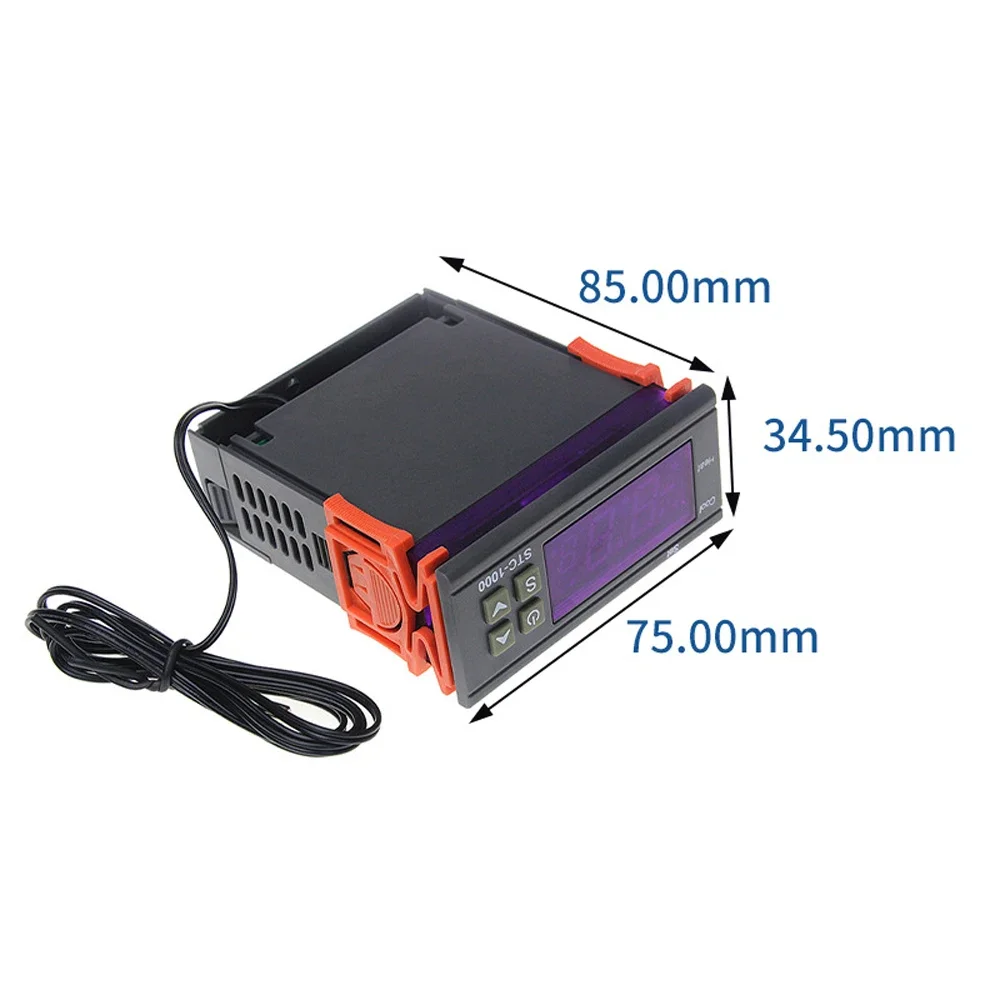
Product Features
Power supply: 110-220VAC ±10%, 50/60Hz (or DC12V)
Measurement and control temperature range: -50°C~+110°C
Resolution: 0.1
Accuracy:+1.c
Relay output contact capacity: heating: 10A/240VAC, cooling: 10A/240VCA
Sensor h type: imported NTC sensor
Line length: 1 meter
Color: gray
Weight: 100g
Shell material: ABS flame retardant plastic shell
Press and hold Set for 5 seconds to enter internal parameter settings, press up and down to switch PO…P8 press Rst to confirm and return




 Appliances
 Bedding
 Christmas Decorations
 Decor
Decor Health & Medical Equipment
 Lighting
 Smart Home
 Storage
 Textiles
Shopper –
They arrived well packaged, I just hope that bumps or something do not affect their operation.
since only plastic does not protect
but other than that everything is fine
they arrived before the date
D***s –
IT’S LATE I WILL INSTALL IT, EVEN THOUGH I’m sure it’s perfect. I recommend it.
y***v –
good product, good design, everything super, arrived quickly, haven’t tested it yet, when I test it, I can add more.
l***o –
It’s a pretty good product, recommended, excellent seller.
V***n –
The item is very nice, just like in the photos, it works well (you have to search for the configuration).
happy with the purchase I recommend it (12v)
There I leave some images, I hope they are helpful to other users.
G***z –
Product well packaged. I haven’t tested it yet. When I do it, I’ll leave feedback here. It arrived quickly here at home.
Shopper –
Thermoregulator ok
Shopper –
Setting method: for cooling
1,Press the setup button under the power button for 5 seconds
In F1 state, press the setup button while holding down the up and down arrows to select desired temperature.
In this state, you just need to wait for 5 seconds.
The remaining F2 is the setting range interval, F3 is the delay time, and F4 is the temperature correction.
In my case, I don’t need to use F2 onwards…
C***r –
Excellent and arrived within the stipulated times.
R***o –
Excellent thermostat; easy to handle and delivers as promised.
j***a –
very good seller
a***a –
Beautiful and lightweight thermostat, very precise.
Purchased to control the temperature of a silicone heating pad for the 3D printer, but the pad does not work. 🤬 .
Maybe a bit complicated to set up but you just need to get used to it. 👍 👍 👍
M***ó –
Perfect, I needed it for a PTC and everything works perfectly.