
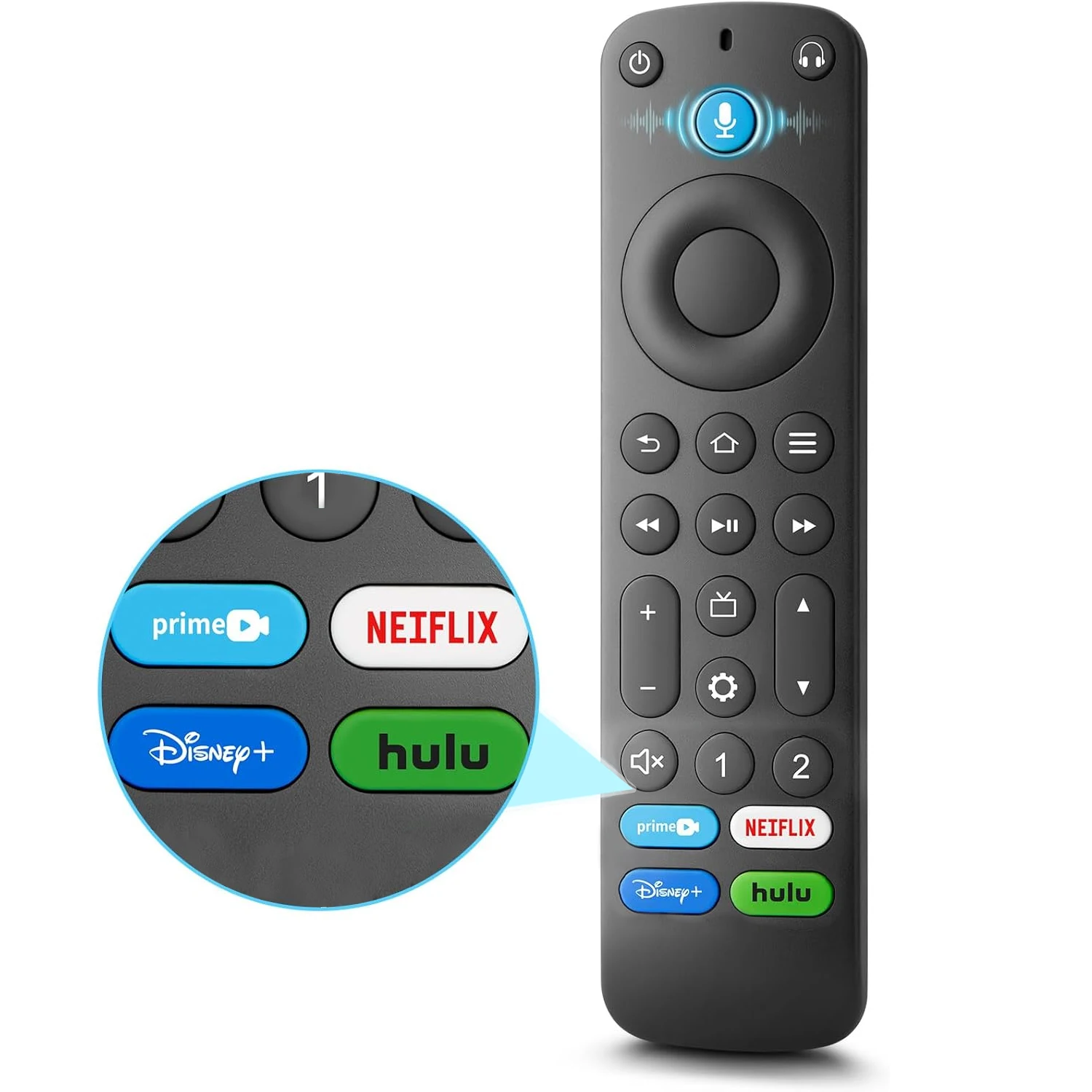
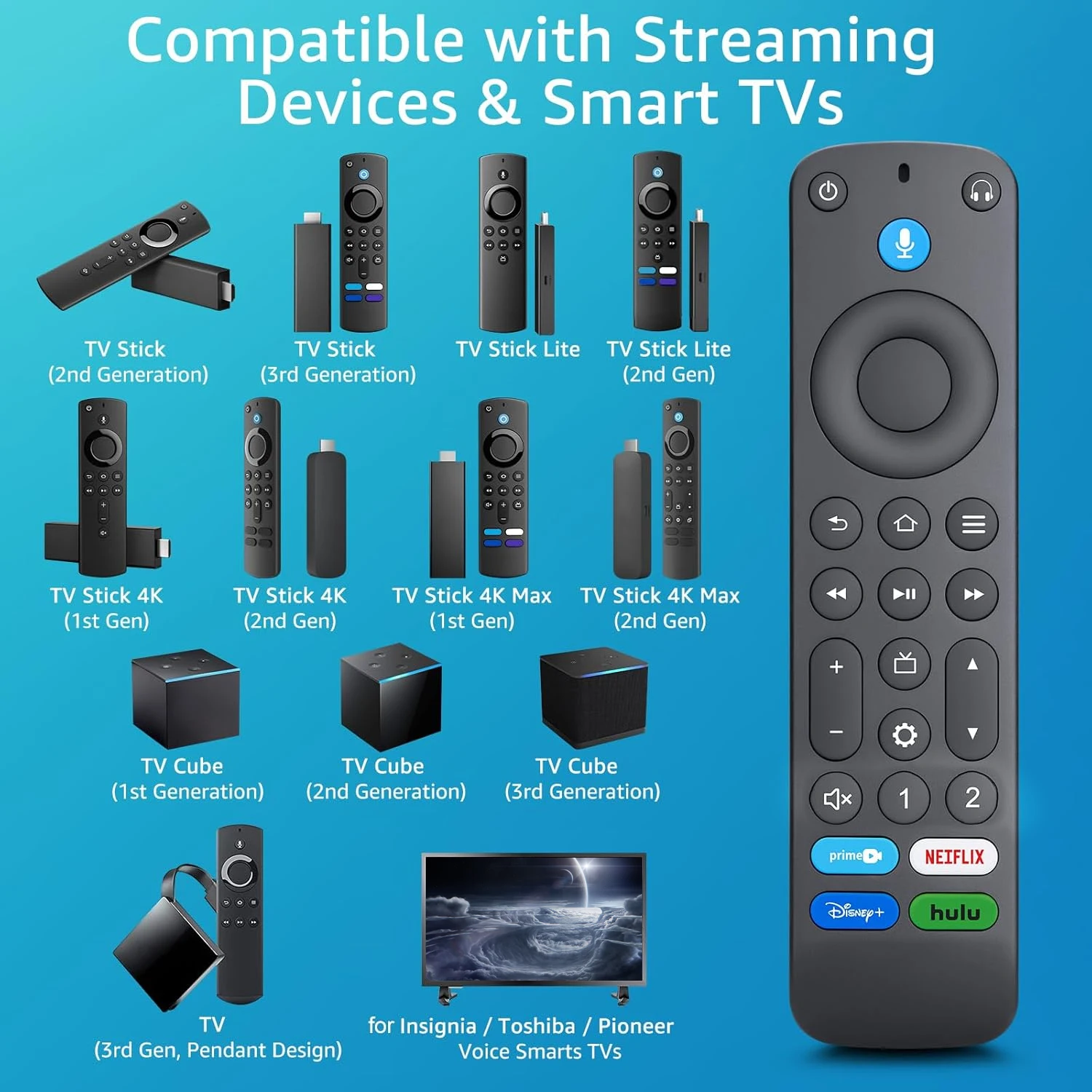
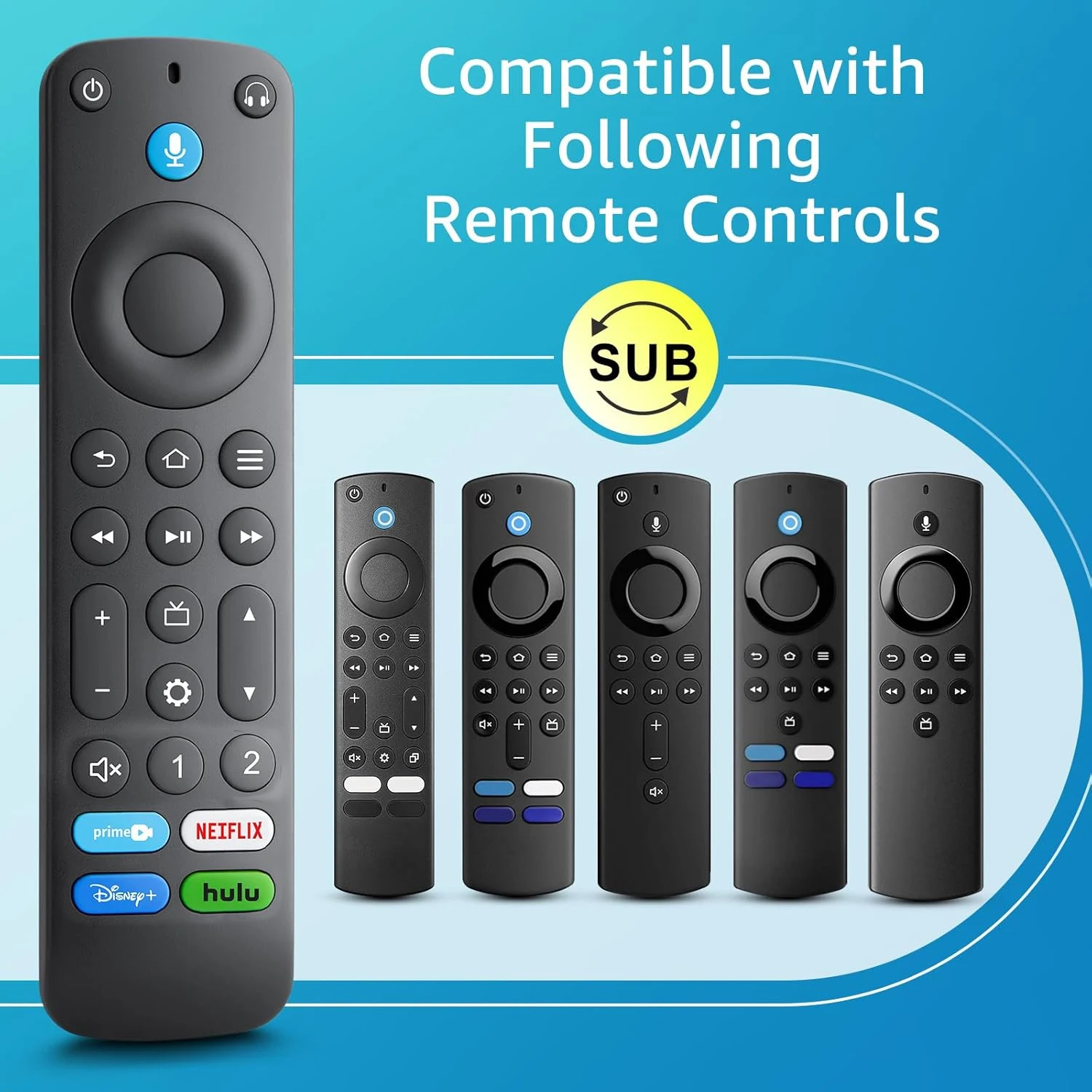
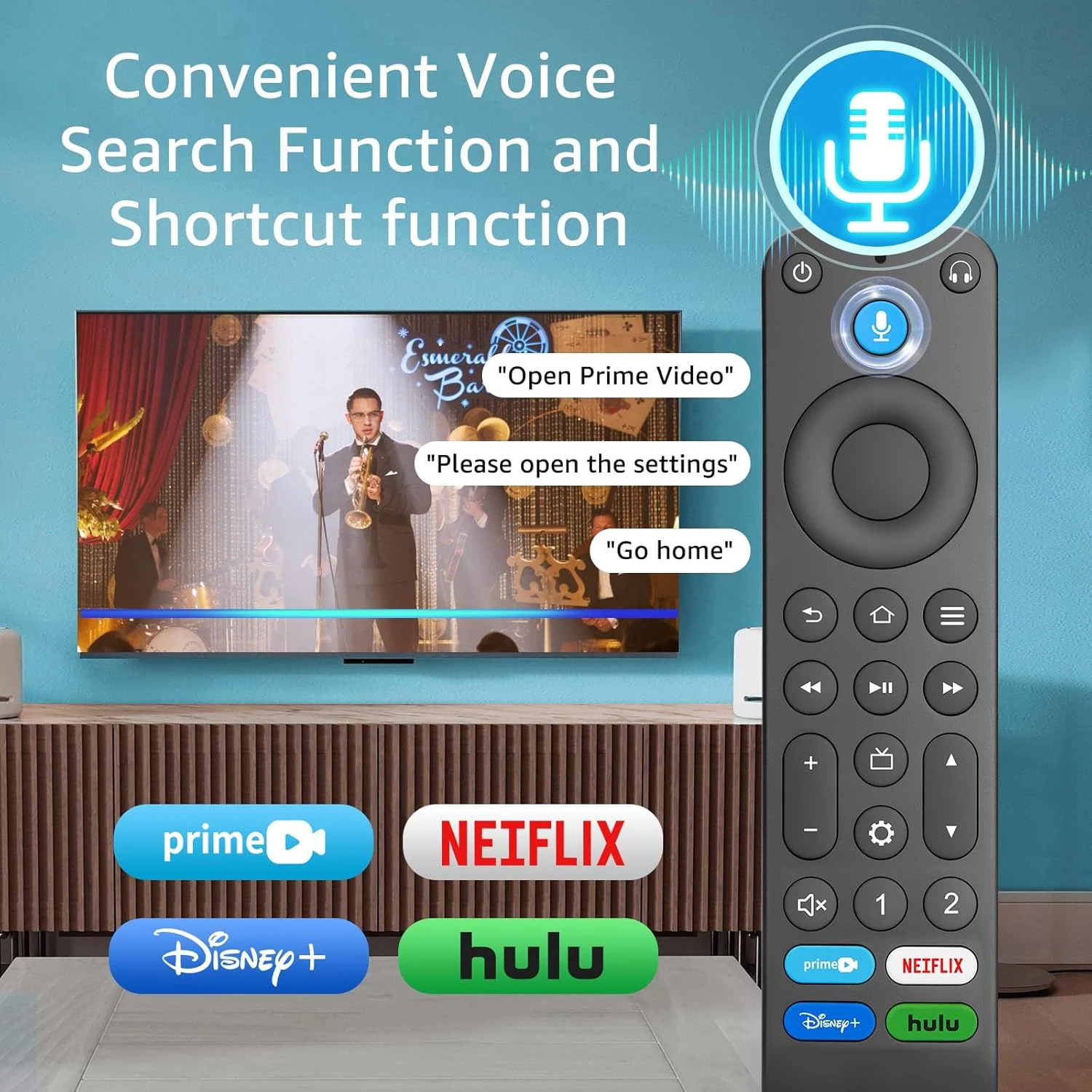
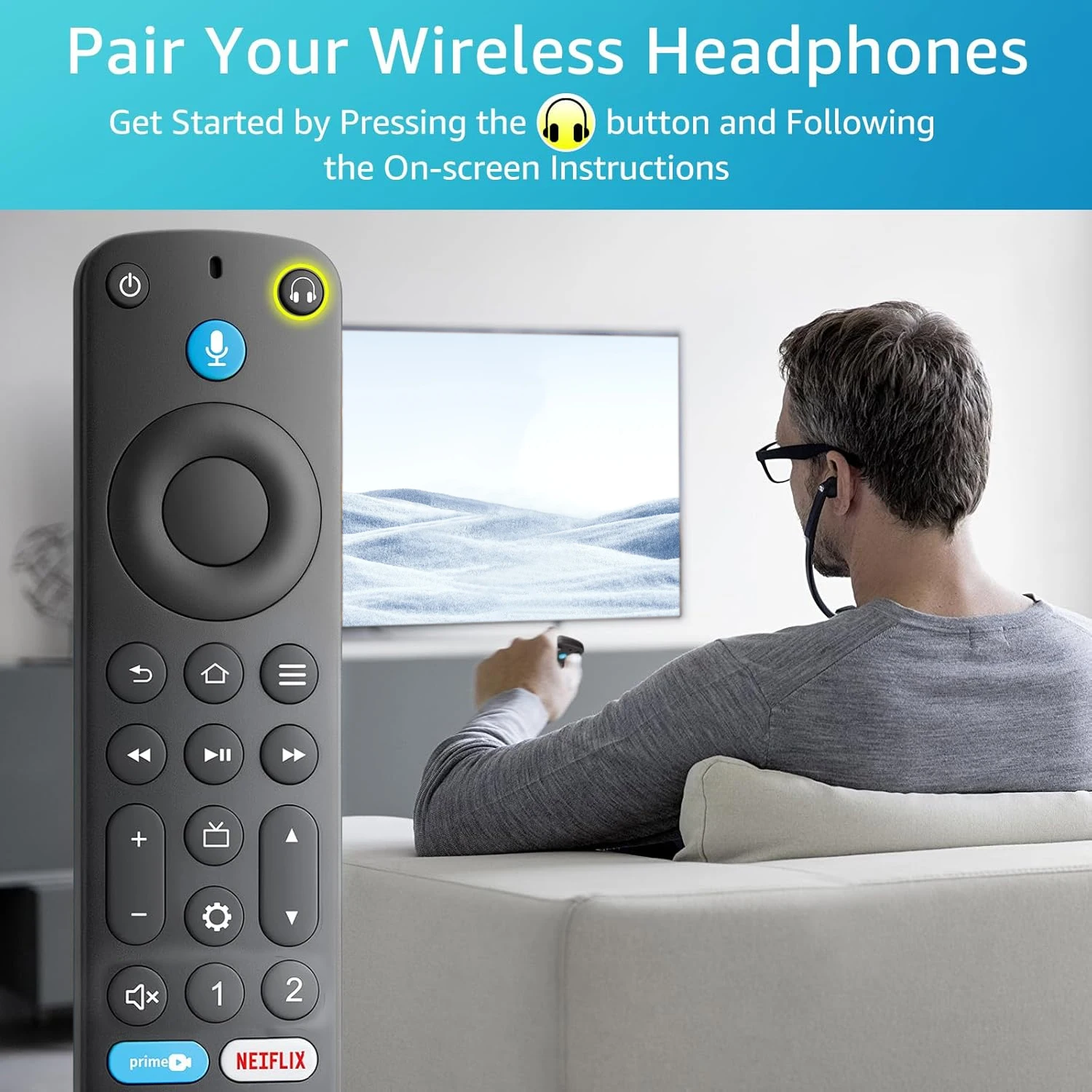
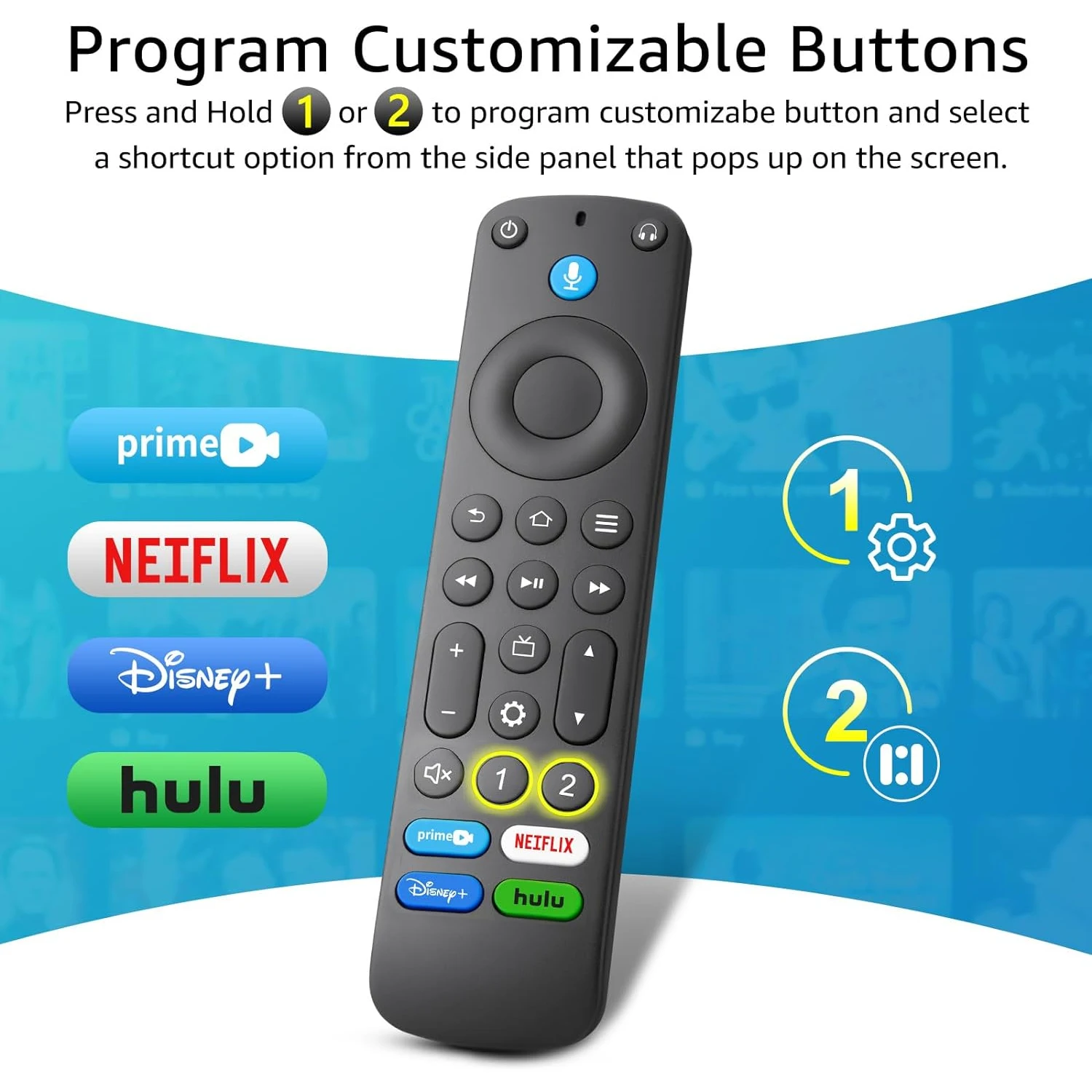
Compatible Devices:
Fire TV Cube (2nd Generation)
Fire TV Cube (1st Generation)
Fire TV Stick 4K Max
Fire TV Stick 4K
Fire TV Stick (3rd Generation)
Fire TV Stick (2nd Generation)
Fire TV Stick Lite
Fire TV (3rd Generation, Pendant Design)
Echo Show 15
Set up your Alexa Voice Remote:
1. Insert 2 AAA batteries (not included).
2. Remove the battery door and insert the batteries into you Alexa Voice Remote.
3. Pair the remote with your Fire TV device. You must pair your new remote to your Fire TV device. Choose the option below that fits your situation!
If this is a replacement remote and you don’t have the original remote that came with your Fire TV device:
(1) Restart your Fire TV device by unplugging the power cable from the electrical socket, then plugging it back in. Once the Home screen for Fire TV appears, your remote should be ready for use. If not, move to Step 2.
(2) Press and hold the Home button on the new remote for at least 10 seconds, The LED on the remote will slowly flash amber. Continue holding down the Home button until the LED starts to rapidly flash. A notification will appear on your screen indicating that your remote is successfully paired.
If you do have the remote that came with your Fire TV device, you’ll need both remotes for setup:
1. On your new remote, press and hold the Home button for 1 seconds. The indicator LED will slowly flash amber for 10 seconds. Then flash faster when your remote is ready to connect.
Use your original remote for the following steps:
2. Press the Home button, navigate to Settings at the top of the screen, then select Remotes & Bluetooth Devices > Fire TV Remotes > Add New Remote.
3. Your Fire TV device will search for remotes it can connect with, then display them in a list.
4. Using your original remote, select the new remote from the list. You’ll see an on-screen message when It has been successfully paired, You can now use your new Alexa Voice Remote.
Troubleshooting tips
·If the new remote does not connect, remove and reinsert its batteries.
·If your remote isn’t discovered, press and hold the Home button for at least 10 seconds until the LED rapidly flashes amber.
·Always replace dead batteries with new 1.5 V alkaline or 1.2V NiMH rechargeable batteries.
If the Power Button, Volume +,Volume – and Mute doesn’t work,please try to reconnect it.
The instruction as below:
Setting->Equipment Control->Management Equipment->TV->Change TV, Then choose your Brand of TV.



 Appliances
 Bedding
 Christmas Decorations
 Decor
Decor Health & Medical Equipment
 Lighting
 Smart Home
 Storage
 Textiles
Shopper –
Very good controller! I’m not sure if it’s original but the quality is ridiculously good, looks very original (if it’s not) and has all the new functions of the controller! Just buy it.
a***r –
It works fine, just like the original remote.
Shopper –
Can be used normally as a Firestick remote control. The texture is also good.
W***o –
It worked perfectly. It was easy to set up and didn’t take me much time at all. All the buttons work and/or provide feedback on my Firestick 4K (1st generation). I recommend buying its cover to protect it from falls and because the battery cover usually comes off easily or breaks.
K***6 –
Excellent product and quality, and most importantly, the price.
10000000% satisfied
Shopper –
Very high quality, almost identical to original remote pro
D***r –
Excellent, paired immediately with my toshiba firetv
Shopper –
It works perfectly like the original and no problems when pairing it with the Fire TV. Perfect.
C***s –
Haven’t tried it yet but looks great
R***s –
Works as advertised. I use it on an nvidia shield pro. To get the volume to work i had to first sync it with my fire stick.
D***a –
The quality and functionality of the additional buttons are better than the original. Highly recommended.
Shopper –
It works perfectly, it’s the same as the original, it feels high quality.