
Please confirm your machine model before purchasing~
Galaxy Tab A7 Lite 8.7 inch (SM-T220/T225/T227) ,
Galaxy Tab A9 8.7 inch (SM-X110/X115/X117) ,
Galaxy Tab S6 lite 10.4 inch (SM-P610/P615 P613/P619) ,
Galaxy Tab S7 11-inch (SM-T870/T875/T878U) ,
Galaxy Tab S8 11-inch (SM-X700N/X706N) ,
Galaxy Tab A7 10.4 inch (SM-T500/T503/T505/T507/T509)
Galaxy Tab A8 10.5 inch (SM-X200N/X205N)
Galaxy Tab S9 11-inch (SM-X710/X716/X718)
Galaxy Tab S9 FE 10.9 inch (SM-X510/X516B)
Galaxy Tab A9 Plus 11 inch(SM-X210N/X216B)
Galaxy Tab S7 Plus 12.4 inch (SM-T970/T975/T976)
Galaxy Tab S7 FE 12.4 inch (SM-T730/T733/T735)
Galaxy Tab S8 Plus 12.4inch(SM-X800N/X806N)
Galaxy Tab S9 Plus 12.4 inch (SM-X810/X816/X818)
Galaxy Tab S9 FE Plus 12.4 inch (SM-X610/X616B)
Galaxy Tab S8 Ultra 14.6 inch (SM-X900N/X906N)
Galaxy Tab S9 Ultra 14.6 inch(SM-X910/X916B/X918U)
English keyboard:
There are only English letters on the keyboard.
Note:
The digital tablet and stylus are not included in the package. The detailed description is for reference only. Please refer to the actual product for the color of the product.
Office learning business fashion
Comfortable solution to your office, study and entertainment needs.
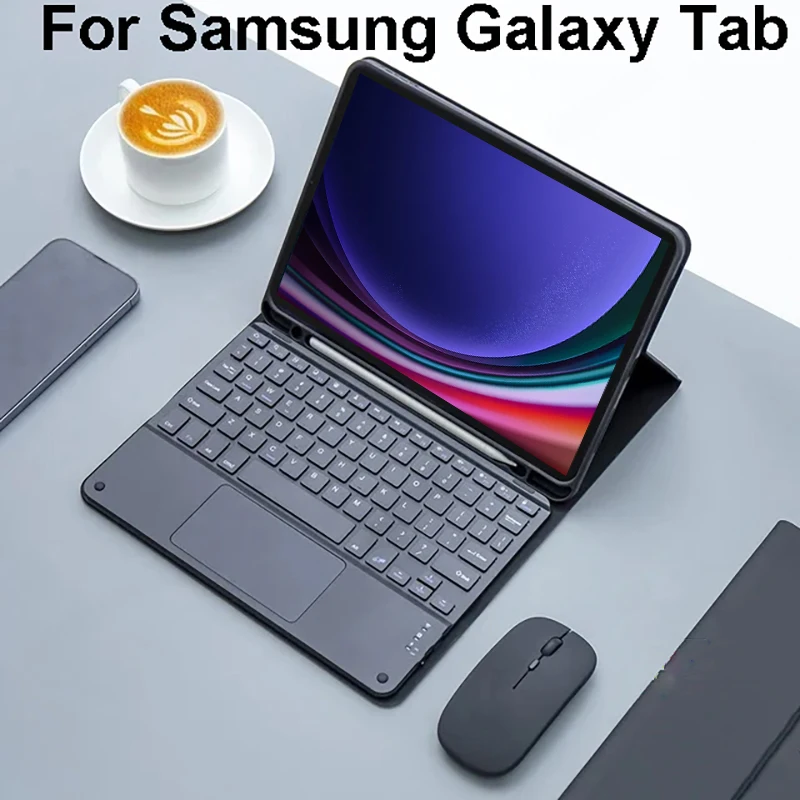
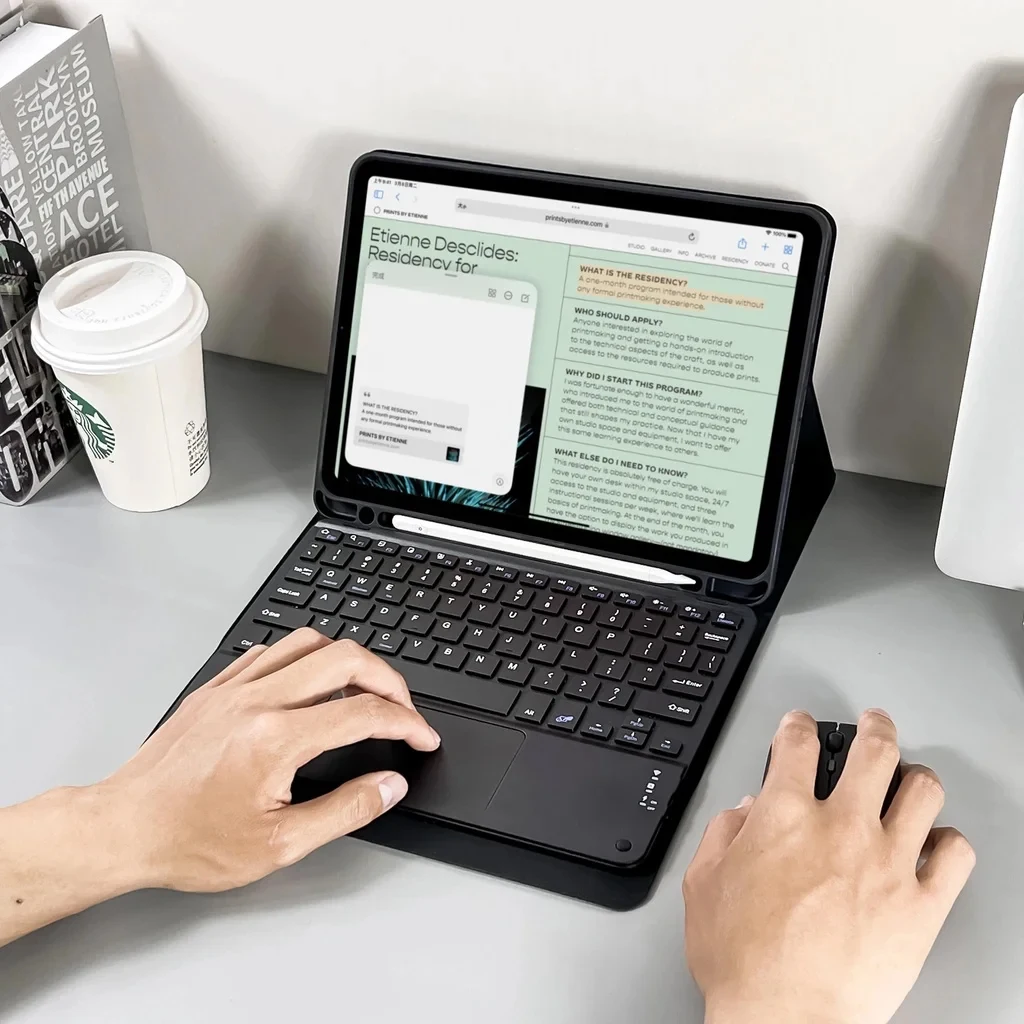
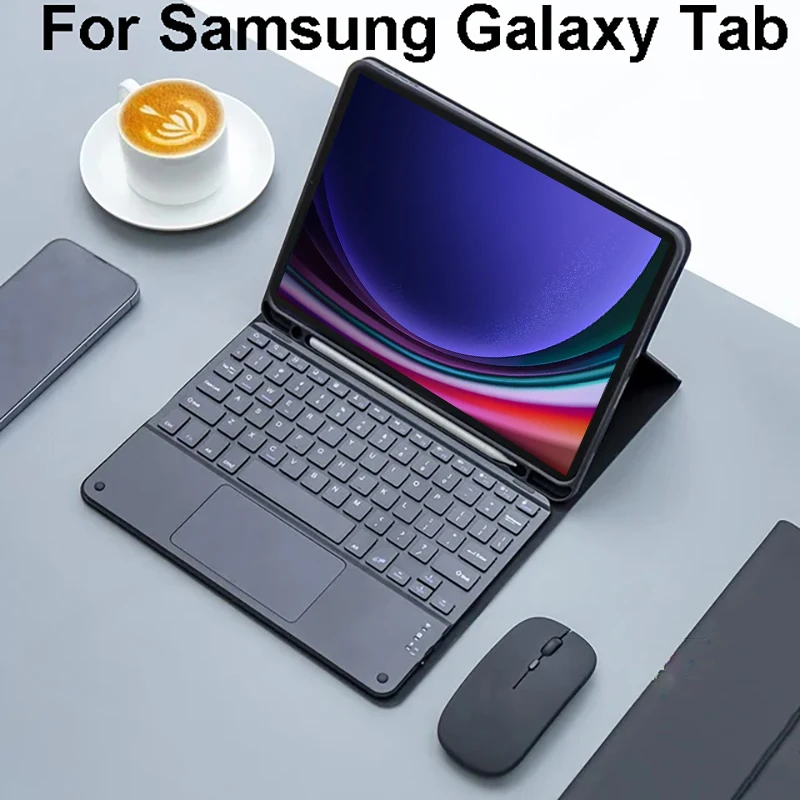
Bluetooth keyboard leather case
Change the working mode of laptop, office, etc
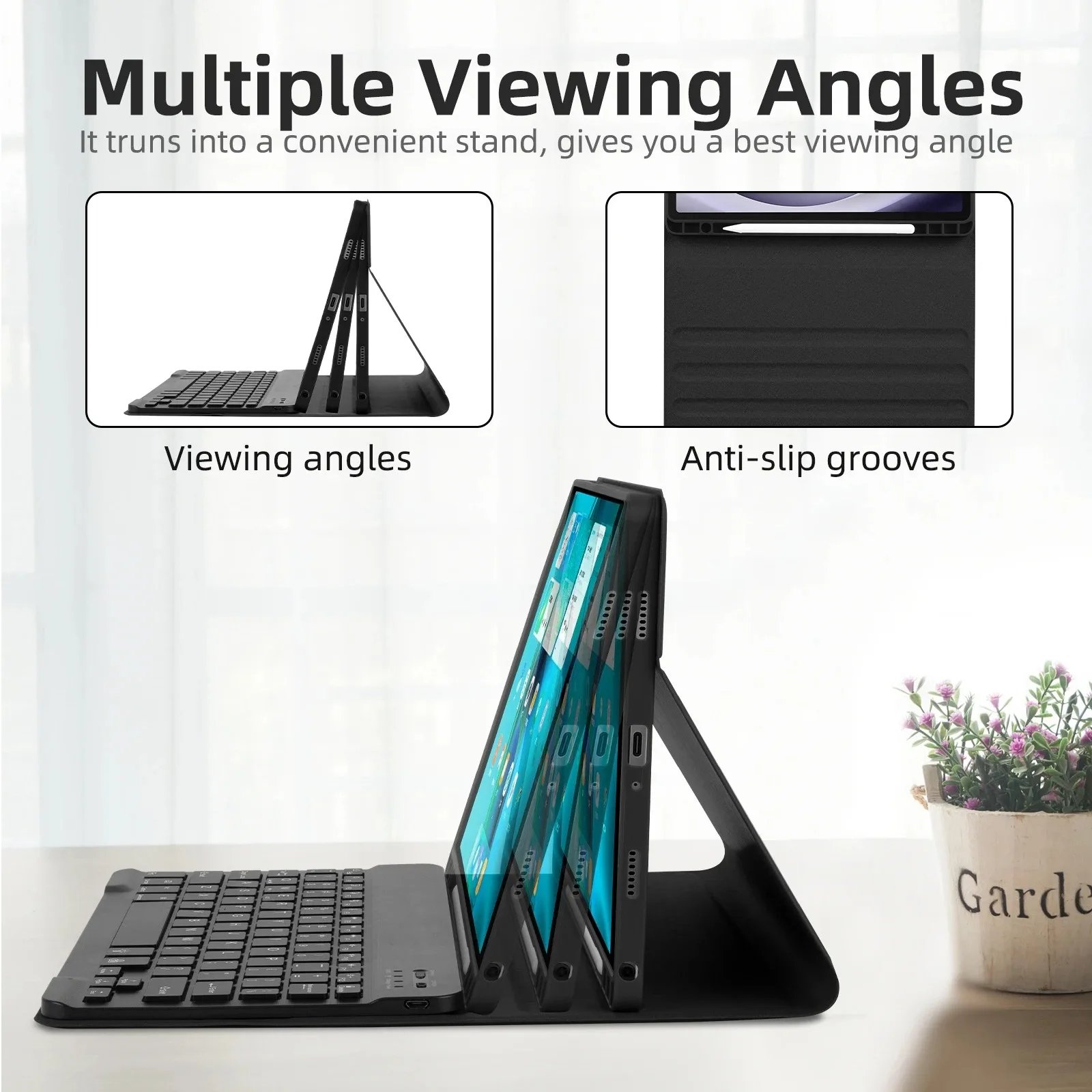
Adjustable at any angle, suitable for many occasions
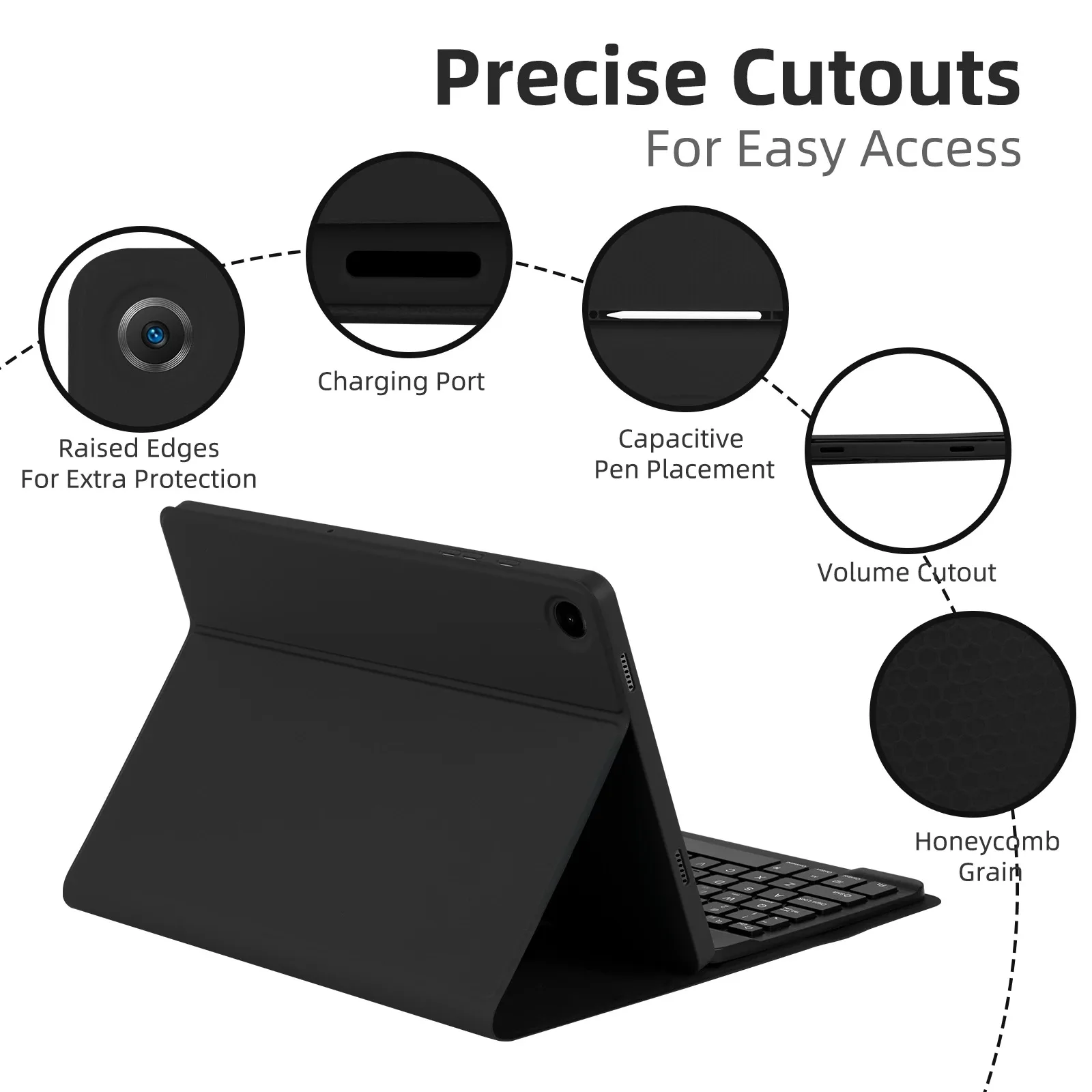
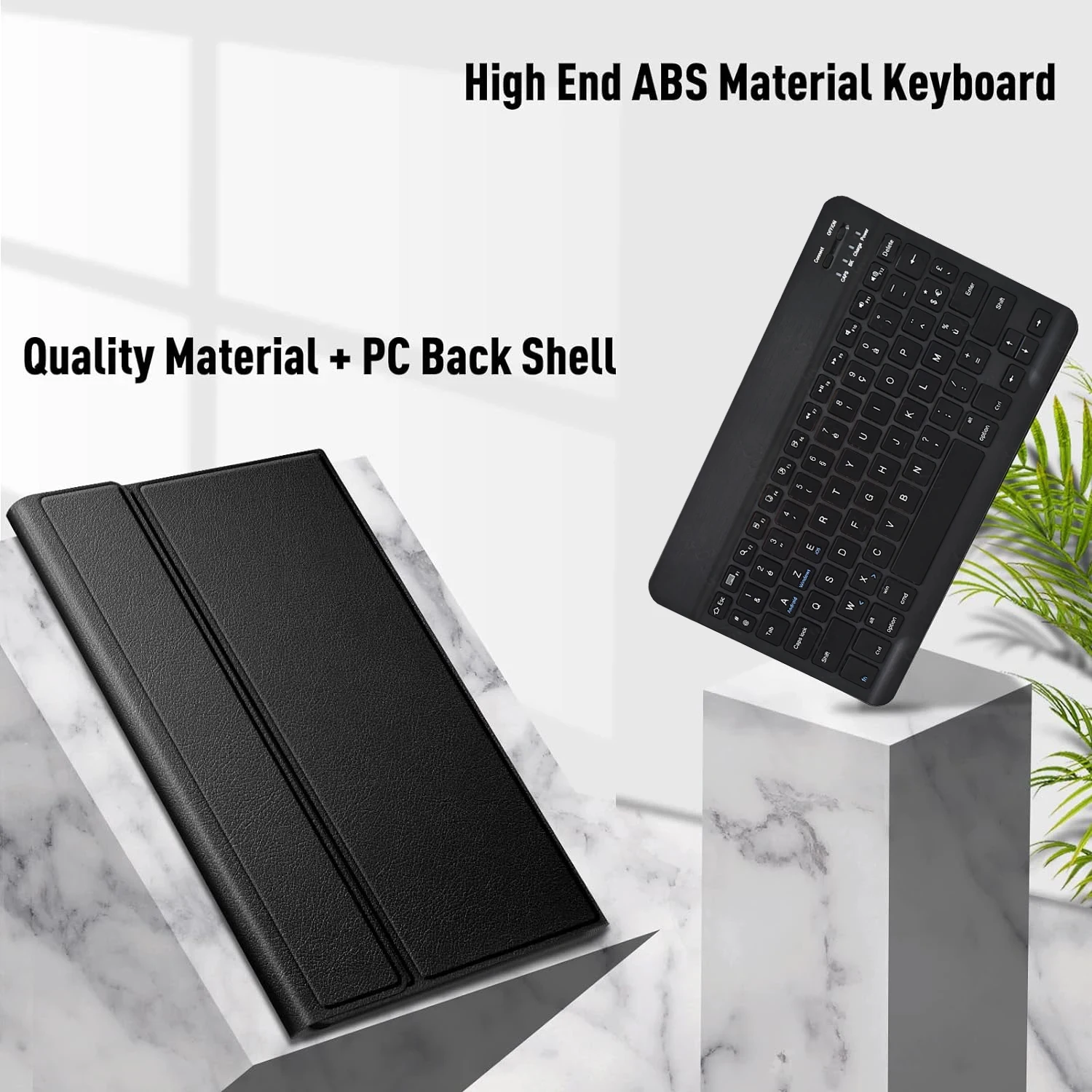
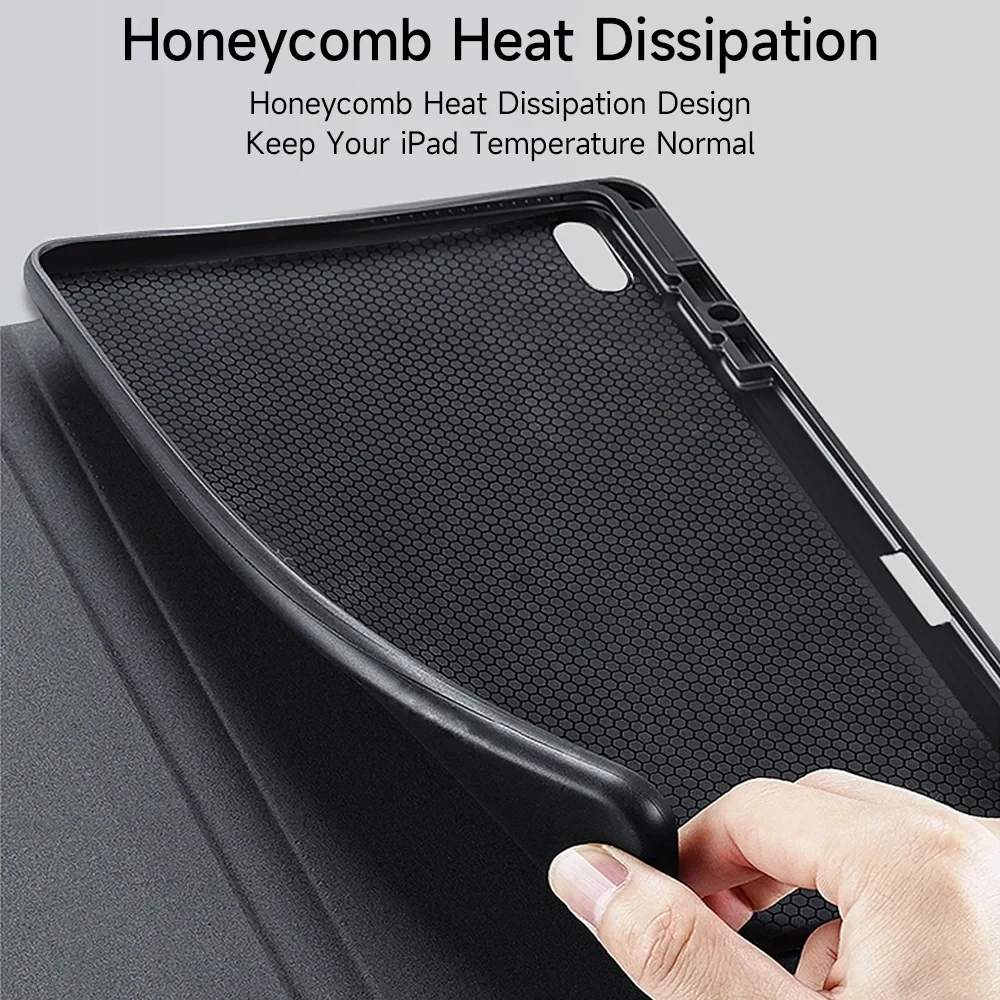
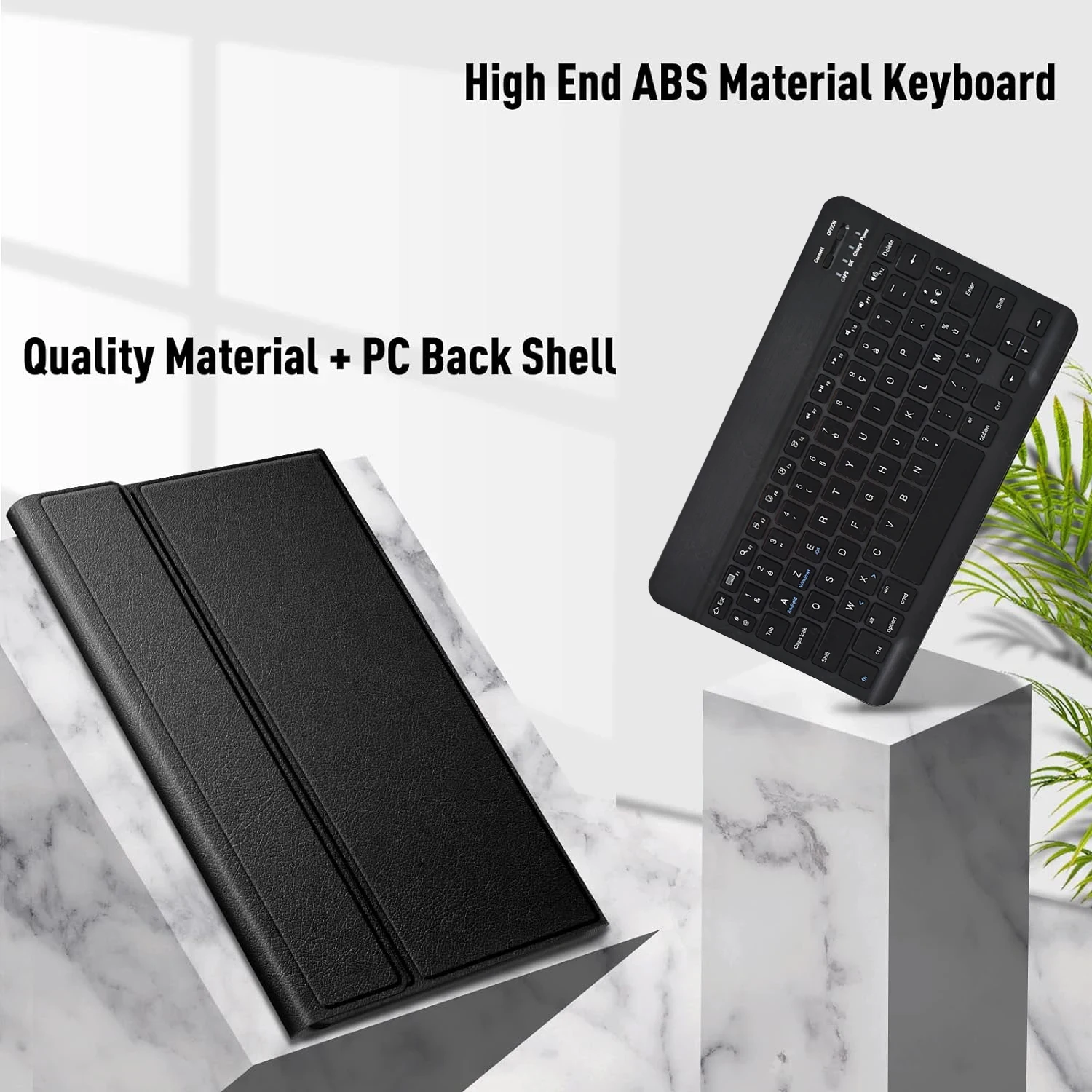
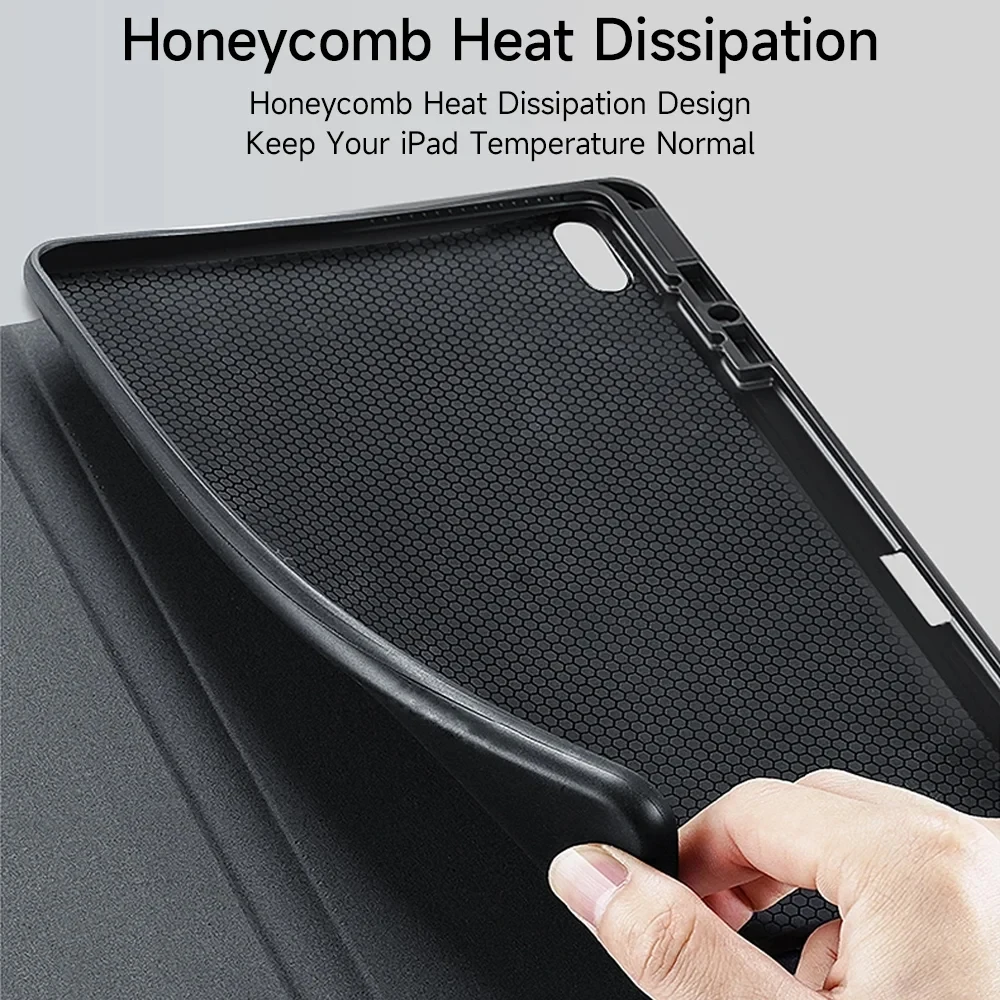
Ultimate material, comprehensive protection
Anti-collision, anti-fall
Bluetooth direct connection
Tablet becomes notebook
How to connect keyboard & Mouse?
1,Connect the mouse first, then connect the keyboard.
2,Mouse:Push the switch to the “Bluetooth” icon, find the Bluetooth connection with “Mouse” in the device Bluetooth list.
3,Normal Keyboard:Push the switch in the upper right corner to “ON”, press “Connect”, and find the Bluetooth connection with “Keyboard” in the device Bluetooth list.
4,Touchpad Keyboard:turn on keyboard ,press Fn+C to,then find the Bluetooth connection with “Keyboard” in the device Bluetooth list.
FAQ
Q:What should I pay attention to when connecting the mouse for the first time?
A:When the mouse is connected for the first time, you need to press the left button, the right button and the scroll wheel at the same time for about 3-5 seconds.
Q: Is the scroll direction of the mouse USB connector and Bluetooth connection the same?
A: No, they are different. When using the USB connector, the scroll wheel slides in the same direction as the computer mouse. Bluetooth connection is the opposite.
Q: How to switch between different systems?
A: Fn+Q=Android, Fn+W=Windows, Fn+E=IOS.
Please note that please switch the system before connecting the tablet.
Q:The bluetooth keyboard letters are messy?
A: Please check the settings according to the prompts,
a. Check whether the keyboard language set on the device is English.
b. Disconnect the keyboard Bluetooth, click Ignore the connected device, reopen the Bluetooth keyboard, select system, Fn+E (IOS system).
Note: Fn+Q=Android, Fn+W=Windows, Fn+E=IOS
c. Press the L S Z buttons at the same time to reset the keyboard
Q:How to configure the input method for different languages keyboard?
A:Take the samsung tablet as example,open “Settings–“ystem”–“Language & input”–“Add New Keyboard”. (For other systems, please set them in the system settings according to the tips of the iPad example.)
Q:How does the mouse change teh scroll wheel sliding direction on the device?
A: The mouse is connected, open “General” – “Trackpad & Mouse” – close “Natural Scrolling”.







 Appliances
 Bedding
 Christmas Decorations
 Decor
Decor Health & Medical Equipment
 Lighting
 Smart Home
 Storage
 Textiles
a***r –
Everything perfect, 100% recommended.
M***z –
Works really well and i love the color!! Had a little trouble trying to connect it to my tablet but i figured it out at the end!!! Overall it’s a great product!! !
m***r –
good article,
Keyboard: good battery life, various light colors and shortcuts (Fn+c to connect).
mouse: good battery life, connection via Bluetooth or USB dongle, very practical. The box was crushed during shipping, but the product was intact.
case: comfortable, can be placed in various positions, the fit is not perfect and does not lock the tablet when closing.
a***A –
Very functional keyboard. Works via Bluetooth, can be easily recharged. Keep the charge.
a***A –
All works well, for s tab s9 fe+. The case fits perfectly and has a good quality. The keyboard is very slim as described, it connects easily and works well. Not mentioned in the guide but you need first to enable the keyboard bluetooth by pressing fn+c (has the bluetooth icon on it). The mouse connects easily on bt and works well, smooth and silently.
R***o –
The seller send the product very fast, and came well protect with the packaging. The case fit fine on my s6 lite 2024, and the keyboard too. Very nice lighting effects. The mouse track is kind a very sensitive but its no problem because is turned off and on very quickly with the key commands. Im happy!
J***n –
On very small paper manual difficult to see key combination for connecting. Luckily one of the pictures of seller showed the right key strokes. ( fn + c )
Keyboard and touchpad work okay.
Shopper –
So, the cover is quite good, rigid and strong, protects well, but the shirt is very exposed in its correct place. I tucked it inside and found it much better this way.
The mouse is much better than I expected.
Shopper –
Really good, the backlight is great and everything connected fast via bluetooth but you do need to read the instructions to connect it the first time and activate pairing mode
F***i –
perfect 14.6 monitor with keyboard for Samsung Tab S8 Ultra