

iPhone Mobile App Printing
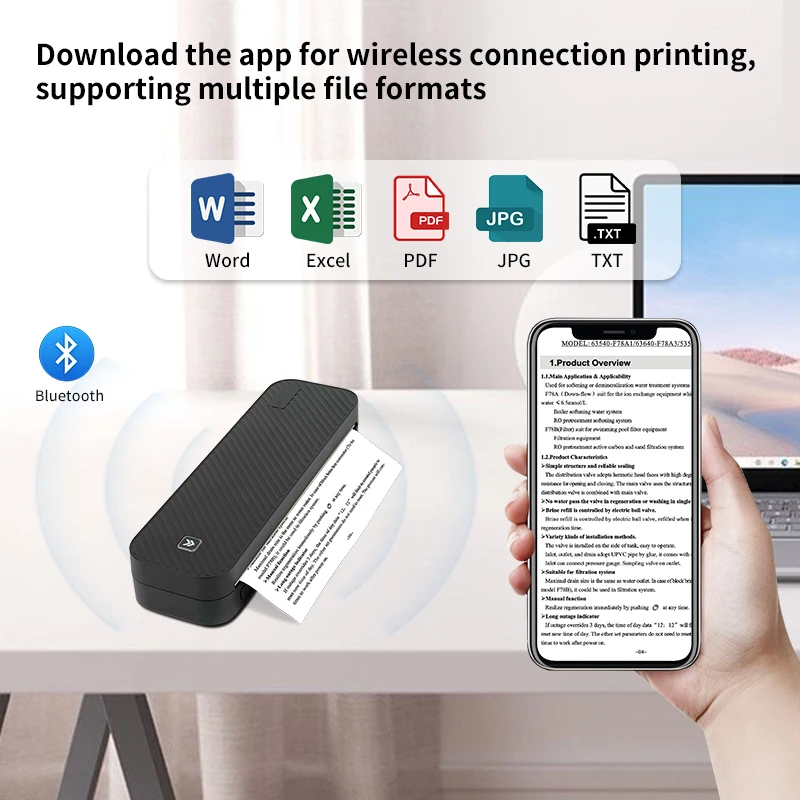
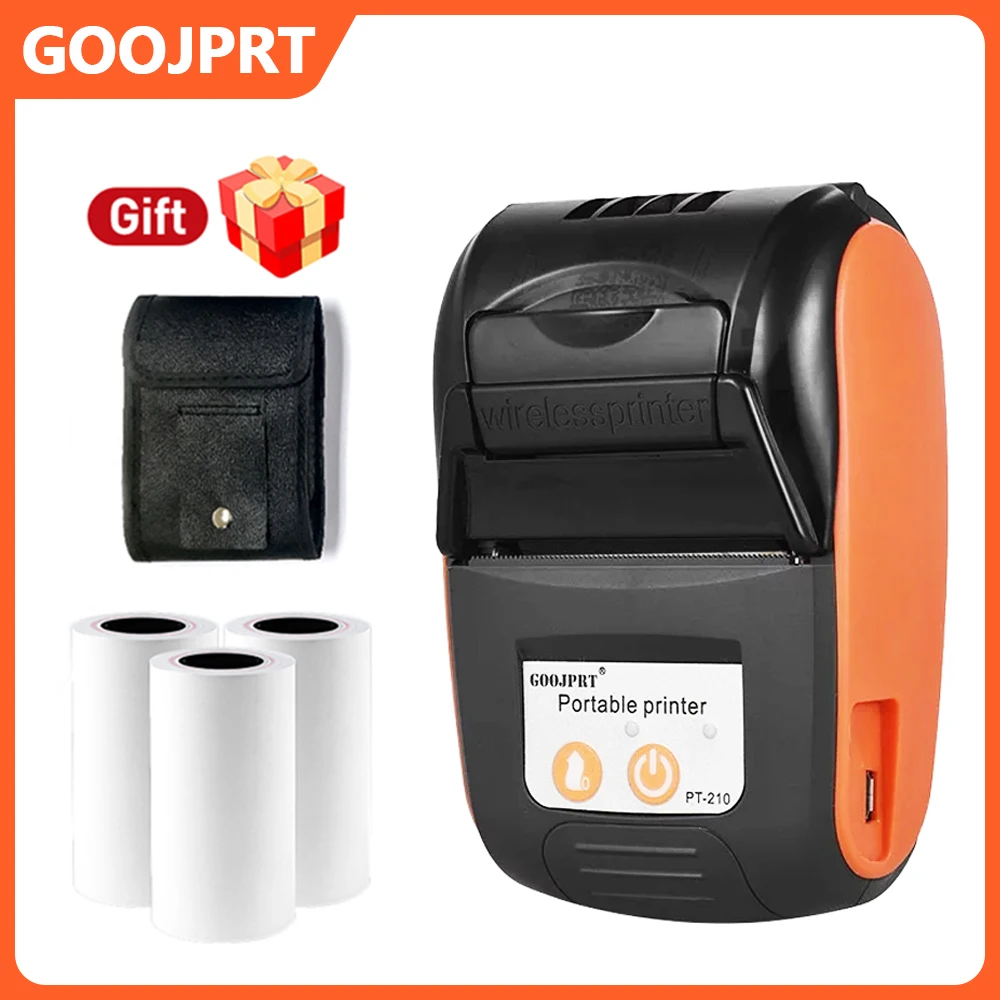
·Step 1: Press and hold the power button for 2 seconds to turn on the printer.
·Step 2: Search 【EasyPrint】and download App in the mobile app store.
·Step 3: Open the App,and search for the connected printer according to the prompts in the App.
Or double click the power button to print the QR code, and scan the code with the App to
connect to the printer. (Tips: Don’t connect printer in the mobile phone Bluetooth settings.)
·Step 4: Select and edit the content to be printed in the App,confirm and print.
App download:Find ” EasyPrint “on Google Play Or App Store.
Computer Printing
·Step 1: Press and hold the power button for 2 seconds to turn on the printer.
·Step 2: Connect the printer to computer with the original UsB cable.
·Step 3: Visit the official website
//g zhztz.com/en/
to download and install printer driver.
·Step 4: When printing the required documents, select the printer to print.





 Appliances
 Bedding
 Christmas Decorations
 Decor
Decor Health & Medical Equipment
 Lighting
 Smart Home
 Storage
 Textiles
R***e –
Exactly as advertised….easy to set up…. was printing with it within five minutes of unpacking it….
H***n –
Very good product, only the paper rolls were not included.. that should have been included with the order..
Shopper –
Good quality, came without any problem. Good quality, came without any problem. Good quality, came without any problem.
R***s –
Very good.
Shopper –
I find it great.
I would love for her to be able to, in addition:
– stop at the end of the text (when 1/2 page is written, print only 1/2 page, not the whole page).
– print directly from the file you want to print (here, you need to use an application and download the file before printing).
But it doesn’t take up much space and prints very well, it’s great.
Shopper –
Great qualiti. All works fine. Quick delivery great qualiti. All works fine. Quick delivery great qualiti. All works fine. Quick delivery
F***o –
Works amazing. Easy to setup on android. It’s also fast to print and you can do it anywhere because it has battery.
For documents, make sure it’s good quality document. If it’s a photo from a document, it might get blurry text.
c***c –
Well received, and works very well, I recommend it to you, thank you.
Shopper –
works well via USB on a Windows 11 PC
E***o –
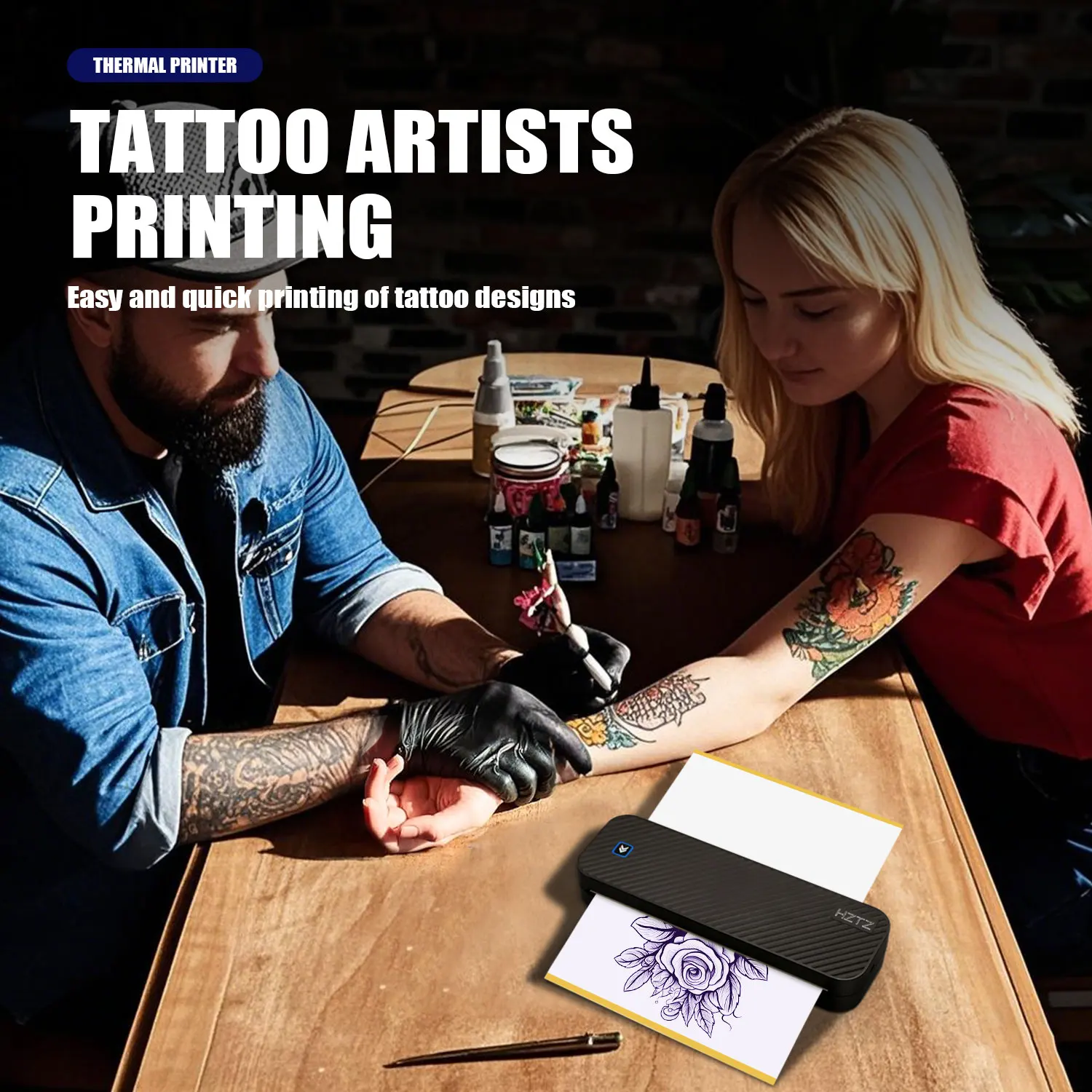
It took a little longer than the expected date but it arrived in good condition, works well, the app is simple and prints the tattoo stencils perfectly.
Shopper –
Product arrived in intact packaging, in just 7 days. and, perfectly functional. From the first operational test conducted, no technical anomalies were found: prints perfectly on thermal paper (clearly legible characters, ndr). It connects quickly to the cell phone via Bluetooth connection. Functional Android application that is extremely easy to use. In addition to what has been described in detail, I cannot fail to express the highest evaluation to the seller for their reliability and professionalism both in terms of shipping and quality. Also to the manufacturer HZTZ.
✒️ CM
I***N –
Fast delivery, easy installation and good performance.
Shopper –
works well
It was very easy to print.
already comes with a roll of paper
P***s –
Great service and shipping time. Thank you !
Shopper –
Came with scratches on shell and damaged box, but fast shipping. Quality product very high. Works without any problem. My recomendation. Good quality fine.