
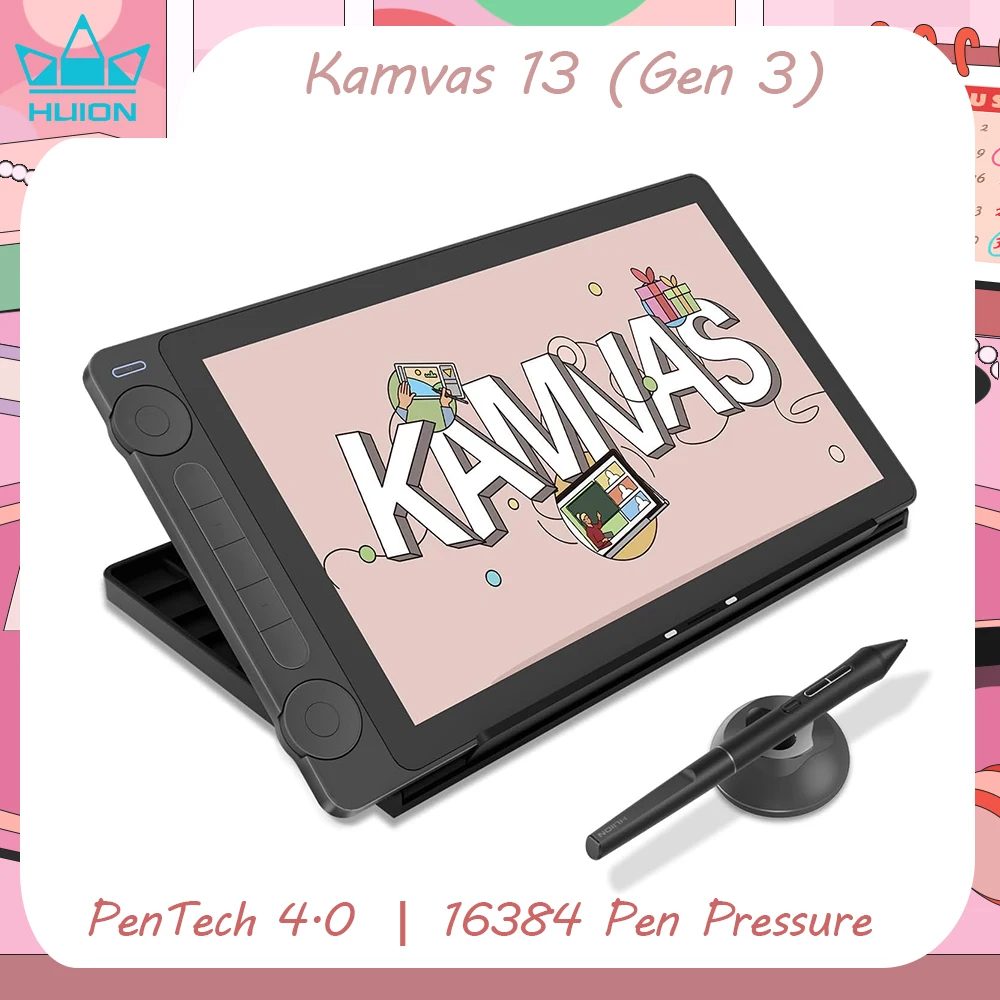
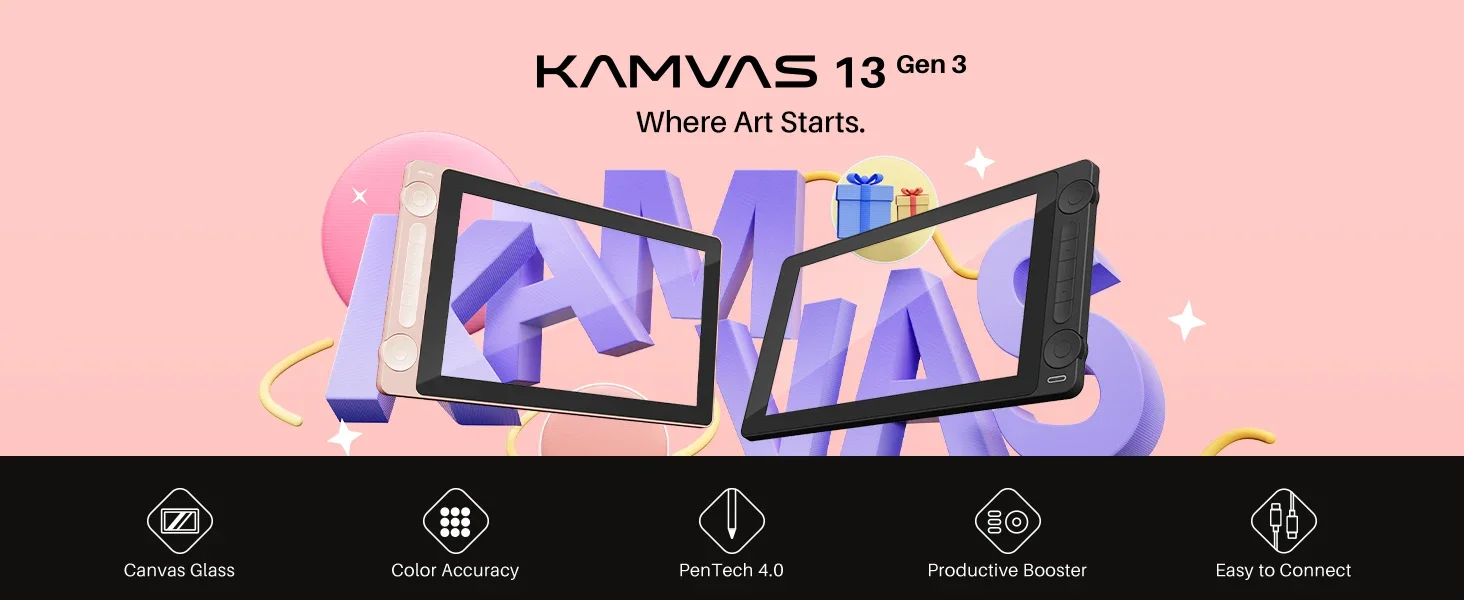
Kamvas 13 Gen 3 Â Where Art Starts.
Why you choose the Kamvas 13 Gen 3: Â
Enhanced color accuracy, upgraded pen tech, and better connectivity. Ideal for beginner artists looking for quality and affordability.
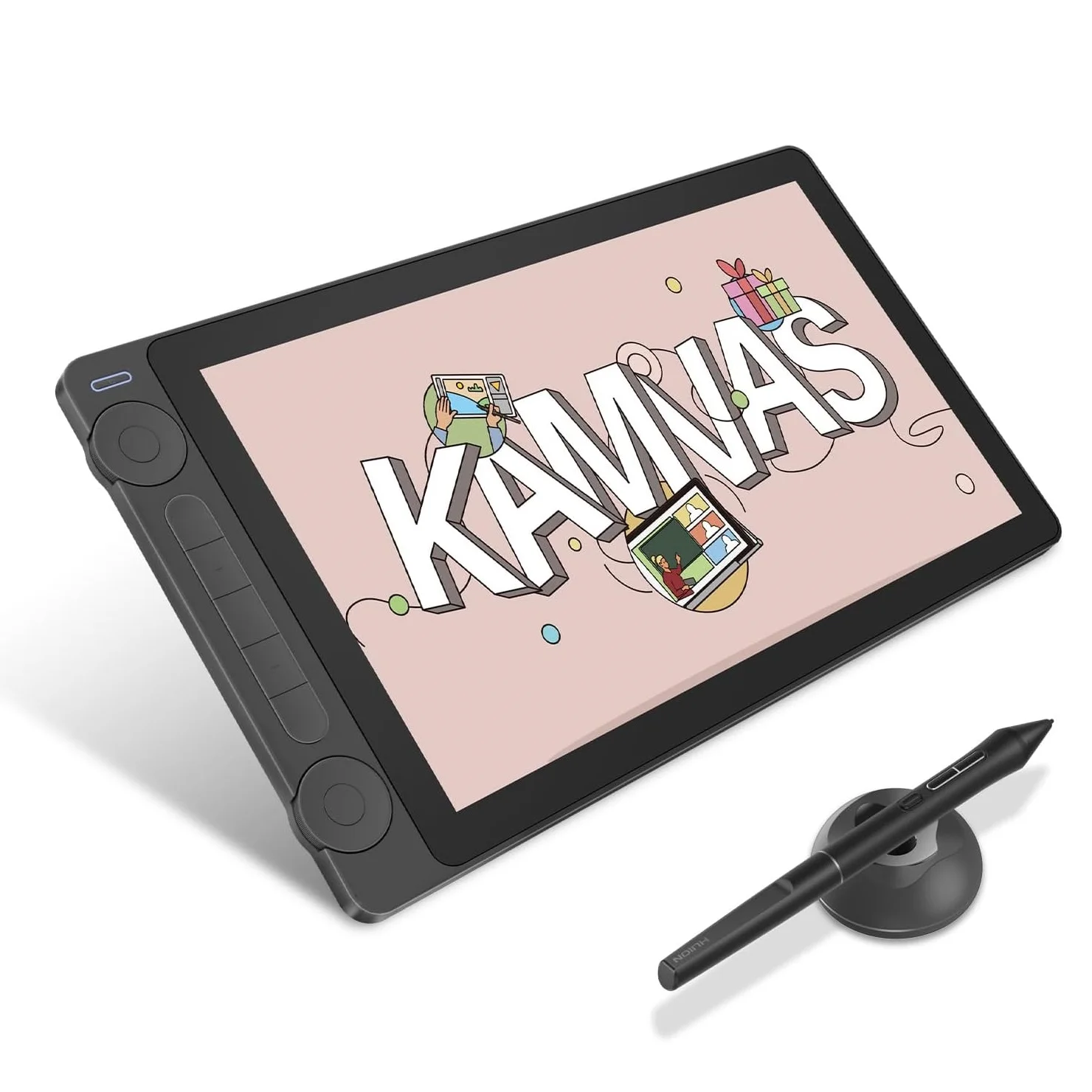
13.3 Inch FHD Screen, Light and thiner; 16K Levels pen pressure, Pen Tech 4.0. 99%sRGB / 99%Rec.709 / 90%Adobe RGB Color Gamut Coverage. Sakura Pink and Cosmo Black for choice.Â
Kamvas 13 (Gen 3) builds upon the success of the highly popular Kamvas 13 by enhancing screen color accuracy, upgrading pen technology, and improving connection stability. With its comprehensive features and continued affordability, Kamvas 13 (Gen 3) is a first choice for beginner artists seeking a high-quality drawing tablet.
Easy to Carry, Built to Last.
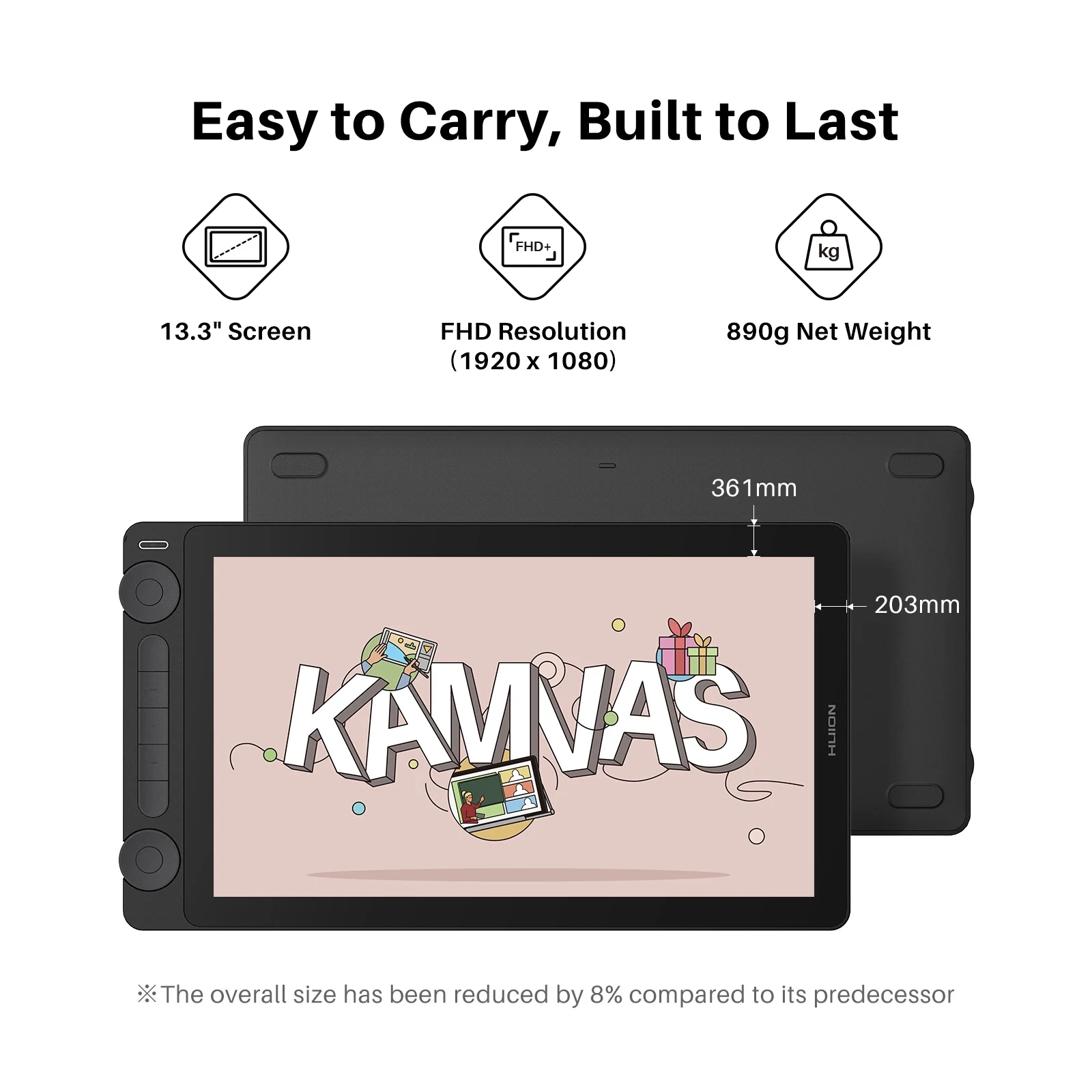
The overall size of Kamvas 13 (Gen 3) has been reduced by 8% compared to its predecessor, and its weight has decreased to 890g, making it easy to carry in your bag. The durable back cover offers superior protection, so you can take it wherever you go.
The First Step in Drawing, The Beautiful Color.
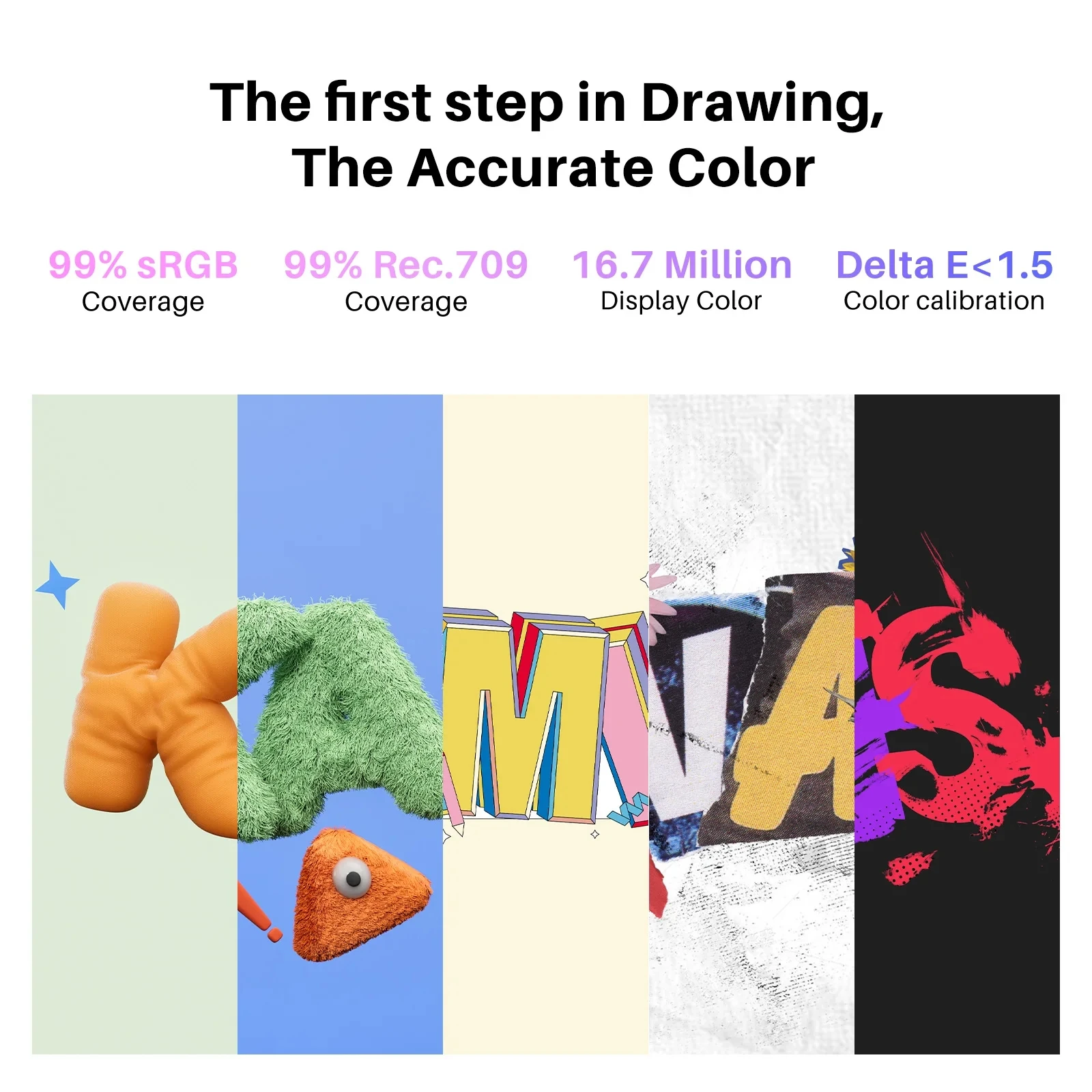
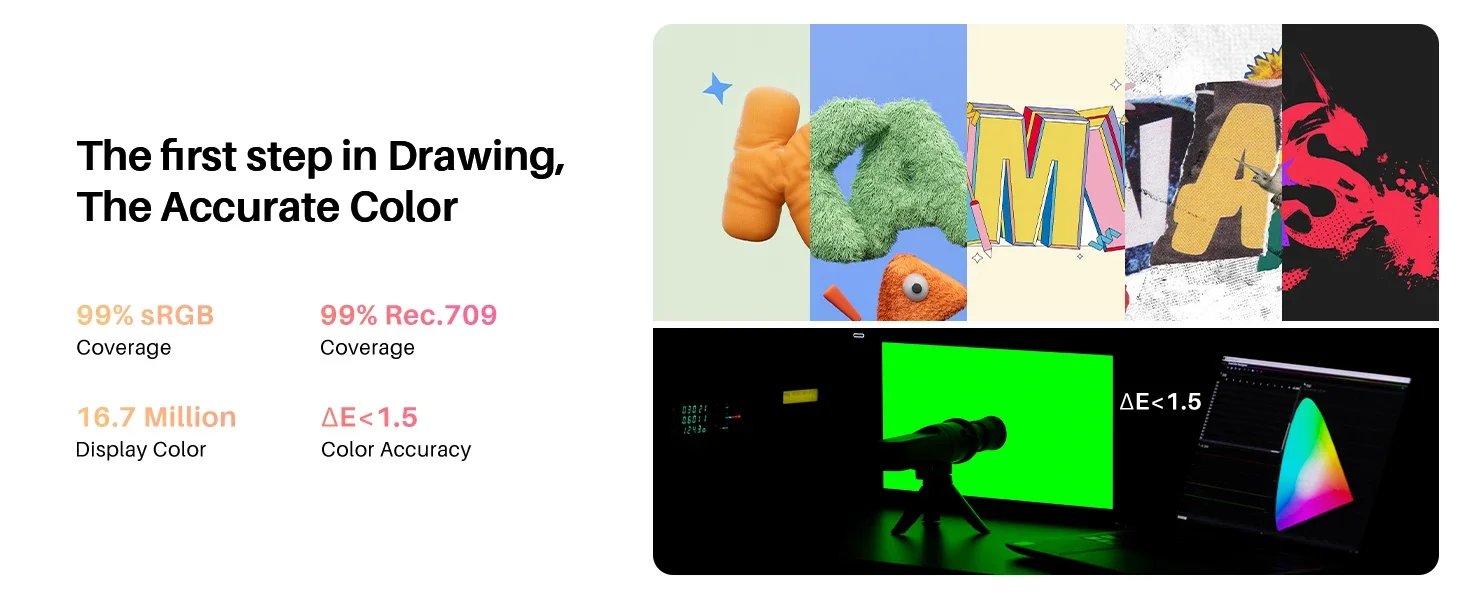
Kamvas 13 (Gen 3) boasts a high-quality screen that covers 99% of the sRGB and Rec.709 color gamuts, as well as 90% of the Adobe RGB color gamut. The accurate color ensures that the colors displayed on the screen closely match your original illustrations, comics, animations, and other artworks.
Ensuring Accurate Color Display.
Each Kamvas 13 (Gen 3) undergoes rigorous factory color calibration to achieve Î”E<1.5, ensuring accurate color representation. It also includes a factory calibration report, so you can use the correct colors to enhance your artistic expression.
All-New Canvas Glass
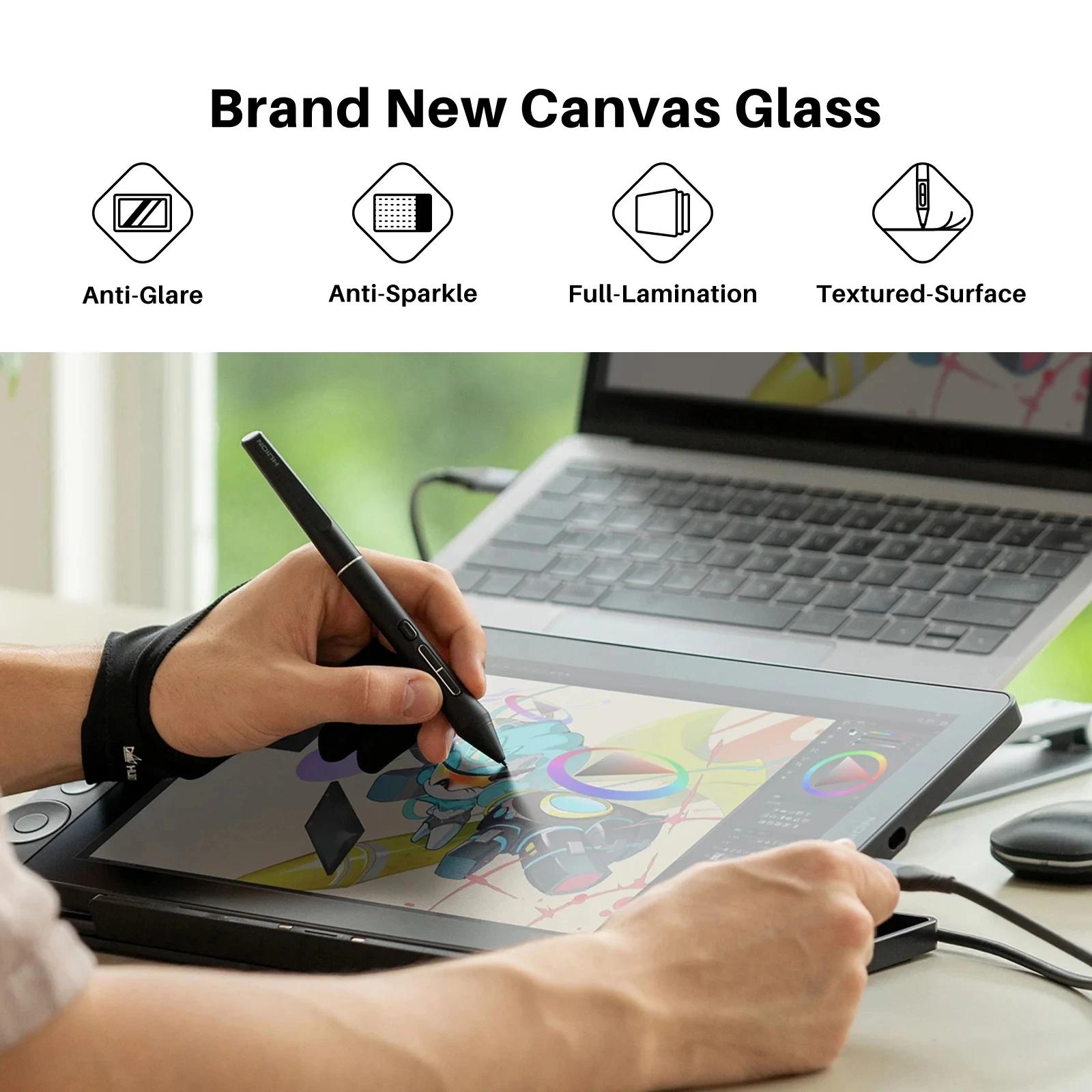
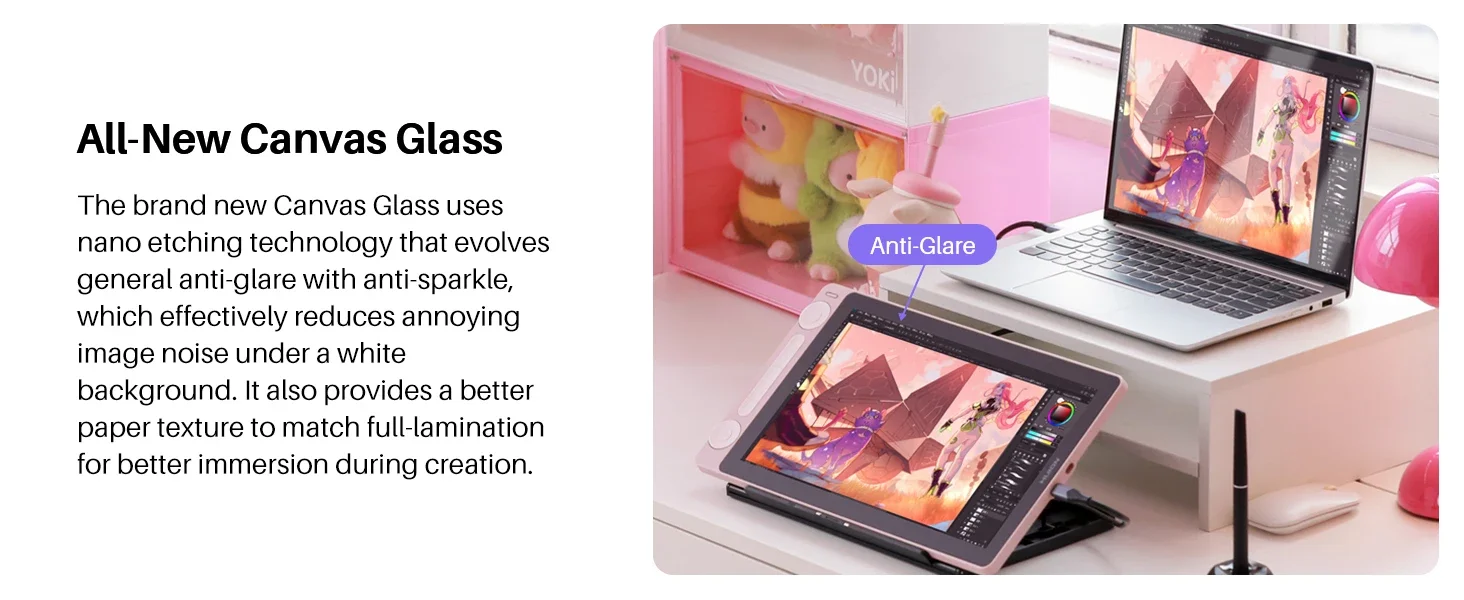
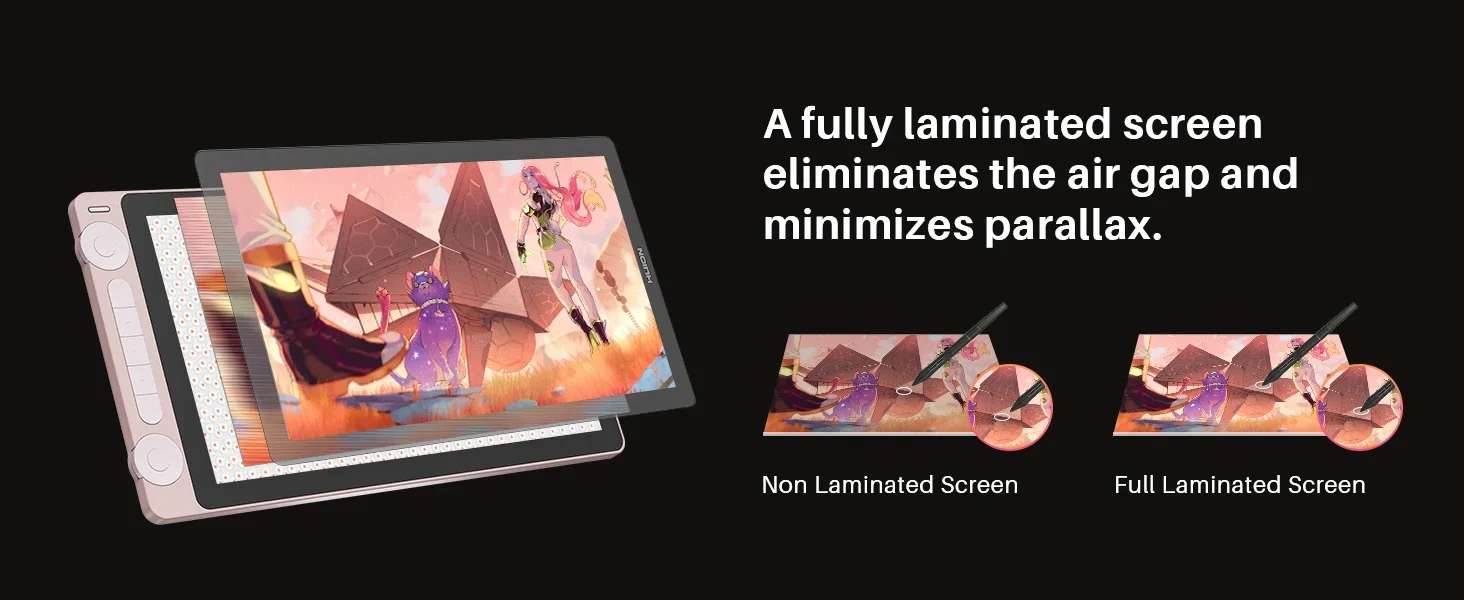
The surface material of Kamvas 13 (Gen 3) has been upgraded to Huion’s latest anti-glare Canvas Glass, providing improved durability compared to the anti-glare film of Kamvas 13. The brand new Canvas Glass uses nano etching technology that evolves general anti-glare with anti-sparkle, which effectively reduces annoying image noise under a white background. It also provides a better paper texture to match full lamination for better immersion during creation.
Digital Pen PW600L, As a Real Pen.
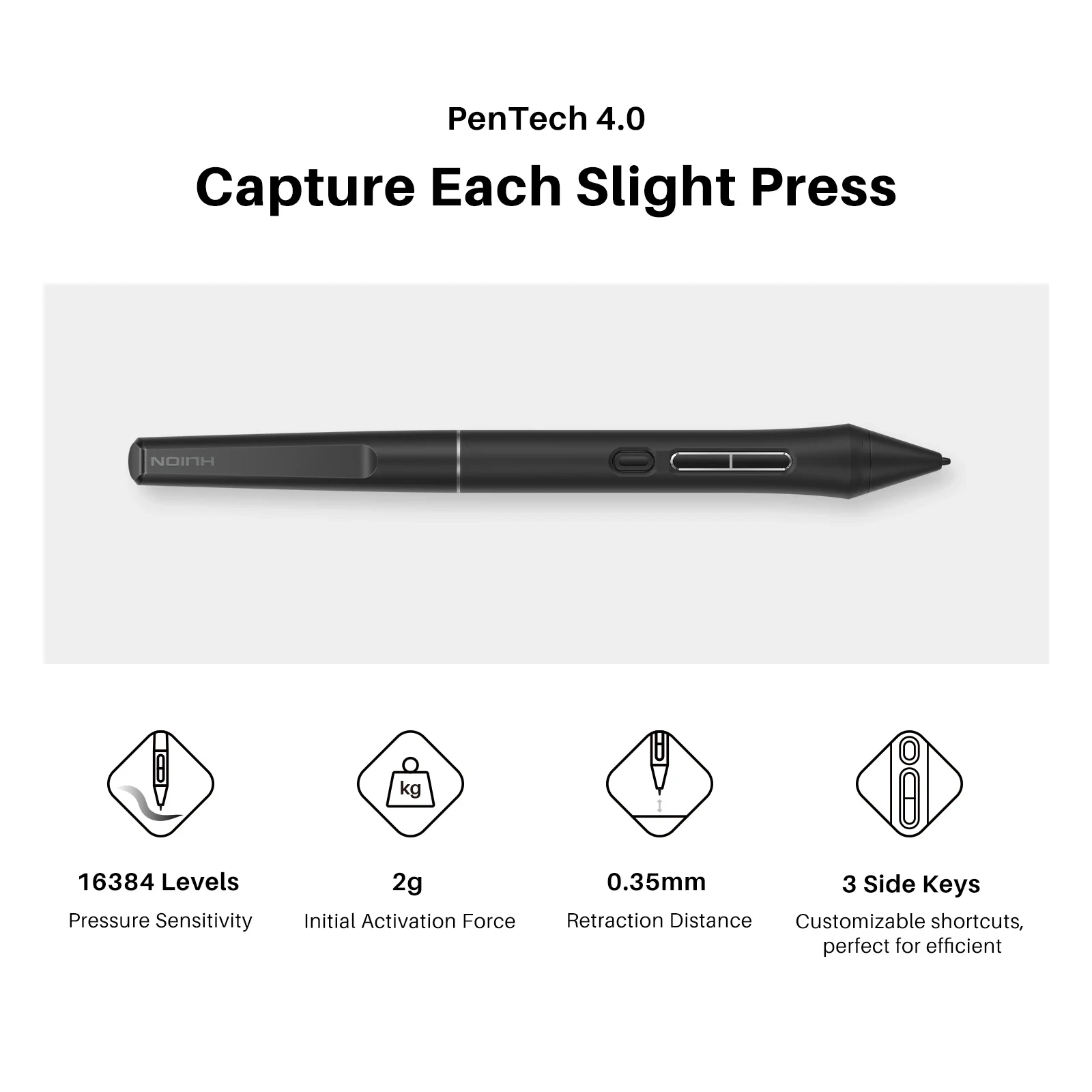
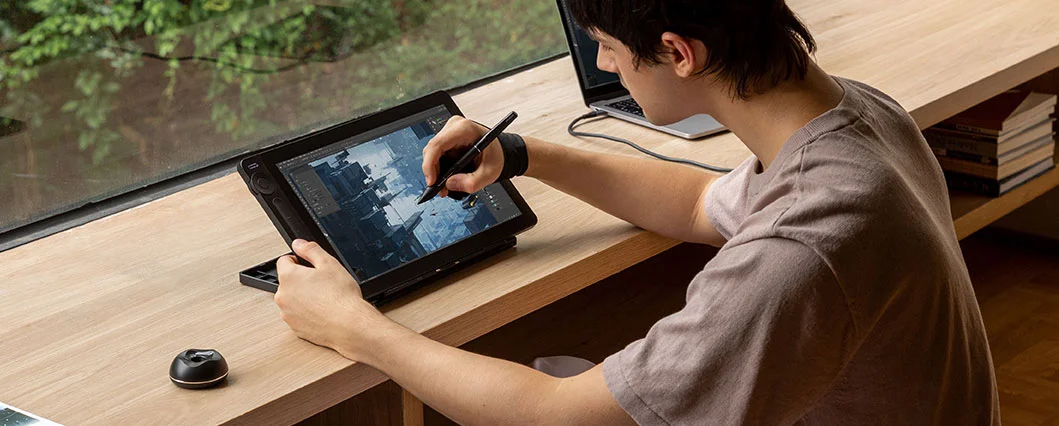
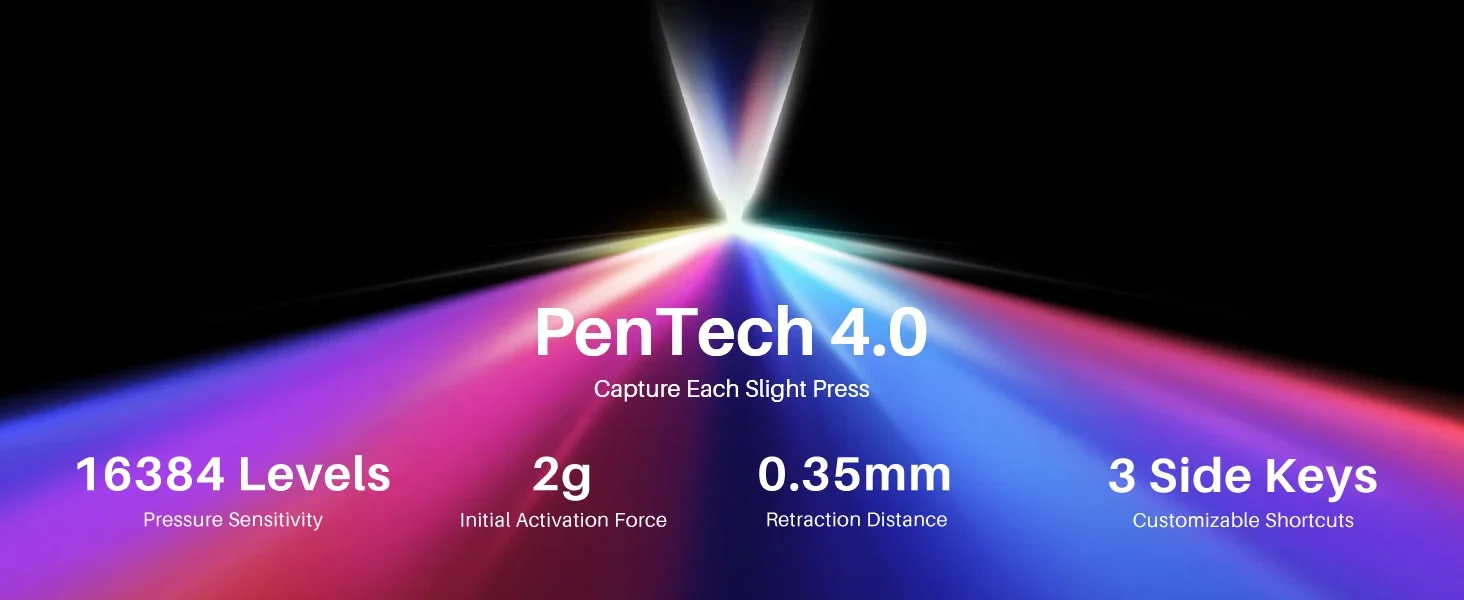
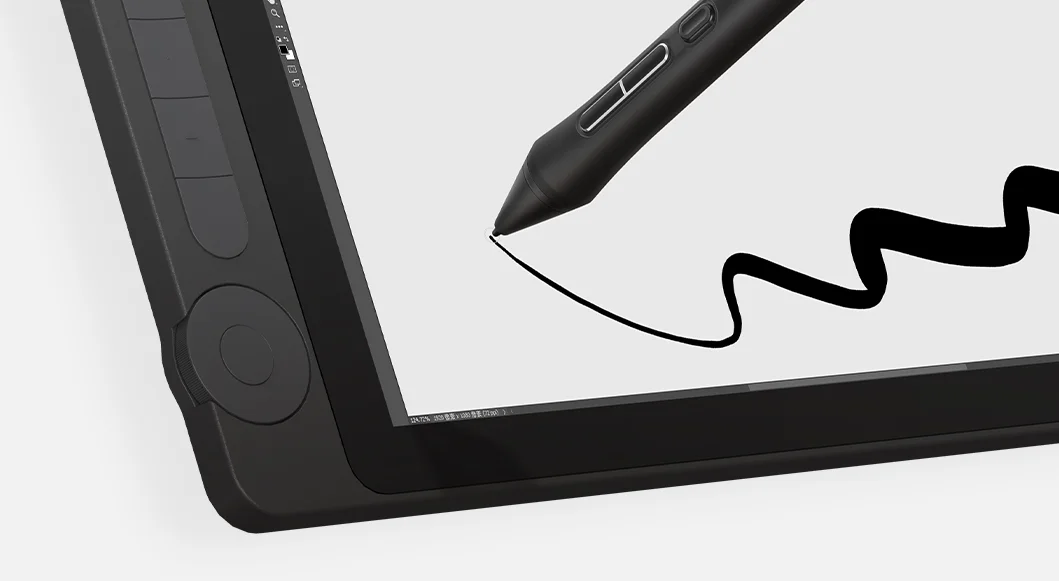
Kamvas 13 (Gen 3) features Huion’s latest PenTech 4.0 technology. The PW600L pen is equipped with the HV200 chip, significantly enhancing pen pressure sensitivity and cursor tracking. With three side buttons and a dust-proof grip, it not only provides a real pen-like experience but also boosts efficiency.
Capture Each Slight Press.
PenTech 4.0 features a 2g initial activation force that accurately captures even gentle strokes. The finely tuned pressure curve perfectly shows 16K pressure sensitivity from light to bold. Also, a thinner nib and tilt auto-alignment can help you better track the mouse and reduce parallax!
Dual Dials,Double Your Productivity.
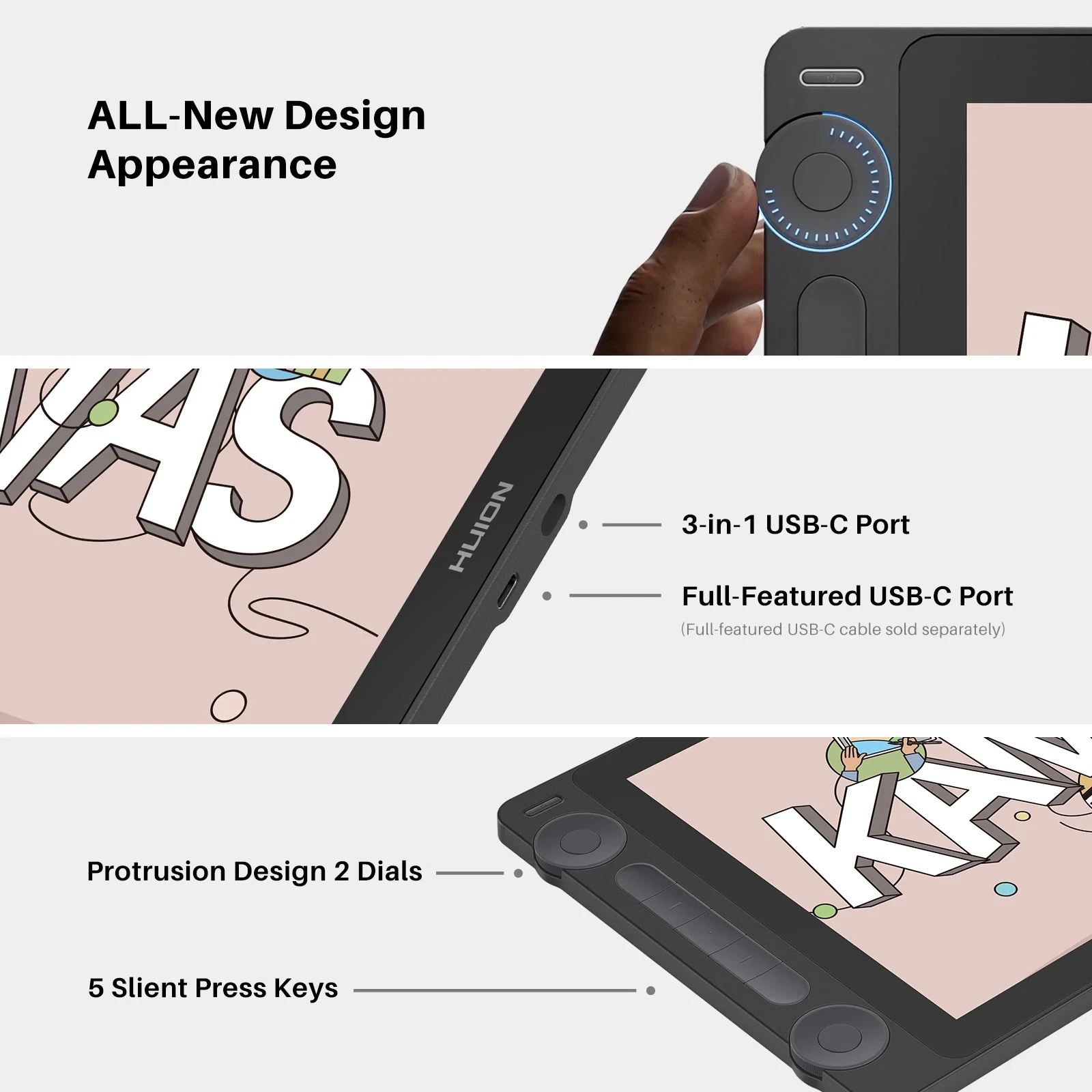
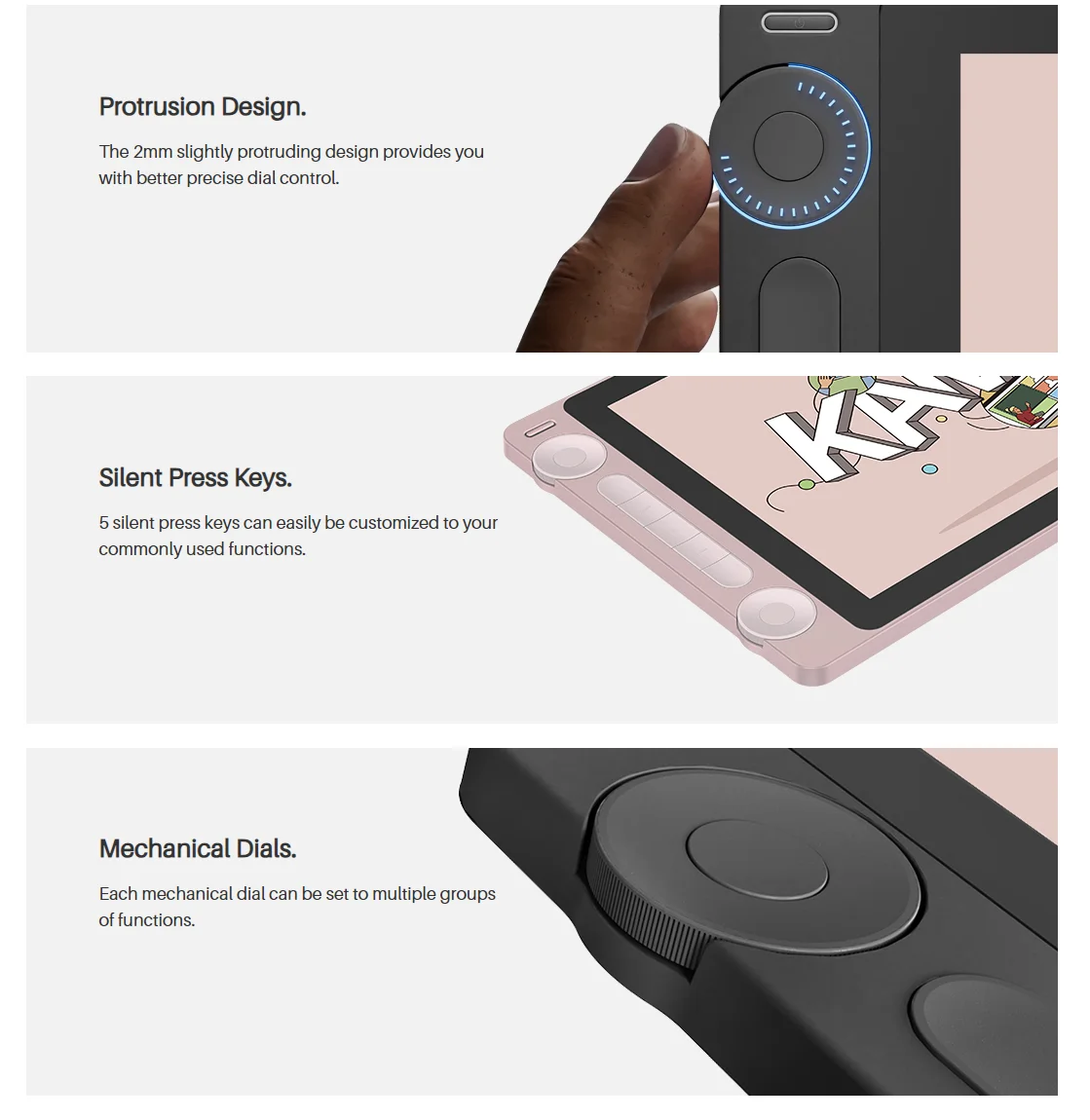
Kamvas 13 (Gen 3) is equipped with 2 dial controllers and 5 silent press keys, allowing you to precisely adjust canvas, brushes, sliders, flow, opacity, frames, parameter sliders, and more.
Protrusion Design.The 2mm slightly protruding design provides you with better precise dial control.
Silent Press Keys. 5 silent press keys can easily be customized to your commonly used functions.
Mechanical Dials. Each mechanical dial can be set to multiple groups of functions.
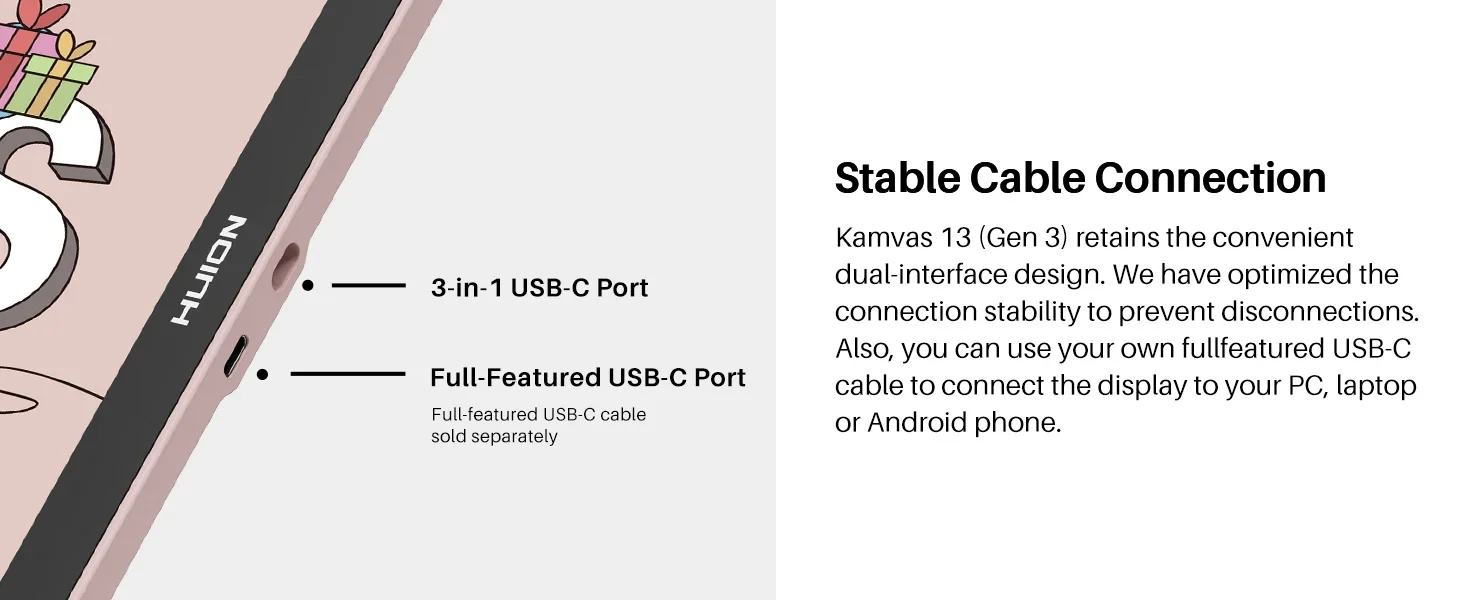
Stable Cable Connection.
Kamvas 13 (Gen 3) retains the convenient dual-interface design. We have optimized the connection stability to prevent disconnections. Also, you can use your own full-featured USB-C to USB-C cable to connect the display to your PC, laptop, or Android phone.
*The full-featured USB-C to USB-C cable requires additional purchase.
*If you want to use your own full-featured USB-C cable, please ensure it supports USB 3.1 Gen1, DP 1.2, and above standards.
Good for Lefties, too.
Kamvas 13 (Gen 3) features a symmetrical design, catering to the needs of both left-handed and right-handed artists. To accommodate your preference, you can conveniently rotate the working area in the driver software.
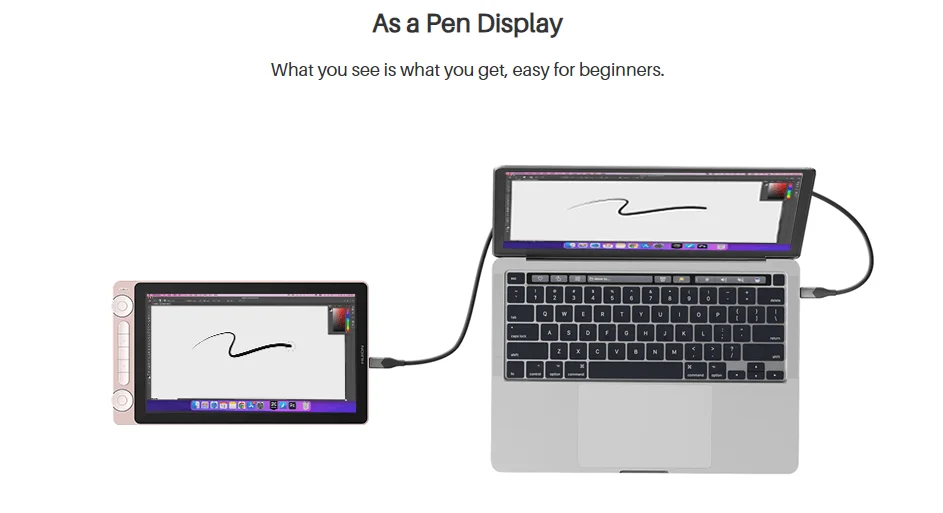
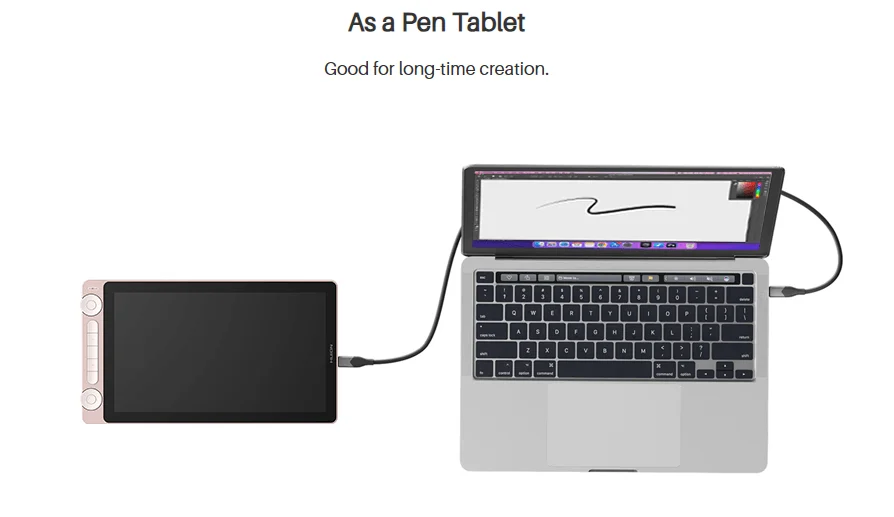
Be A Pen Display, As A Pen Tablet.
If you’d like to use the pen tablet mode, please refer to this link.
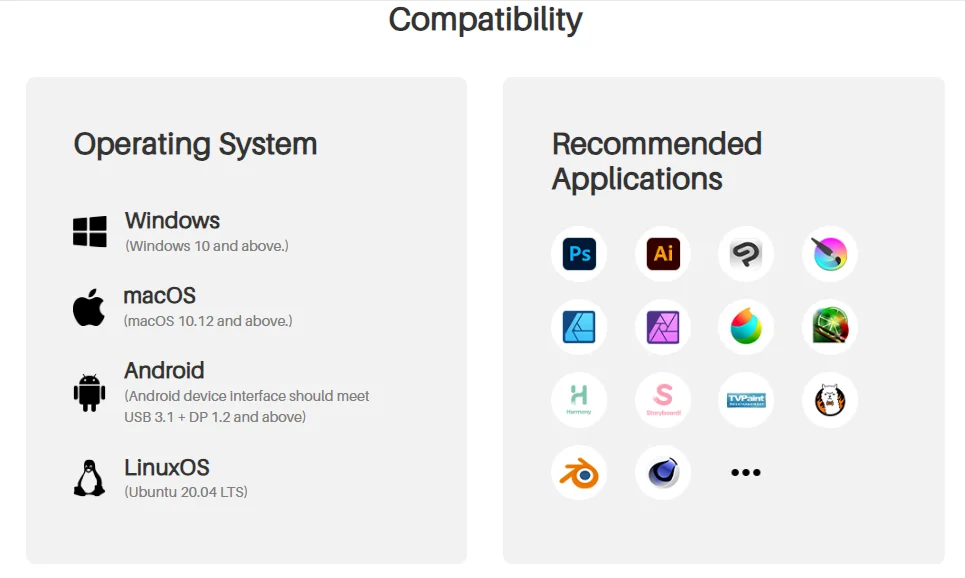
Operating System Compatiblity:
Windows 10 and above; macOS 10.12 and above; Android device which interface should meet USB 3.1 + DP 1.2 and above; LinuxOS Ubuntu 20.04 LTS.
Recommended Software.
Kamvas 13 (Gen 3) supports a variety of mainstream software on the market. You can customize shortcuts, pressure sensitivity, and working area settings through the driver to enhance your experience.
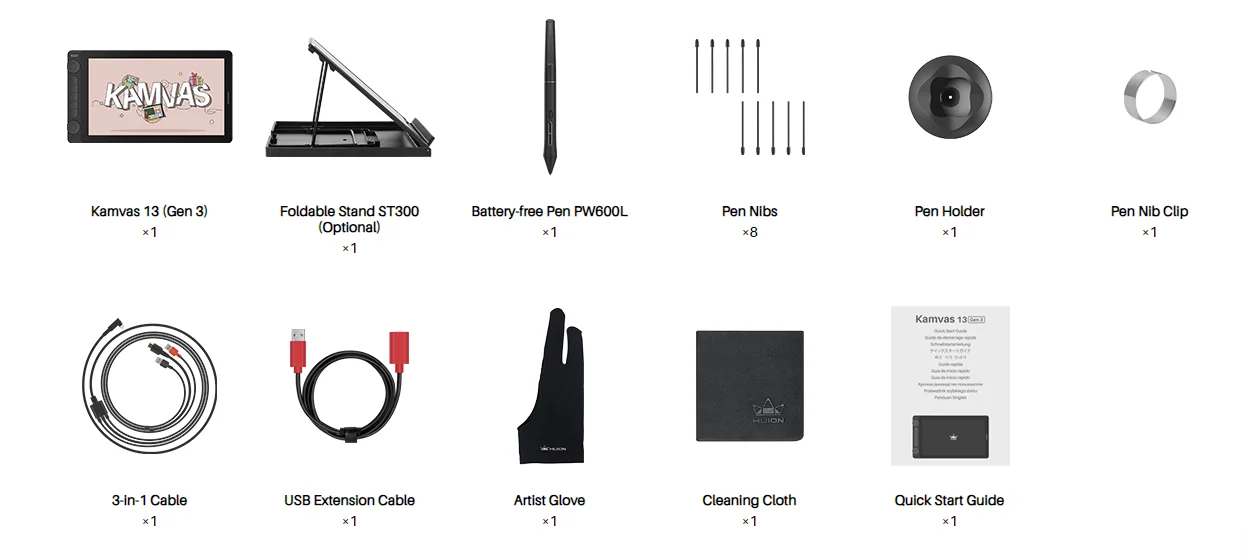
Package lists:
Kamvas 13(Gen3), adjustable stand(optional), pen PW600L, 8 pen nibs, pen holder, pen nib clip, 3in1 cable, USB extension cable, artist glove, cleaning cloth, quick start guide.
FAQs
Do I need to connect the Huion Kamvas 13 (Gen 3) to a computer to make it work?
Yes, the Huion Kamvas 13 (Gen 3) is a drawing monitor. You need to connect the monitor to a computer/laptop/Android device to make it work.
What does Gen 3 mean?
Gen 3 means the 3rd generation Kamvas series display, click here for more information.
What color modes does the Huion Kamvas 13 (Gen 3) support?
The Huion Kamvas 13 (Gen 3) supports sRGB / Rec. 709 / Adobe RGB / User color modes, you can adjust it in the OSD menu.
What are the advantages and improvements of Canvas Glass?
The Huion Kamvas 13 (Gen 3) is equipped with the 2nd gen Canvas Glass cover. Utilizing new nano etching technology, it provides excellent anti-glare effects and a paper-like texture, ensuring a smoother workflow for artists. Furthermore, it effectively addresses sparkle and grain issues by adjusting granularity, haze, and gloss values. As a result, color noise is significantly reduced, particularly against pure white backgrounds.
What is Huion PenTech 4.0 Technology?
Huion PenTech 4.0 means the 4th Generation Huion pen technology, which perfectly enhances pressure sensitivity to 16384 levels via digital signals transmitted by the independently developed HV200 chip. The pressure curve is more precise for even line drawings, supporting pressure from 2g initial activation force to maximum force. Furthermore, PenTech 4.0 also comes with these advanced functions:
Tilt Auto-alignment: Ensuring the cursor stays precise and will not be offset while drawing lines at any angle.
Reduced Pen Head Size: Minimizing obstruction while drawing.
Extremely Low Retraction Distance: The retraction distance refers to the distance that the pen nib retracts to the inside when the pressure is applied from the minimum to the maximum. It now has been optimized to 0.35mm, eliminating nib wobbling during drawing.
Key advanced functions from PenTech 3.0 remain:
Optional Pen Nibs: Artists can choose between regular and felt nibs (for better friction).
Tilt Recognition: You can use tilt recognition in software that supports this function to imitate real strokes (such as pencils, brushes, etc.)
Which pen comes with the Huion Kamvas 13 (Gen 3) standard package?
The Huion Kamvas 13 (Gen 3) comes with a PW600L digital pen. You can purchase a PW600 or PW600S digital pen separately for a better experience.
What are the differences between PW600L, PW600 and PW600S?
PW600 is the basic form, with a normal pen body, 3 side keys, and a tail eraser;
PW600L (Lite Pen) is a lighter version, same with a normal pen body, 3 side keys, but no tail eraser;
PW600S (Slim Pen) is a slim version, with a thinner pen body, 2 side keys, and a tail eraser.
Does the Huion Kamvas 13 (Gen 3) have touch input?
No, the Huion Kamvas 13 (Gen 3) does not have touch input.
Can I set up the dual dial controllers on the Huion Kamvas 13 (Gen 3) separately?
Yes, you can set the dual dial controllers to different functions separately in the Huion Driver. Each dial controller has 3 sets of functions, which can be switched by pressing the center key.
Can I use the Huion Kamvas 13 (Gen 3) as a second monitor?
Is a USB-C to USB-C cable included with the Huion Kamvas 13 (Gen 3)?
No, the USB-C to USB-C cable is not included in the standard package of Kamvas 13 (Gen 3). However, you can purchase it separately, or use your own full-featured USB-C to USB-C cable that meets USB 3.1 Gen1, DP 1.2, and above standards.
Can I use a USB-C to USB-C cable from other brands on the Huion Kamvas 13 (Gen 3)?
Yes, you can purchase a full-featured USB-C to USB-C cable from other brands. But please make sure the full-featured USB-C to USB-C cable you purchased at least supports USB3.1 GEN1 data transfer protocol and DP1.2.
What is the cable length of the Huion Kamvas 13 (Gen 3)?
3-in-1 Cable: 1.8m
USB Extension Cable: 1.2m
Note: Cable length information is for reference only, please refer to the physical length included in the purchase.
Is a stand included with the Huion Kamvas 13 (Gen 3)?
Yes and no, it is up to you. You can purchase the Kamvas 13 (Gen 3) “With Stand version” or “Without Stand version”.
Learn more about the stand ST300 via this link.
Will the fan noise of the Huion Kamvas 13 (Gen 3) be very loud?
The Huion Kamvas 13 (Gen 3) has no fan inside, so you don̢۪t have to worry about noise issues.






 Appliances
 Bedding
 Christmas Decorations
 Decor
Decor Health & Medical Equipment
 Lighting
 Smart Home
 Storage
 Textiles
Ф***в –
It arrived safe and sound, delayed in transit, but this was expected.
My first screen is very convenient compared to a regular tablet.
There were no difficulties in installing, but a positioning calibration was required, after which everything was simply gorgeous.
I hope next time I can afford a larger tablet and that Huion will continue to be happy with the quality of its products at an affordable cost. )
If anything happens, I will definitely add it, I hope everything will be fine, which I wish everyone!
П***а –
very nice for drawing, the screen has a good color rendition, in short I’ll appreciate it
C***a –
The shipping was very fast, it arrived in just 3 days. This is the first tablet with a screen that I’ve bought and it’s EXCELLENT!! It feels very similar to drawing with pencil and paper, the screen size is appropriate, the left buttons and dials are comfortable when drawing, the sensitivity is very good, it detects barely perceptible lines, the pencil is comfortable and comes with a stand with 6 inclinations, in addition to the glove, screen wipe, and replacement tips.
E***v –
Great screen tablet. Delivered quite quickly. Fortunately, no customs duty was charged. 5-6 days at customs. Courier delivery by Ukrposhta. I also connected it to the laptop via a separately purchased type c cable for a few dollars, supporting video transmission. Everything still works and is very convenient. But the Type-C port of the computer must also meet the requirements. Thanks to the seller. Our tablet is much more expensive.
V***k –
very nice tablet, a bit pixelated if I turn on some cartoons or similar, but it’s not noticeable at all when drawing. it copes well with its functionality: fast enough and generally pleasant to use.
А***ч –
A wonderful screen protector) suitable for both professionals and beginners, very convenient design and software. At first there were problems because it turned out that the installed scale in Windows 11 affects the correct operation. For example, on my main screen, I have the zoom set to 125 percent because on a 34-inch UW monitor, everything looks small due to the large number of pixels. When connecting the screen, Windows initially set the recommended scale to 150 percent. This caused lags and inability to read the pen precisely in the working area of Krita and Clip Studio; otherwise, it always worked as it should everywhere else. To avoid such situations, make sure that your firewood is the freshest available and also that the scale in the display settings of the WINDOWS itself is the same on both the monitor and the tablet, and may you be blessed.
Shopper –
Everything arrived in excellent condition, quickly – i’m happy with everything.
С***ч –
Delivered very quickly. Thank you!!!
Л***ч –
Everything arrived safe and sound, delivered in a week by express delivery, nothing is damaged and there’s no parallax. I got it at a discount for 13700, although I could have gotten it for 13200 but oh well, go for the Kamvas 13 Gen 3 but not the old version of Kamvas 13, this one has 16k clicks and better color rendering, the old one will be worse.
Р***м –
tablet 10/10 I really like it a lot everything arrived intact packaging without dents or similar issues everything arrived very well
It took 2-3 weeks, everything was smoothly set up with absolutely no problems either with the disk or, let’s say, with the drivers. I saw that they wrote about this.
I don’t know why, but I’ve seen a lot of places where people say that 13 inches is too small and people don’t have enough space. I honestly don’t know why they say that; it’s neither too big nor too small. It’s easy to use even lying on the bed like an iPad because it’s not heavy or huge. In short, 10/10.
Ж***ч –
Thank you, I liked everything, everything works 👍
M***o –
My variant was with a stand. All received according to description. Tablet is huge, i expected it will be a little smaller:) nice quality packaging. At first looked for spare pen nibs, but a bit later found it in a pen stand. Also the measurement results of tablet screen colours pallet was included. All is working for now. At the moment fully satisfied.
One point only, not relevant to the product itself, the seller set a smaller price on the package, although i didnt ask for it. The import custom office in my country stopped the package and asked for price confirmation. It was ok with me from the begining to pay taxes, but in this case it caused unnecessary delivery delay 2 weeks. In some cases it helps, but not in this one.