

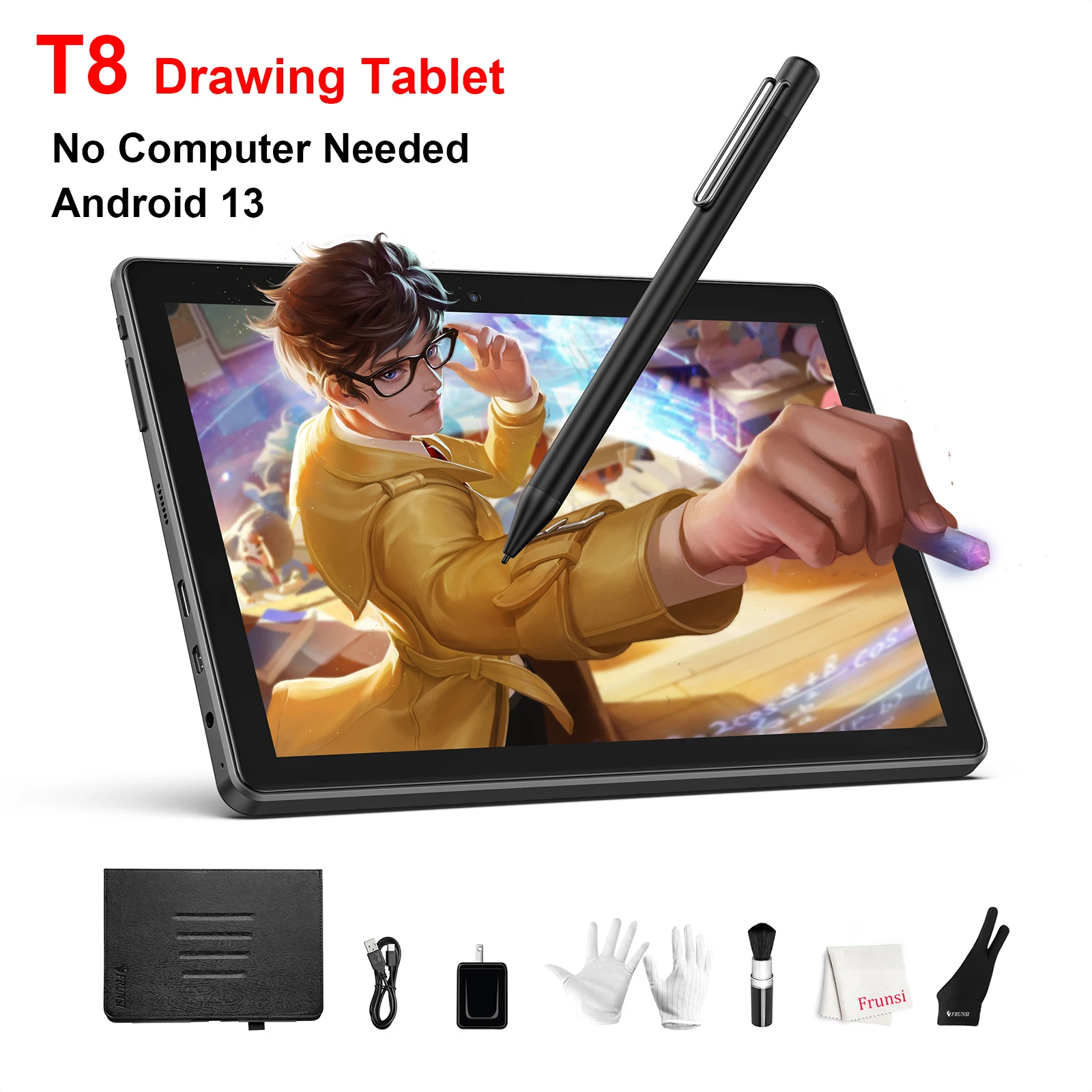
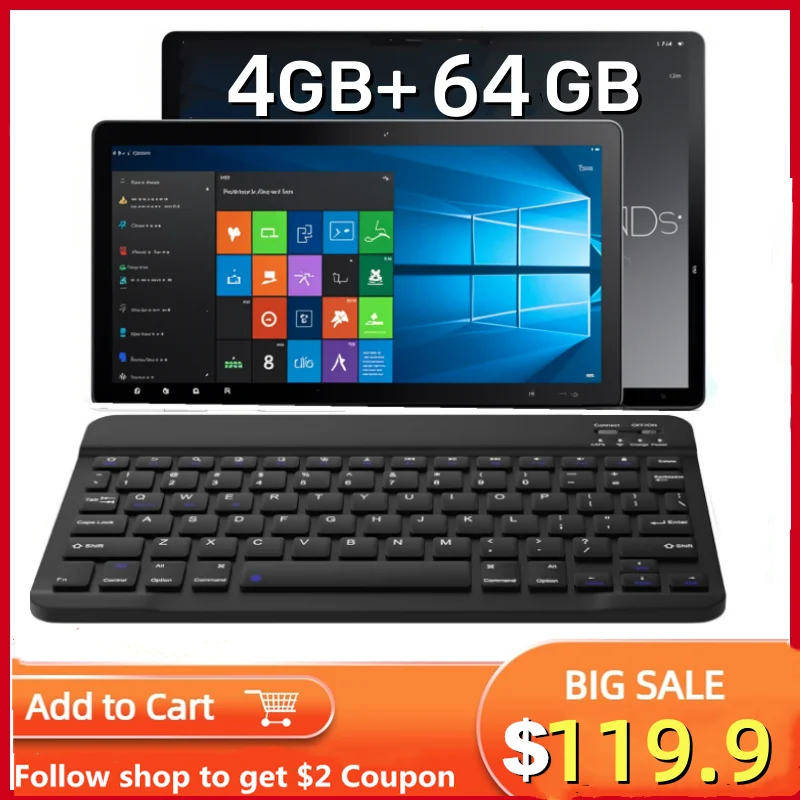
Standalone Drawing Tablet, 8 Inch Drawing Tablet with Screen No Computer Needed, Android 13 Pen Display 4GB/64GB
Features:
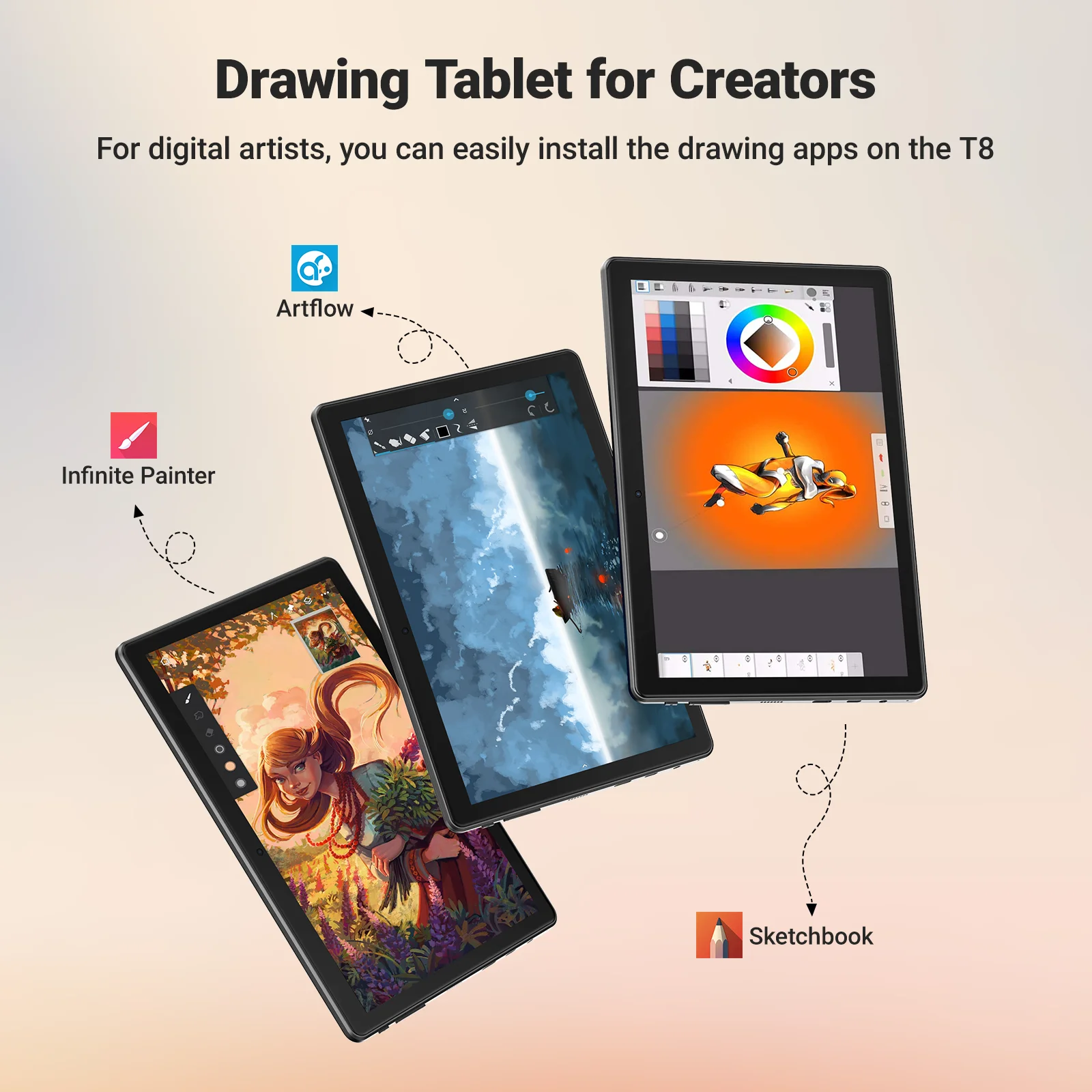
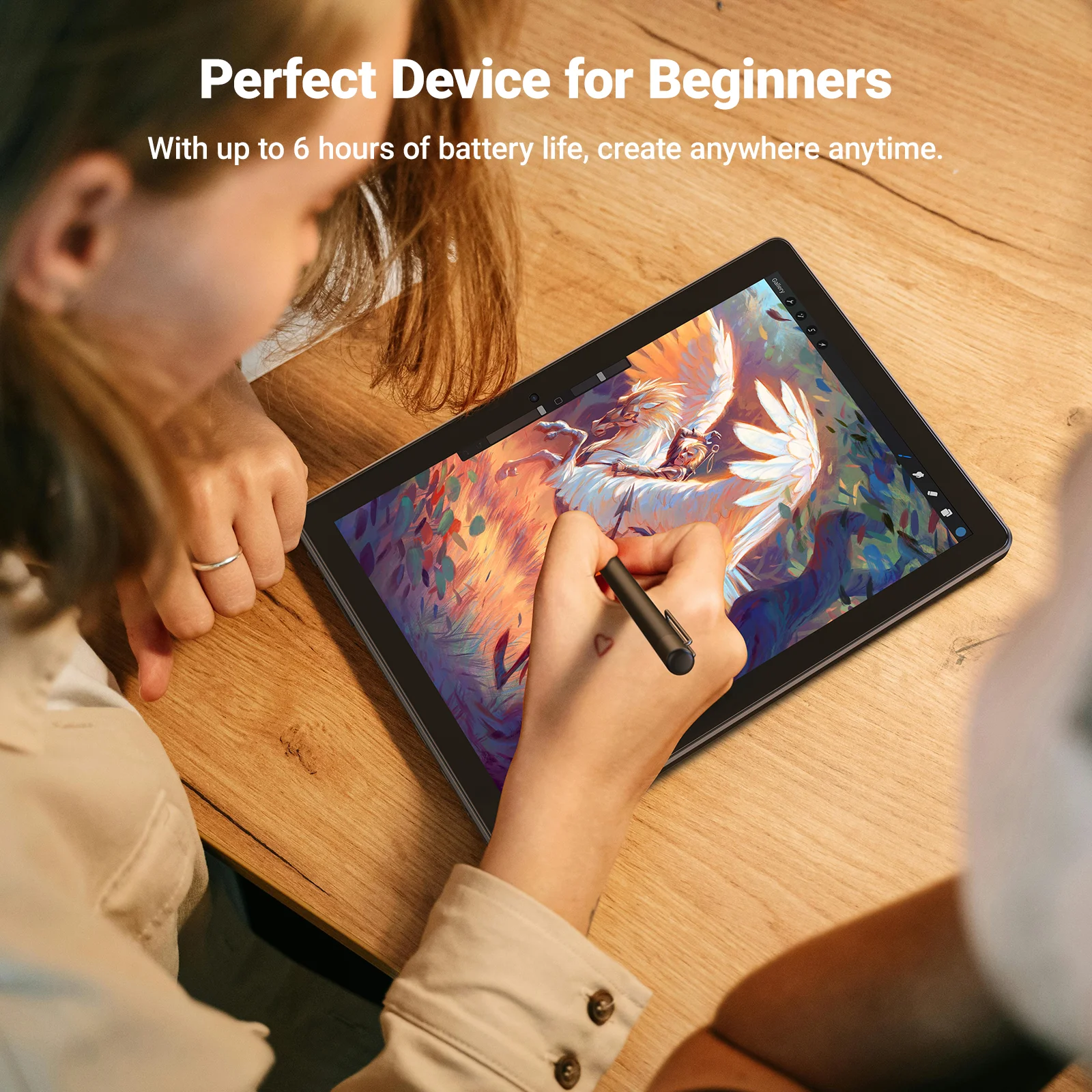
1. Drawing Tablet with Pen Stylus, the Rubens T8 drawing tablet comes with HD Display for digital drawing with pre-installed drawing app, works right out of box. Our products are certified quality, certified by GMS, FCC and CE standards, giving you peace of mind in terms of safety and quality.
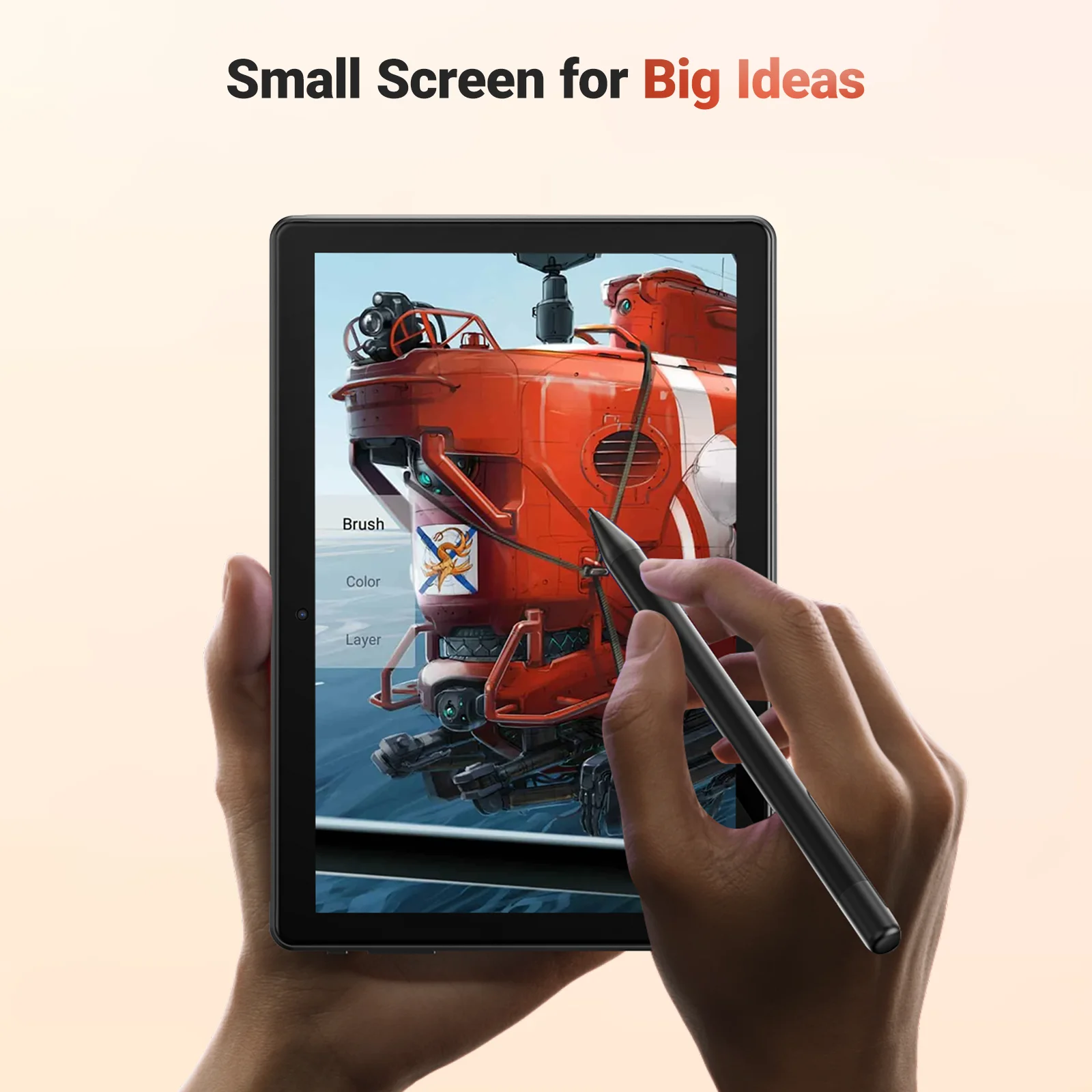
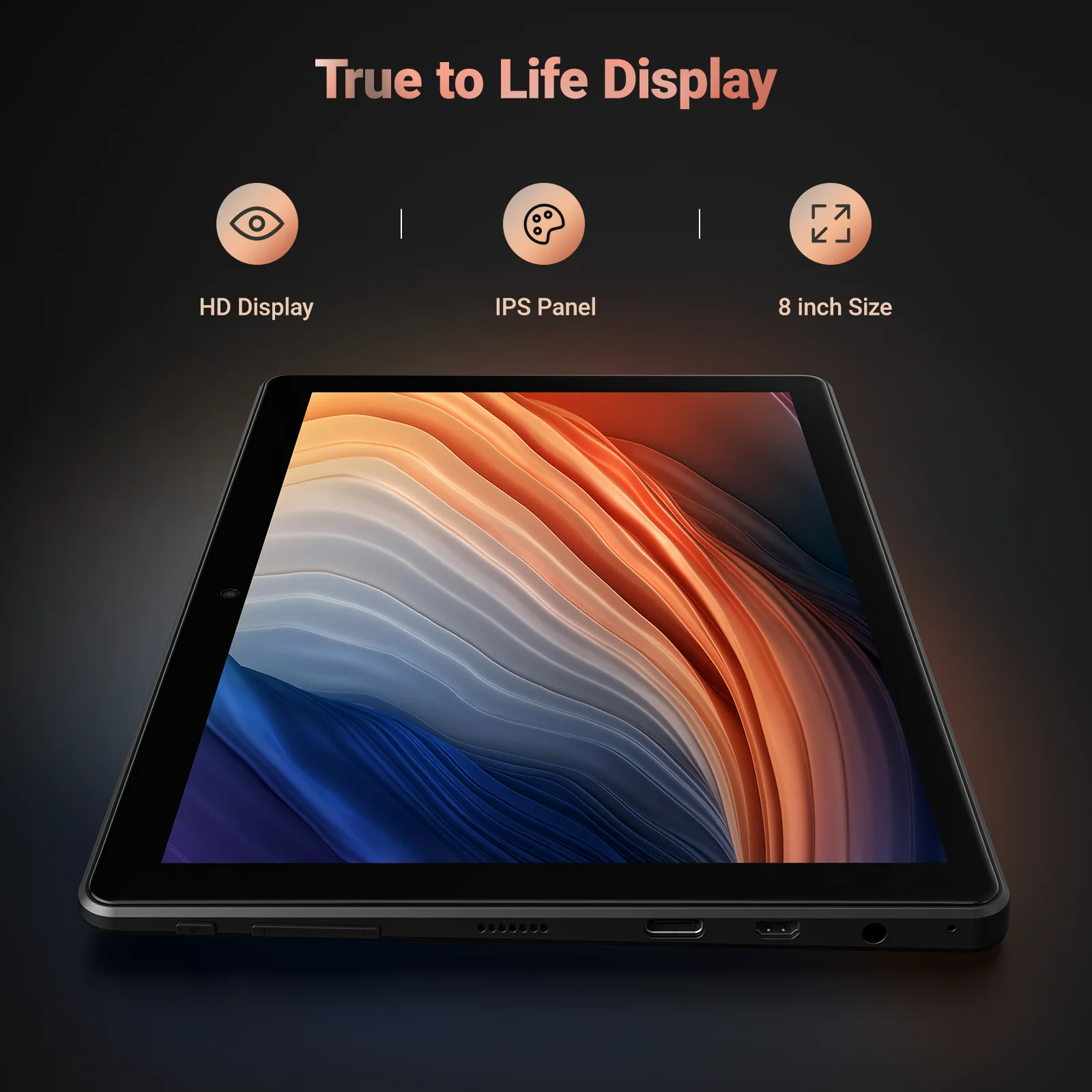
2. FHD Display, HD Resolution display with IPS HD screen, offers clear display for digital drawing. The colorful display shows the vibriant true color and tone,resolution is 1280*800P,the palm rejection allows you to drawing on scree without any distraction.
3. Android 13 Drawing Tablet with Pen Display, Standalone Drawing Tablet with Screen No Computer Needed installed with the latest Android 13, powered by MTK quadcore cpu chips, comes with 4GB RAM and 64GB Storage, supports TF card reading up to 256GB, enough storage for Apps and digital drawing.
4. The Android Pen display works without any other computer and you can install even more drawing application from Play Store. You can also install even more App with the tablet to share your digital artwork with social media or with your friends and family.
5. Ultra Long Battery Life, Standalone Drawing Tablet with Screen No Computer Needed comes with 4000mAh battery that supports 5 hours working time. Package Content Include Adjustable Stand Case with 5 adjustable levels for better drawing angle as well as protections for the drawing tablet.
Pacakge list
1* Tablet PC
1* Stylus
1* USB Cable
1* Black Drawing Glove
1* Quick Guide
1* Charger Adaptors



 Appliances
 Bedding
 Christmas Decorations
 Decor
Decor Health & Medical Equipment
 Lighting
 Smart Home
 Storage
 Textiles
Н***а –
Overall, the tablet fully meets my expectations, no more and no less. Essentially, it’s an Android tablet with a stylus on top that supports pressing like a GP. It works, as can be seen in my favorite app, Clip Studio Paint. But compared to the Huion Kamvas Pro 16, which is an interactive pen display, this tablet feels different when pressing; you need to apply a bit more pressure to achieve the same effect. The tablet’s performance isn’t particularly high, so my habit of opening several large images at once causes the software to lag. Well, on the other hand, it was obvious that it would be worth it for the money.