




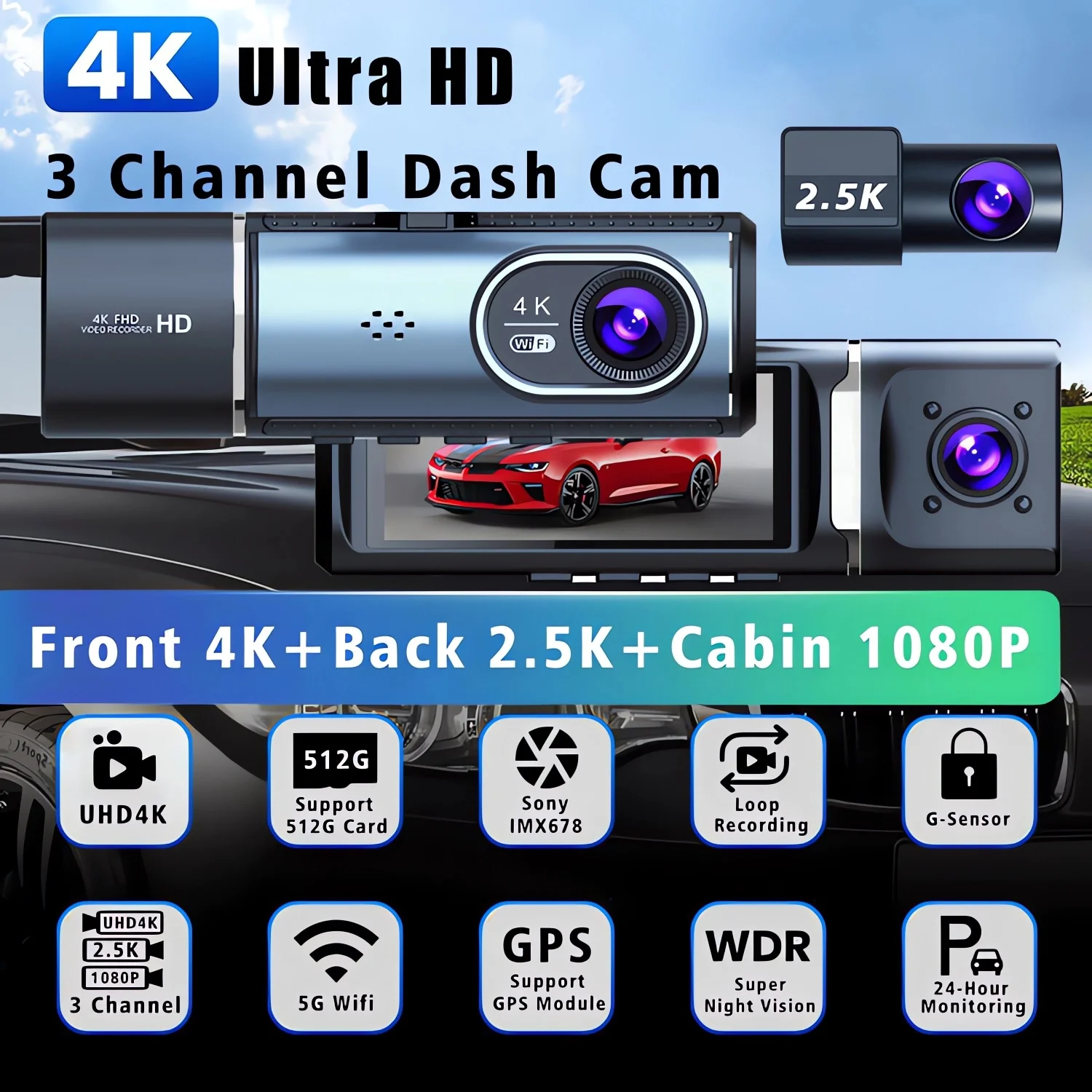

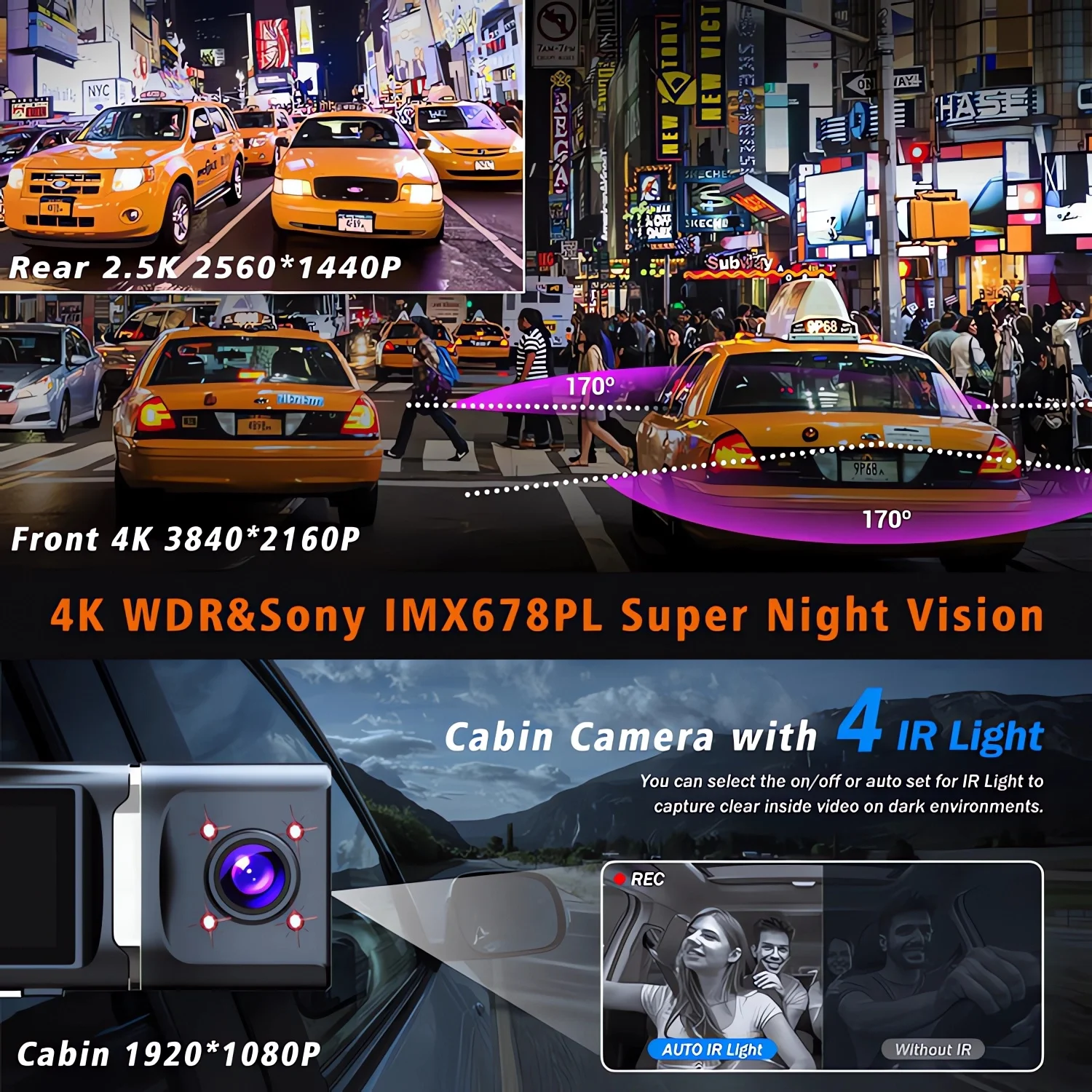
3 Channel [4K+2.5K+1080P] WIFI GPS DVR:
Front :Â UHD 4K 3840*2160P;
Back:Â UHD 2.5K 2560*1440P;
Cabin :FHD1920*1080P.
Supported Languages:
English, Chinese, Korean, Japanese, Russian, Arabic, Spanish, Portuguese, Polish, Turkish, French, German, Italian, Hebrew,Indonesia,Thai,Vietnamese,Malay.
Supported Memory Card: Up to 512G
Important reminder:Â Due to the high-speed storage requirements of high-definition DVR, please ensure to use high-quality U3 grade branded memory cards with C10 speed. Some low-quality low-priced memory cards on the market may not support DVR to function properly.
About WIFI Connection:
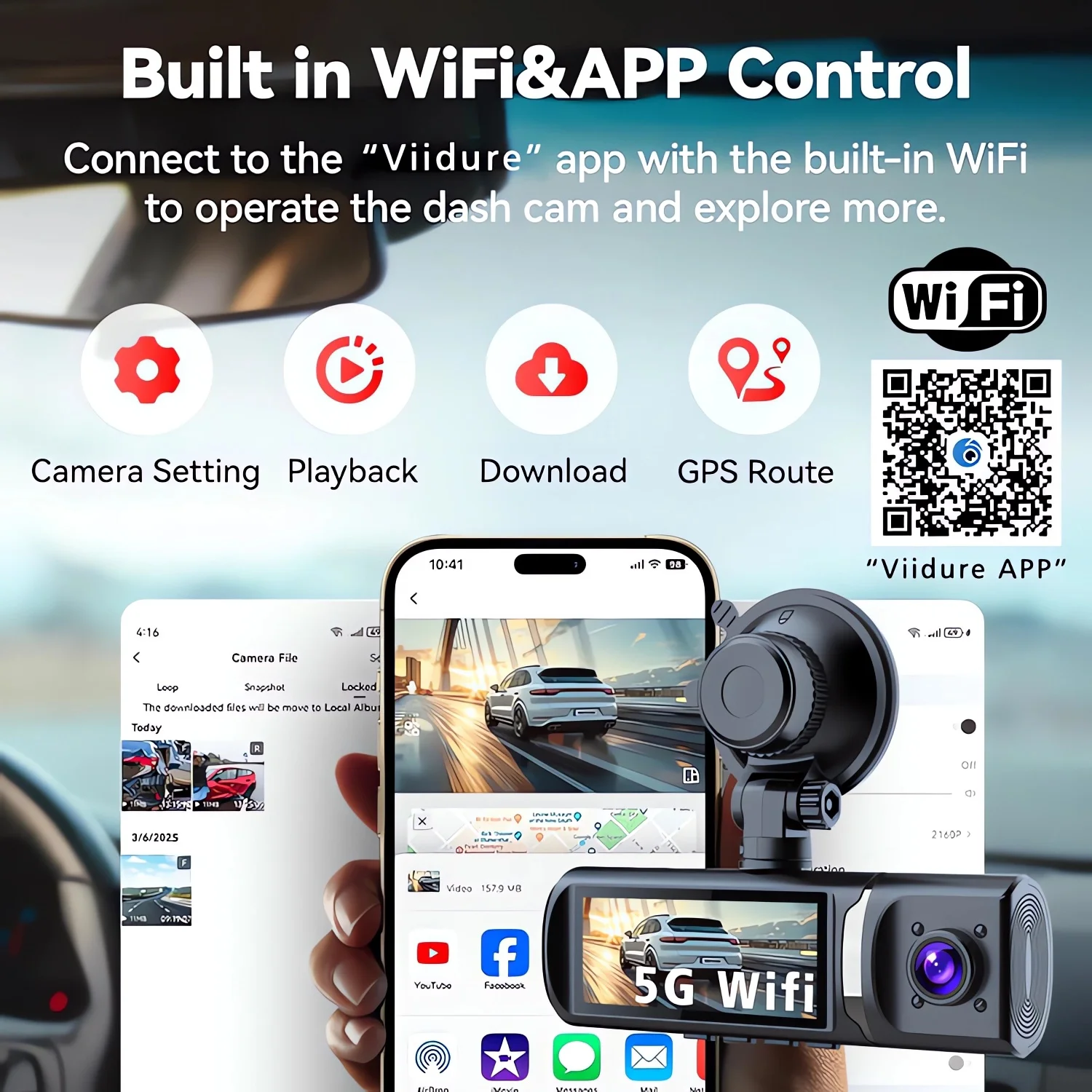
1. Before connecting to the DVR on the phone, it is necessary to install the WIFI connection app “Viidure APP” in advance.You can search for “Viidure” installation in the Apple App Store or Google App Market.
2.Open the “Viidure” APP on your phone, enter the configuration mode, turn on the wifi function of the phone, follow the prompts to find the SSID wifi signal of the DVR and enter the password(12345678) to connect;
3.After successful configuration, you can connect and operate the DVR through the “Viidure” APP.
About 24-Hour Parking Monitoring:
If you need the 24 hour parking monitoring function, you can order the corresponding Buck Line accessories to replace the car charger.Through Buck Line, the DVR power can be obtained directly from the car battery or car ACC, so that the DVR can maintain normal recording work even when the car is turned off.(Since different car models have different battery interfaces or ACC interfaces, it is not recommended to install it by yourself. It is recommended to find a professional to install the Buck Line.)
About The Use Of GPS:
1. Enable GPS module function through DVR menu options;
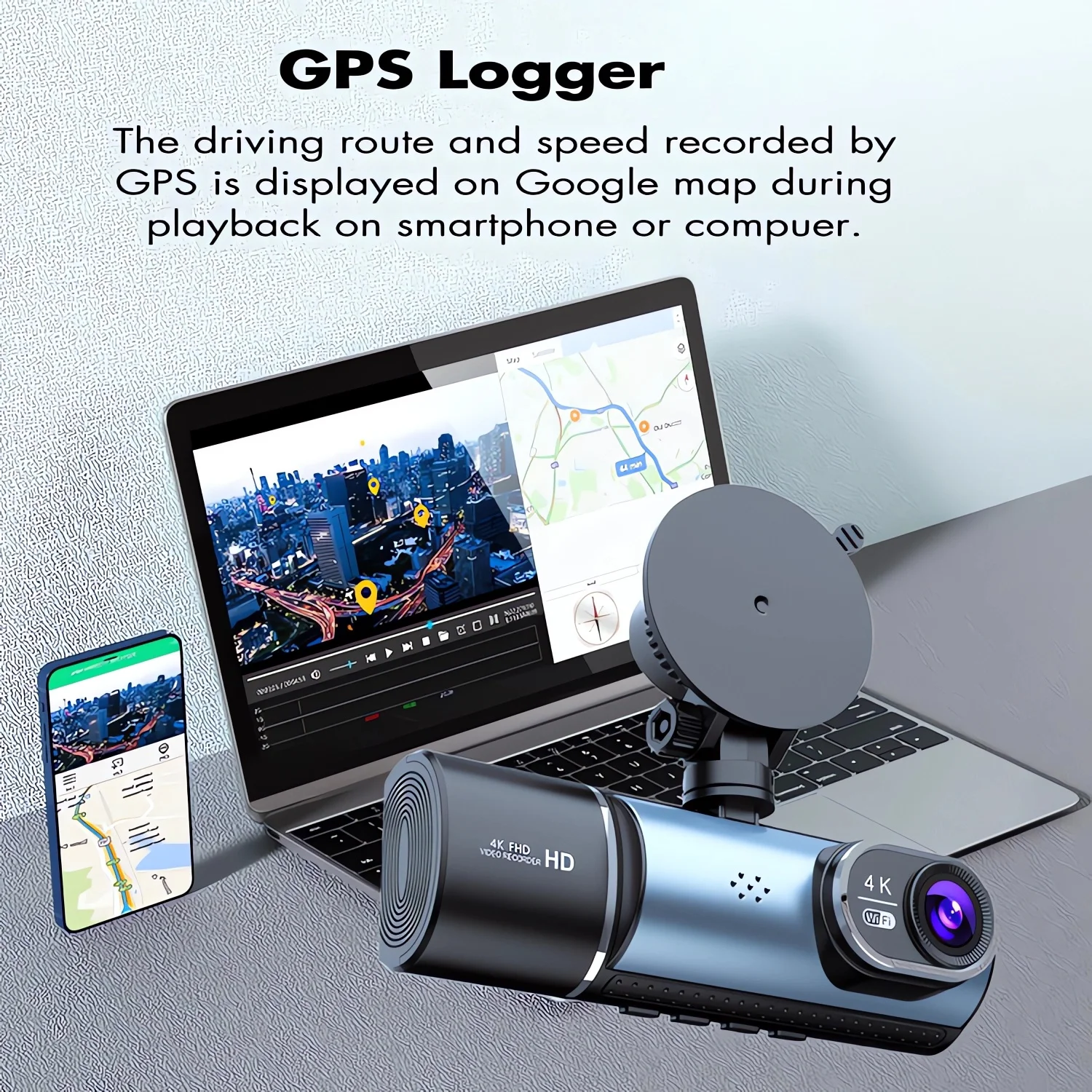
2. Install the DVR on the car and start the recording mode. Start the car outdoors and drive for a certain distance. The GPS module will automatically capture the satellite signal and the DVR will automatically record the video with the GPS driving track.
Video Playback Of GPS Tracks:
1. Install the GPS dedicated video player “Hit GPS Player” on your computer. Please enter the link below in your computer browser to download and install;
Download link: //pcgps.ce2ce.com/hit/hitplayer.html
2. Open the recorded DVR video with GPS track information on the computer through “Hit GPS Player” to play back the GPS driving track.



 Appliances
 Bedding
 Christmas Decorations
 Decor
Decor Health & Medical Equipment
 Lighting
 Smart Home
 Storage
 Textiles


Shopper –
I liked this product because it really works the way they said it should work. Three cameras one pointing forward, one inside the cabin and the other one to the back of the car. The resolution is very clear and audio is good too. I bought many dash cameras before and all of them ended in the trash because i did not like it they way they perform but this one i still happy with it. No complaints whatsoever. Buy it, no regrets and the price is good. I only write reviews when the product is really good.
Shopper –
Works nearly perfect! Nice and wide camera angles for all three cameras! Very clear daytime pictures that will definitely be good enough to protect you in a liability case. The in-cab camera is just as good. Will be exactly what ride-share drivers need to cover them.
Shopper –
Great dash cam. Simple to install/use. Bought it because of the price and reviews and was not let down.
Shopper –
Very easy product to set up, i decided to pair it with the buck line instead of using the cigarette lighter port. 4k great resolution, both front and rear camera and interior camera. App is okay, could be better but overall the camera quality and set up is great !
Shopper –
Really good quality, best
Insurance you can have
Shopper –
It’s a high-quality product, highly recommended.
Shopper –
I liked it so much that I recommended it to my friends. The delivery is fast, the picture quality is good, and the price is reasonable, so I am very satisfied. I think it’s a really good product.
Shopper –
I was looking for a product like this! The picture quality is good and the functions are satisfactory. Thank you for the seller’s kind response.
Shopper –
It’s really comfortable! The delivery is fast and the price is reasonable. Installation is easy and the picture quality is good.
Shopper –
I’m so happy to receive the product! The quality is good and I am really satisfied.
Shopper –
The delivery is fast and the product is satisfactory. Thank you.
z***n –
As described, not tested yet.
J***i –
Goods as described, very fast delivery, I recommend the seller, thank you. Product as described, very fast delivery, I recommend the seller, thank you.
Shopper –
Good one. Happy with purchase. I love it.
J***i –
I returned the order due to damage, I received a refund, thank you, best regards.
I returned the order due to damage, I received a refund, thank you, regards.
H***e –
I’m ngl, this camera is pretty good for how cheap is it. It does in fact record the front, cabin, and rear, with “night vision” activating automatically for cabin, and possibly activating for the other two (haven’t checked). The app saves all three povs as separate videos which is a pro or con depending on your view. Probably a pro since you’d want as much detail as possible. You can change the lcd screen to show whichever povs you want, pick any of the three out or all three squeezed into it (it will still record all three regardless of what the screen shows). I’m not being paid nor rewarded by this company or aliexpress, i just hate companies that want to charge 200 for a dashcam that doesn’t even record all 3 povs when i could get cheaper cams like this one for the same or higher quality.