
Language Support:
English, Chinese, Korean, Japanese, Portuguese, Polish, Spanish, Arabic, French, German, Italian, Hebrew, Russian, Turkish, Czech, Dutch.
Memory Card Support: 32G/64G/128G/256G
Due to the fact that DVR is a 4K high-definition recording high-speed storage, please make sure to use high-quality U3 grade C10 high-speed brand memory cards. Some ordinary and inexpensive memory cards may not function properly.
About Formatting The Memory Card:
When installing a memory card for the first time, be sure to format the memory card on the DVR. After formatting, the DVR can correctly match the memory card.
Formatting Steps: After installing the memory card, please enter the DVR menu, find the format option, and click to format the memory card(Important: Formatting the memory card on the computer is an incorrect operation. Please be sure to format the memory card on the DVR’s menu option.)
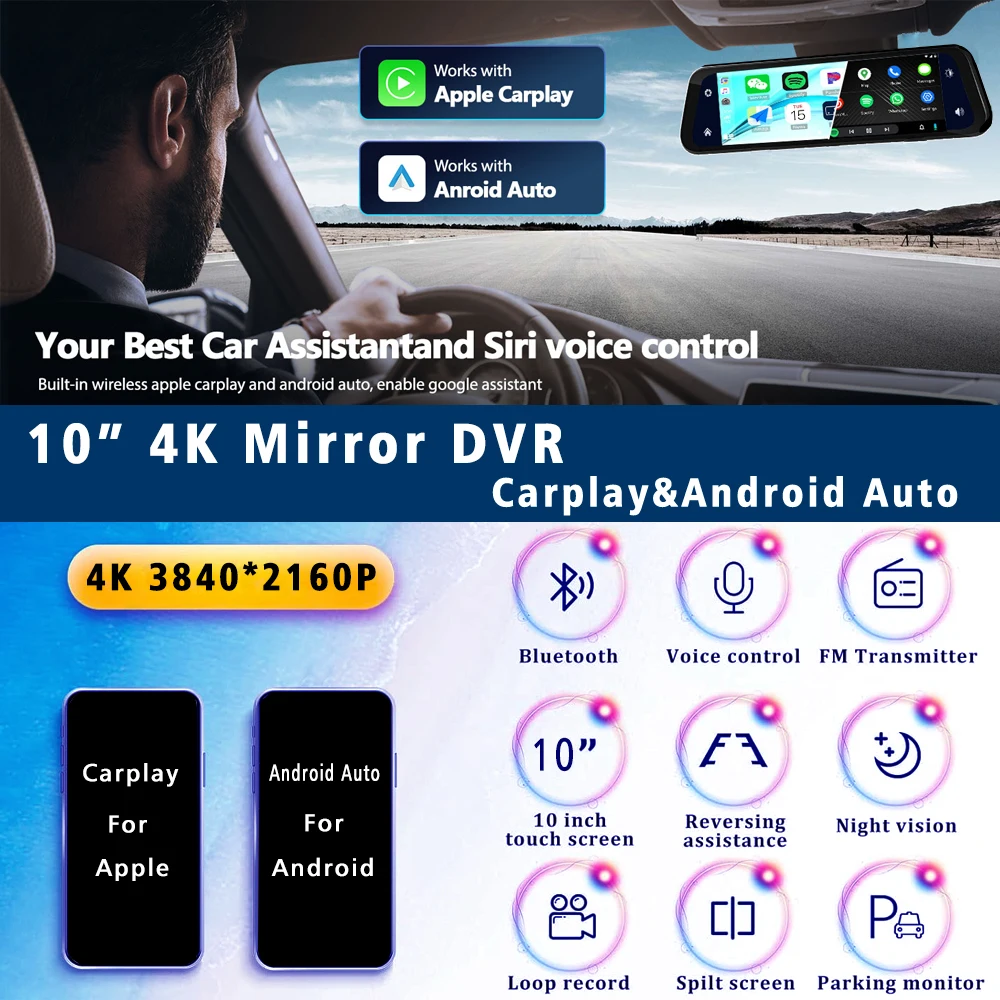
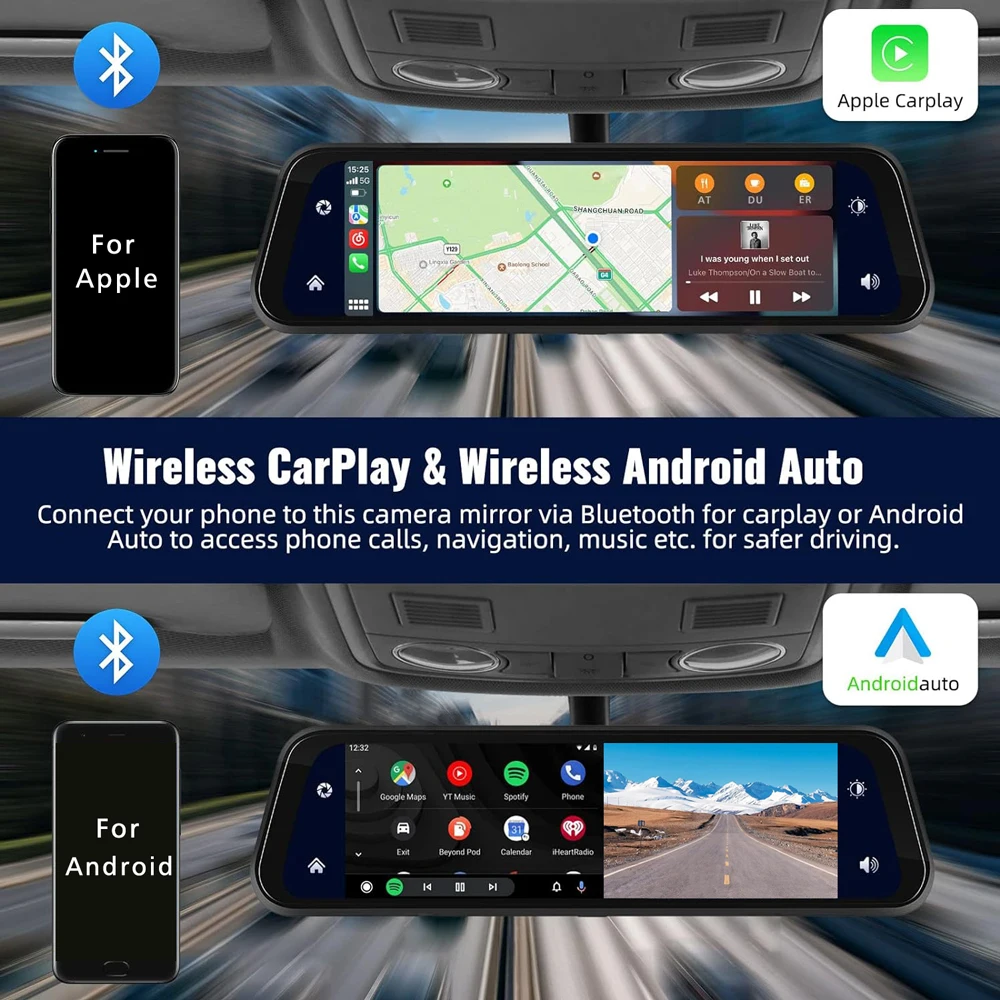
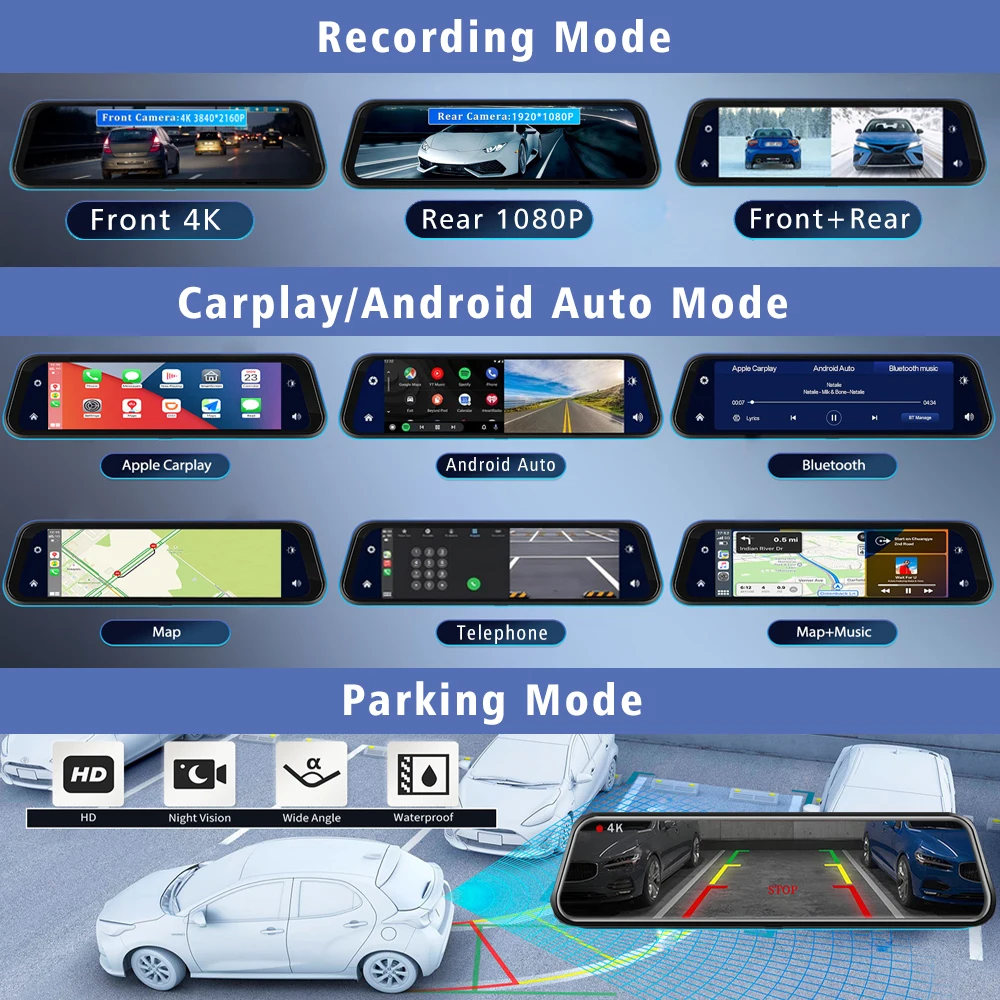
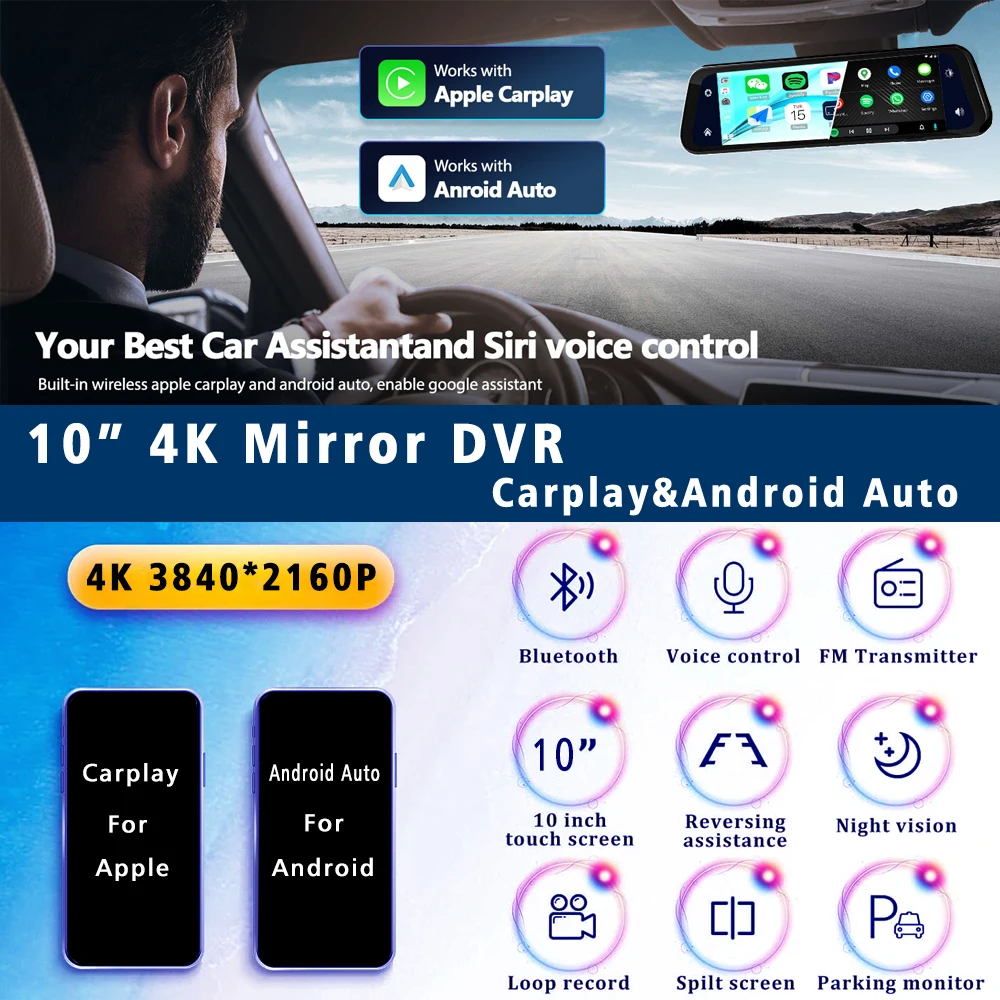
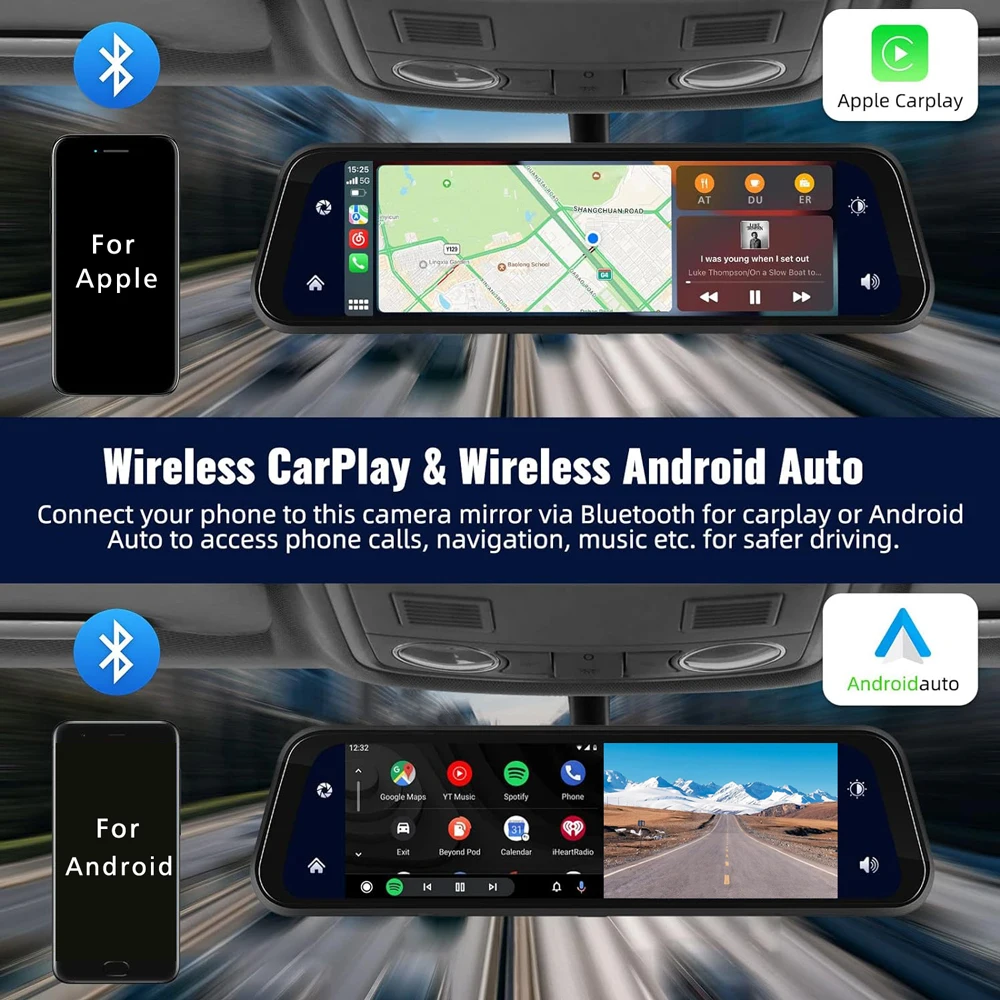
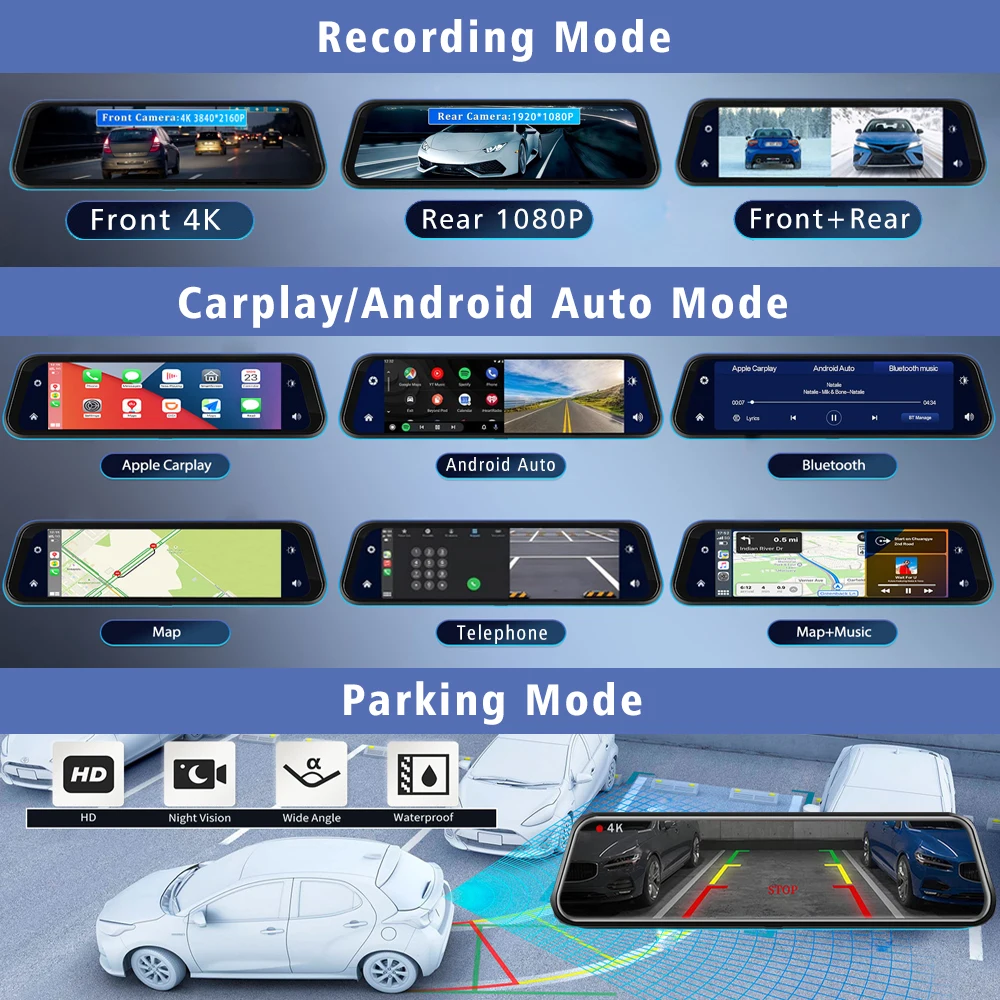
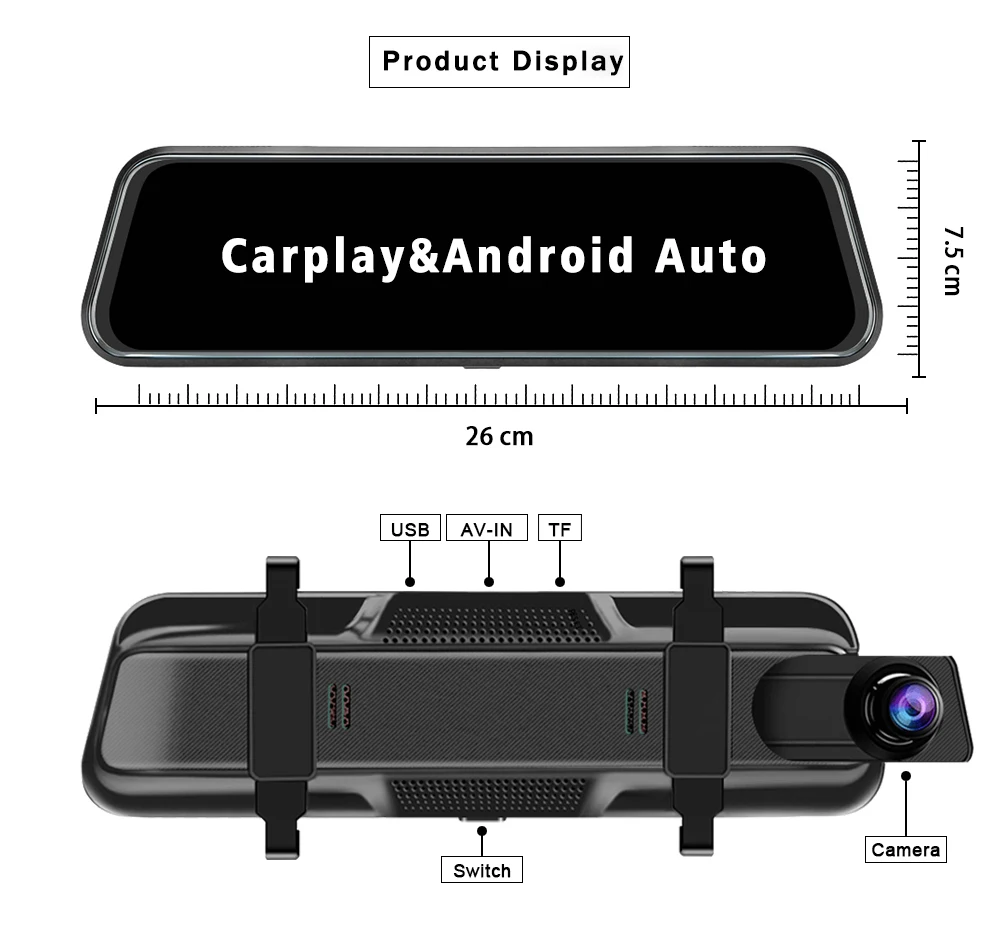
About The Connection Of Carplay And Android Auto:(1) If it is an Apple phone, the DVR needs to choose the Carplay connection method as the connection method, and the Carplay software installed on the Apple phone can directly connect to the DVR through the Carplay function;(2) If it is an Android system phone, the DVR needs to select Android Auto as the connection method, and then use the Android Auto software downloaded from the Google App Market on the phone to connect to the DVR.
About WIFI Connection:
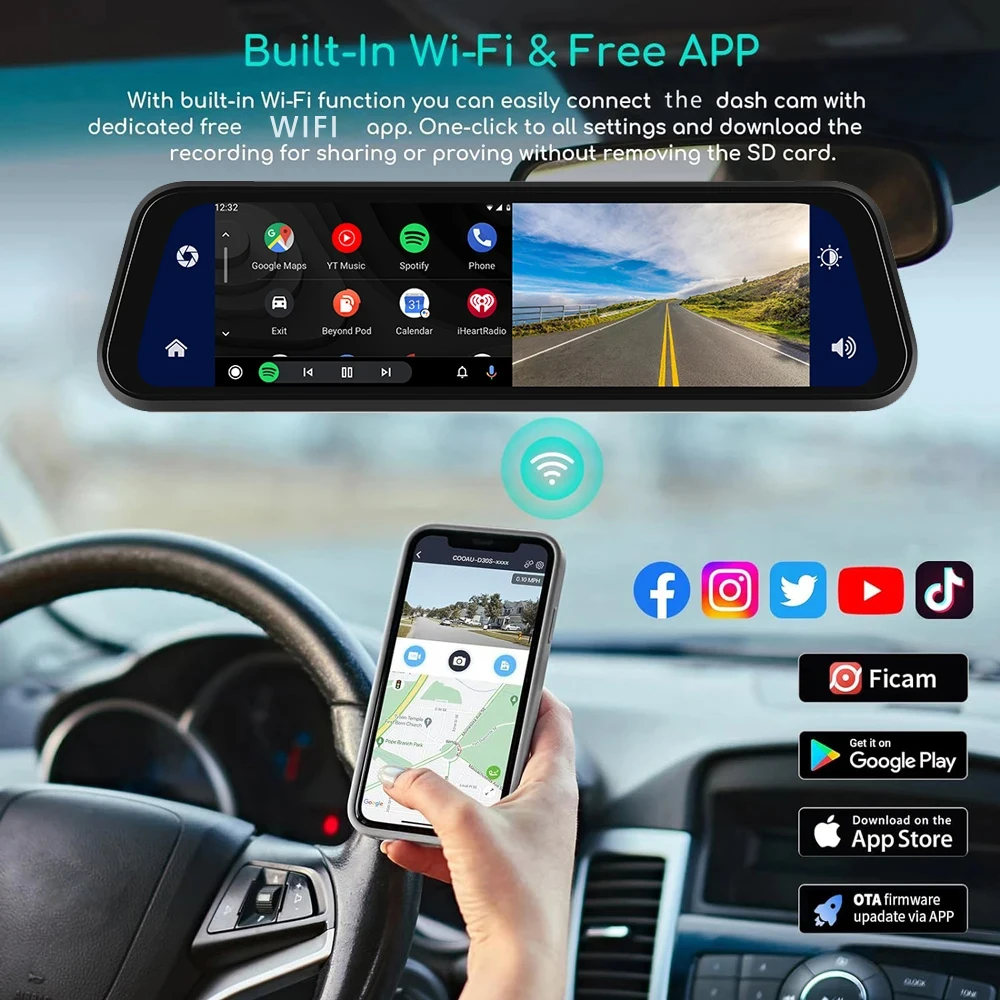
Before connecting to the DVR on the phone, it is necessary to install the WIFI connection app “Viidure” in advance.You can search for “Viidure” installation in the Apple App Store or Google App Market.
Steps:
(1) In standby mode,  enter the DVR menu and enter the WIFl setting menu;
(2)In the wifi menu of the DVR, check to obtain the wifi SSID name and password;
(3)Open the “Viidure” APP on your phone, enter the configuration mode, turn on the wifi function of the phone, follow the prompts to find the SSID wifi signal of the DVR and enter the password to connect;
(4)After successful configuration, you can connect and operate the DVR through the “Viidure” APP.
About The Reversing Assist Function:
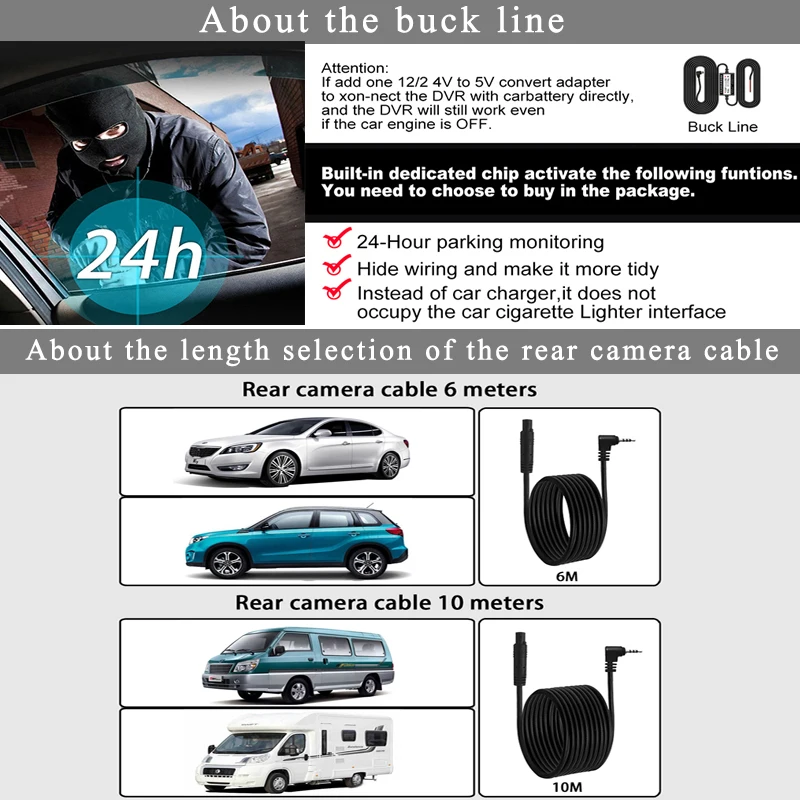
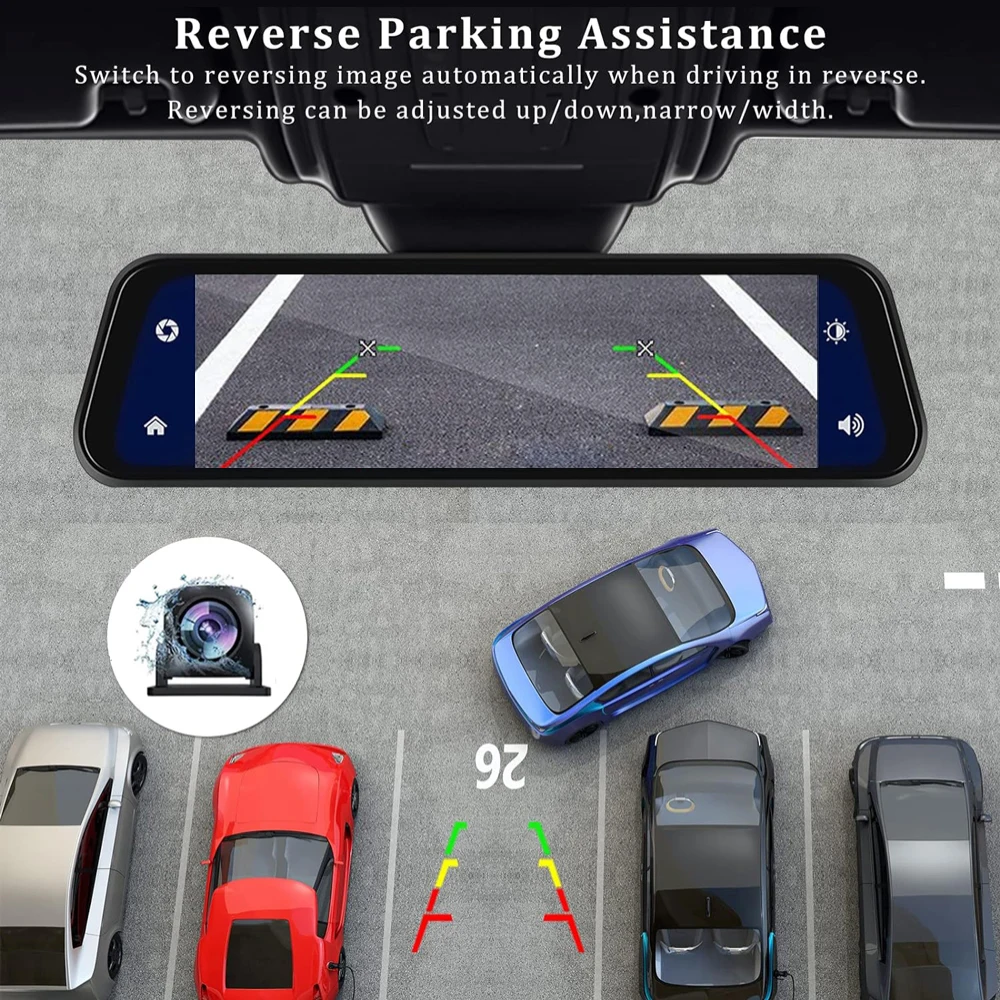
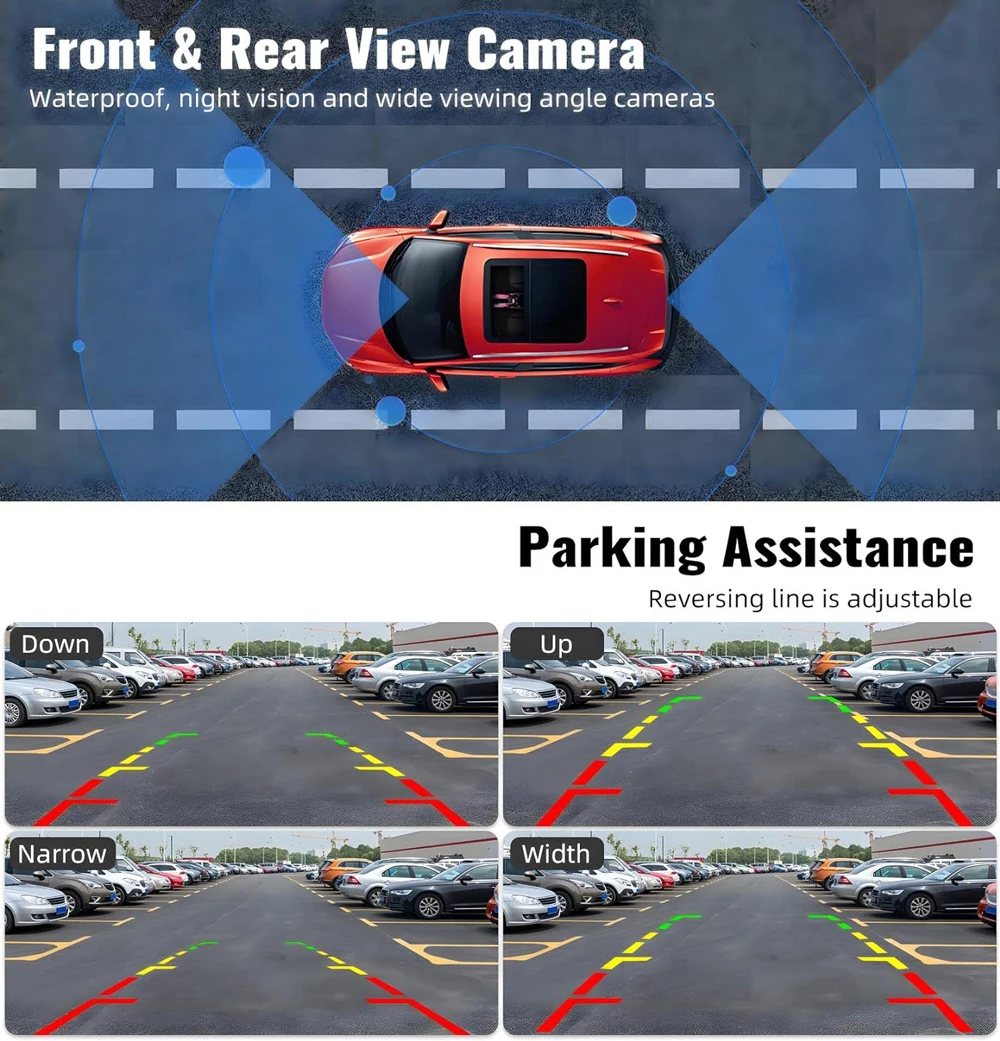
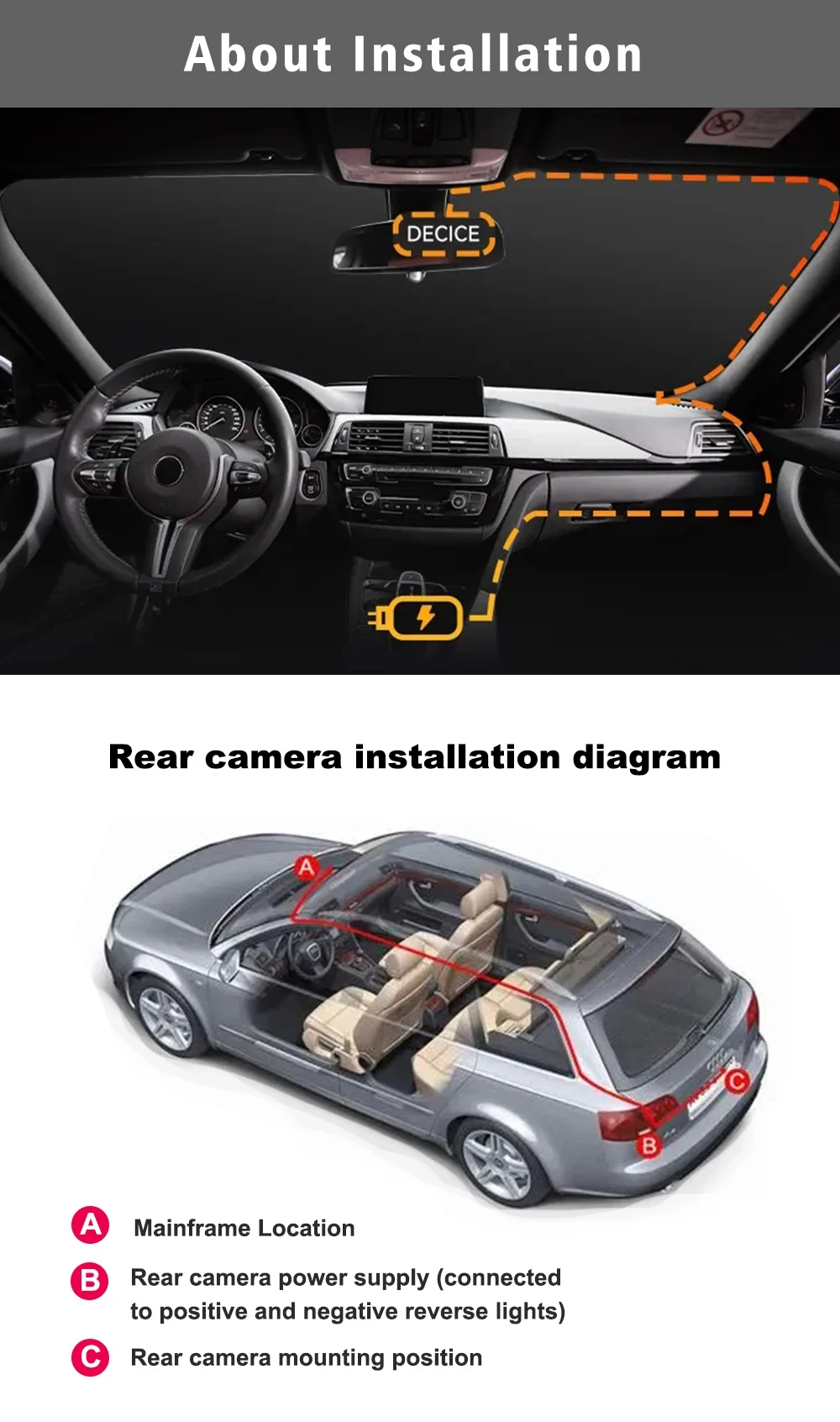
If the kit you ordered includes a rearview camera and you need to implement the reversing assist function, you need to connect the red signal wire of the rearview camera to the car’s reversing light (the light will come on when reversing). If you don’t need the reverse assist function, just disconnect the red signal wire and leave it unconnected.
About 24-Hour Parking Monitoring:
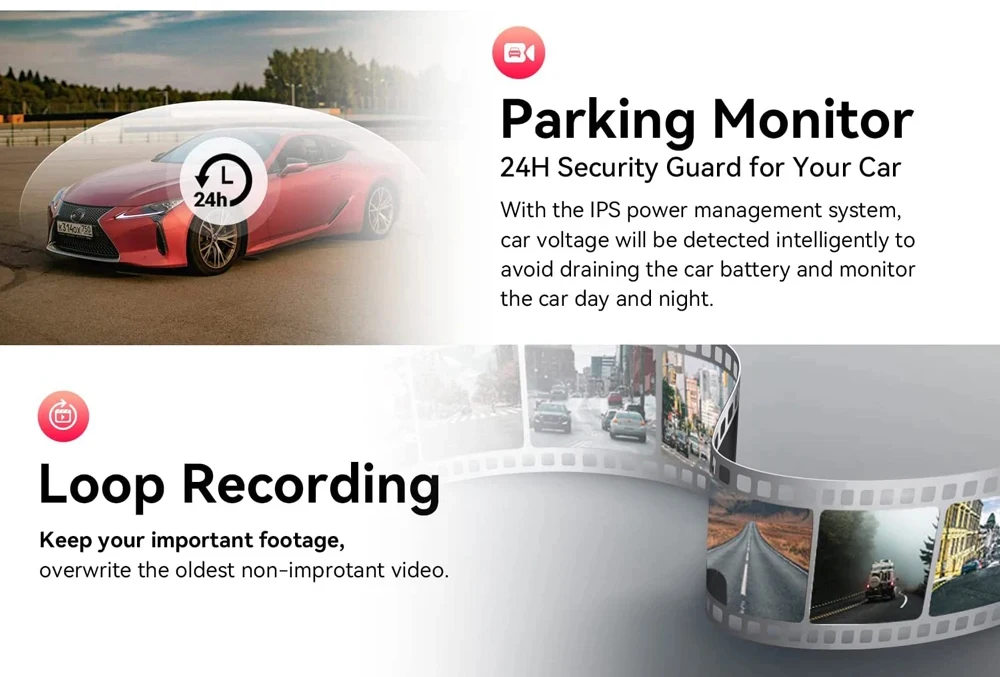
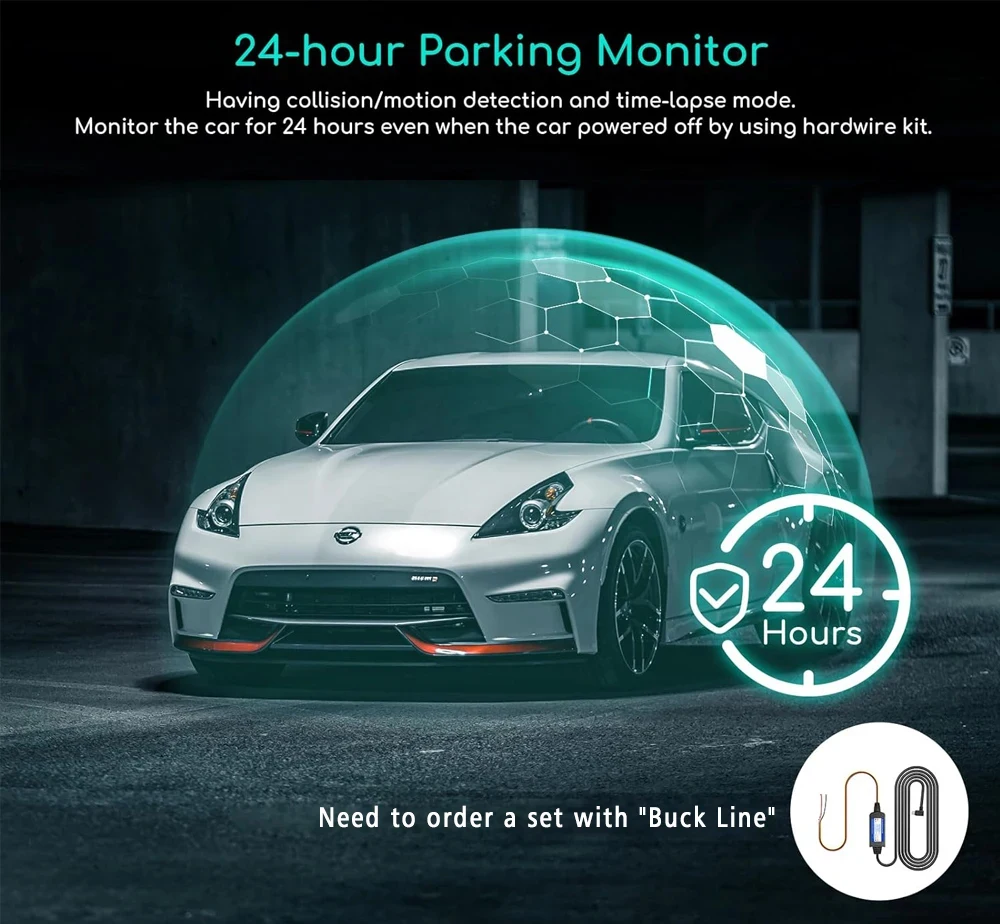
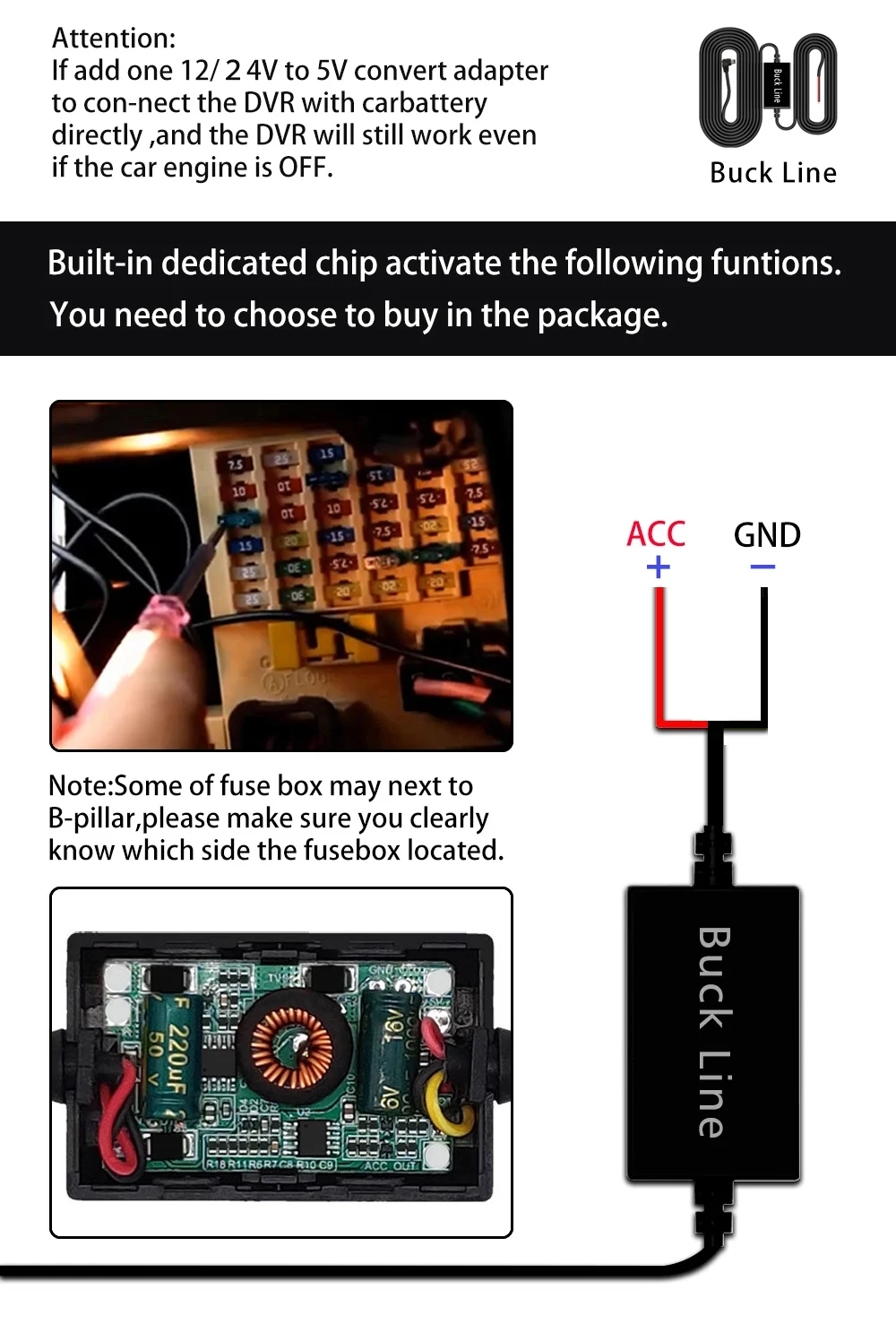
If you need the 24 hour parking monitoring function, you can order the corresponding Buck Line accessories to replace the car charger.Through Buck Line, the DVR power can be obtained directly from the car battery or car ACC, so that the DVR can maintain normal recording work even when the car is turned off.(Since different car models have different battery interfaces or ACC interfaces, it is not recommended to install it by yourself. It is recommended to find a professional to install the Buck Line.)
About The Installation And Use Of GPS(Optional):
1. Connect the GPS module to the DVR and turn on the GPS function in the DVR menu settings;
2. Install the DVR on the car and start the recording mode. Start the car outdoors and drive for a certain distance. The GPS module will automatically capture the satellite signal and the DVR will automatically record the video with the GPS driving track.
Video Playback Of GPS Tracks:
1. Install the GPS dedicated video player “Hit GPS Player” on your computer. Please enter the link below in your computer browser to download and install;
Download link: Â Â //pcgps.ce2ce.com/hit/hitplayer.html
2. Open the recorded DVR video with GPS track information on the computer through “Hit GPS Player” to play back the GPS driving track.
About the length of the rear view camera cable:
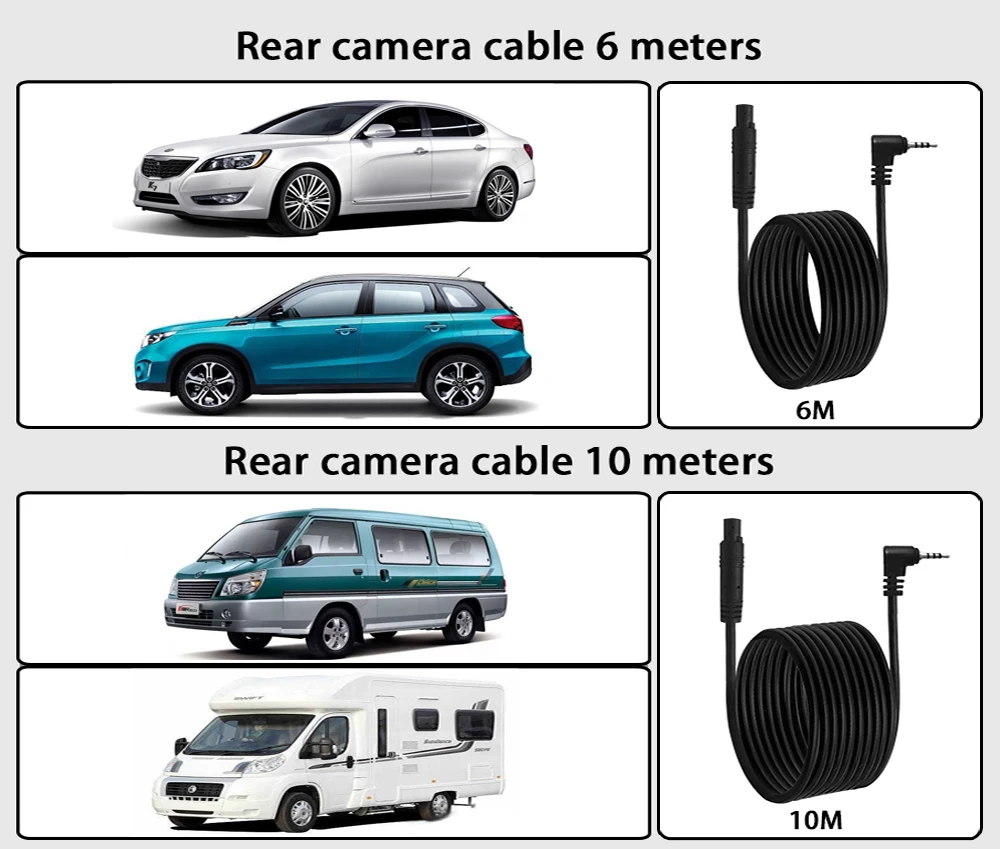



 Appliances
 Bedding
 Christmas Decorations
 Decor
Decor Health & Medical Equipment
 Lighting
 Smart Home
 Storage
 Textiles
A***o –
Very good device
h***i –
Work well, easy to install. If the color accuracy is good, i would say, its a 5 star product compare to price. Anyway, it can surveillance 24/7 and can get apple carplay. Nothing to complain. Nice product.
Shopper –
Works great! Have everything hooked up except for the gps. Front and rear cameras are great quality. The mirror operating system works as it should. Only thing i would prefer is if the rear camera had light sensitivity and would reduce shine from lights at night.
J***z –
It works very well except when there is a lot of sun and your car has a sunroof.
A***n –
Pretty poor screen resolution. Decent for the money though and fairly quick to install. Camera seems decent. Screen cast is pretty quick. Nice mirror finish
M***k –
Product consistent with the description, fast delivery, worth recommending.
J***z –
Excellent equipment, this is the second one I’ve bought and it came out very good. I recommend it 100% and the shipping was super fast too. It was ordered on August 23rd and today, September 1st, it arrived in Mérida Yucatán.
B***s –
A quite useful item, this is the 3rd time I’ve bought the product. It records quite well, make sure to use a class 10 micro SD so that I recorded perfectly without any issues. I recommend it.
I***y –
Quite a cool mirror. The other camera does not require separate power. It works just through the 3.5 Jack. This is Wow. So the whole setup is quite fast for testing. Just plug the power into type-c, and the other camera into 3.5 jack, and everything works. The quality on the screen is good, but you still need to check on the computer.
o***r –
Great image quality and speed of the device. I highly recommend
J***K –
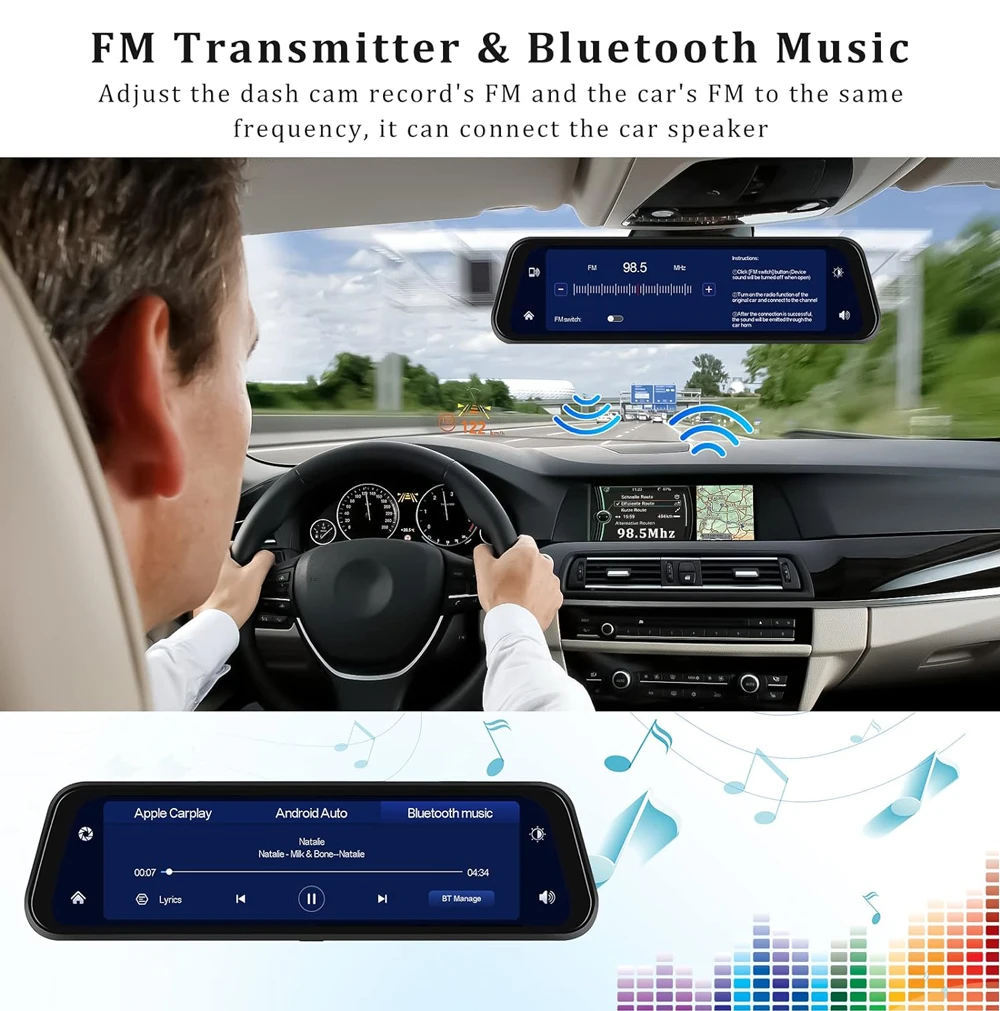
The quality of the device is very good, recording is good, fast delivery, Android Auto wireless works correctly, map is ok, FM transmitter is ok, Bluetooth hands-free speaker is ok.
M***o –
The truth is that I couldn’t be happier, it arrived quickly and it’s just as I expected. Simple installation although I thought it would be complicated but if you do it yourself it’s easy to hide the cable. 10 in everything.
Shopper –
It’s really good quality camera front and back 👌 It has 4k the resolution it’s fine and it has android auto and car play, the mirror comes well packed and fast shipping good seller, i recommended 👍
Shopper –
Great, I bought it with the buck line and when I want it to record with the car off, I leave the device on. Both cameras record, the front and the rear one, you connect it to your phone via WiFi and you can review videos and download them. The videos show the route on a Google Maps map because the device has its GPS antenna. You can use it as a stereo with Android Auto and CarPlay, it’s a cool device. The only reproachable thing is that it is held up by the mirror with some rubber bands; however, I have already seen some bases here on that work well.
Shopper –
beautiful, excellent functioning, highly recommended. If I have to make a note, it is slightly smaller than the one in my car, so it doesn’t cover it well like other models, but I’m still happy with it, top product.