




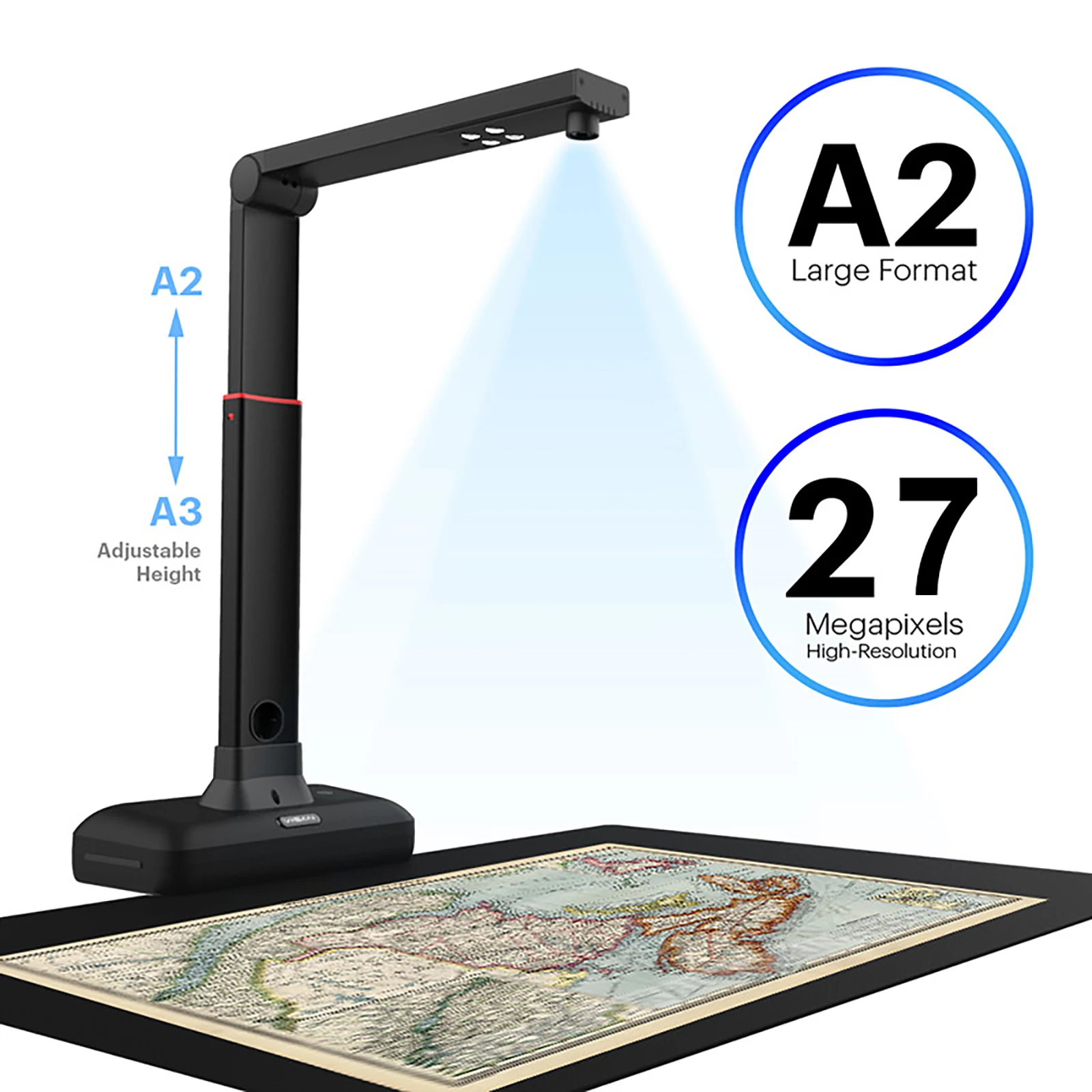
A2 Overhead Scanner with 27mp high-resolution
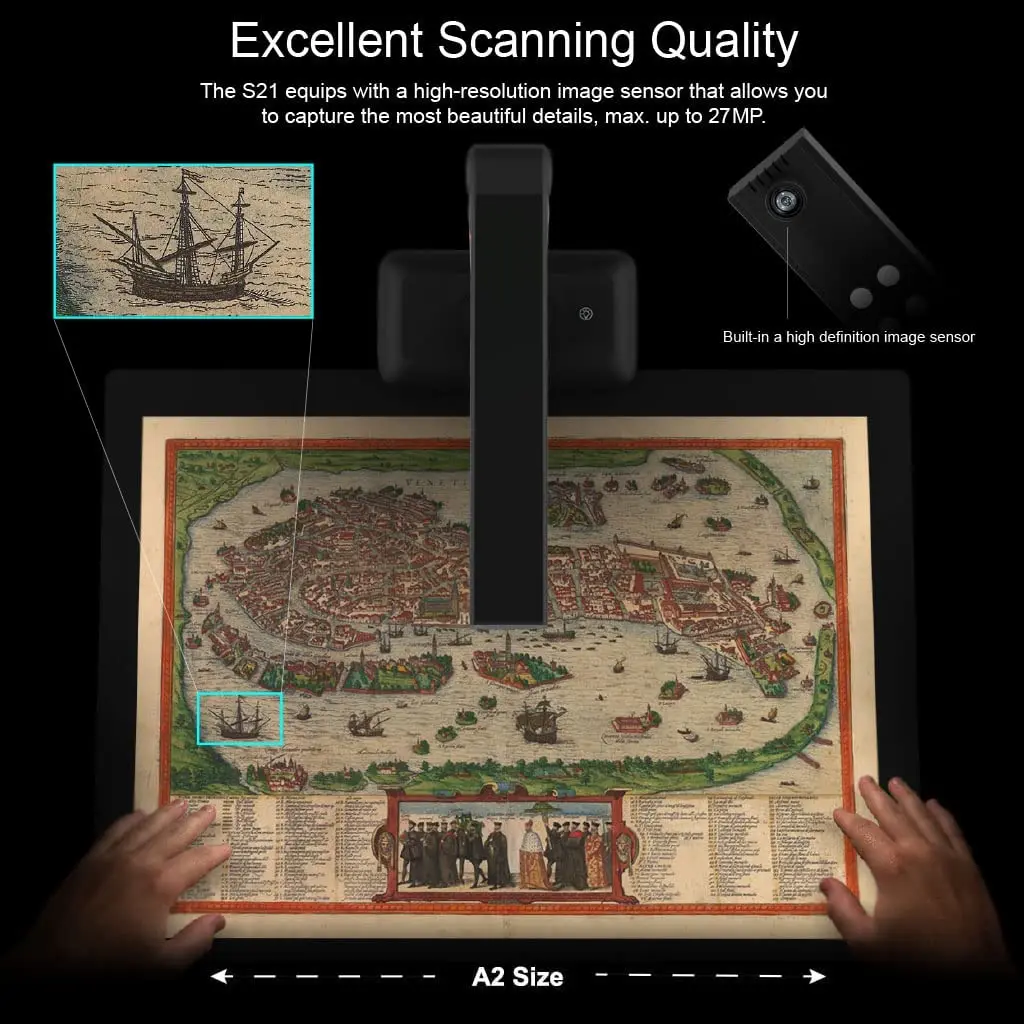
The S21 equips with a high-resolution image sensor that allows you to capture the most beautiful details, max. up to 27MP(5888×4522 Pixels).
Specification:
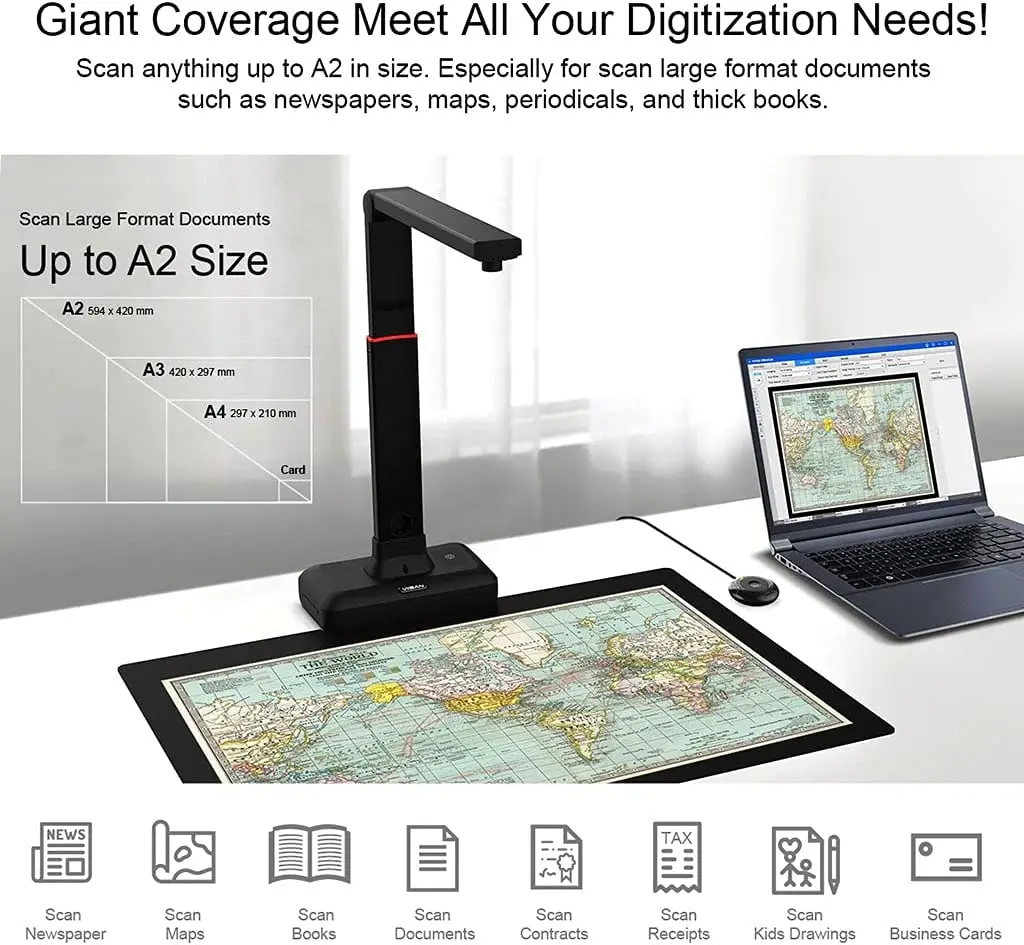
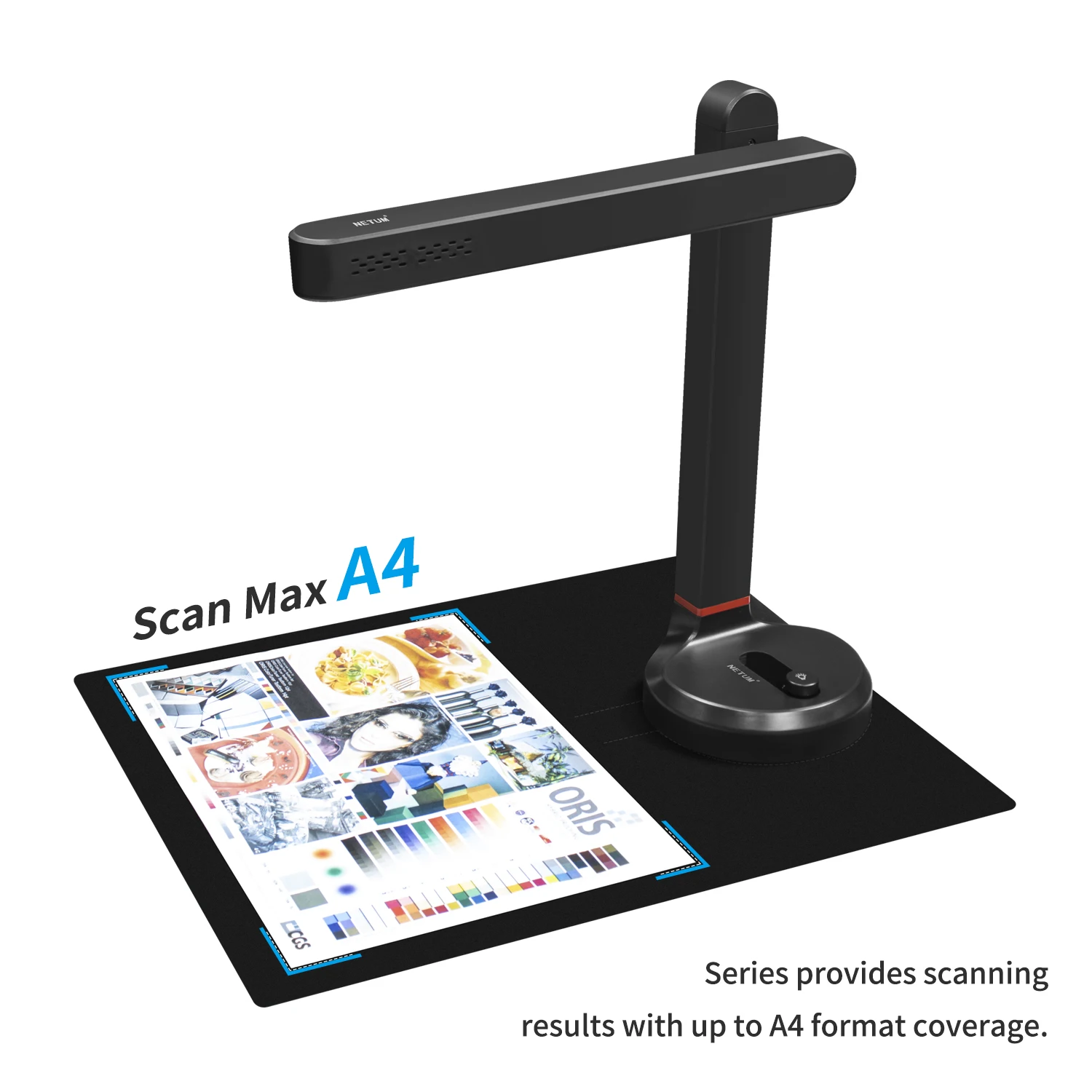
Max. Shooting Area: A2 ( 594×420) mm
Color Bit Depth: 24 bit
Lens Focus: Fixed
Scanning Speed:1 sec. per A2 page
Video Compression: MJPG
Power: 5V by USB-Powered
Net Weight: Approx. 1kg
Interface:
USB 2.0 Type B x 1 (For PC Connection)
USB 2.0 Type-A x 1 (For USB Extension)
Intelligent Scanning Software
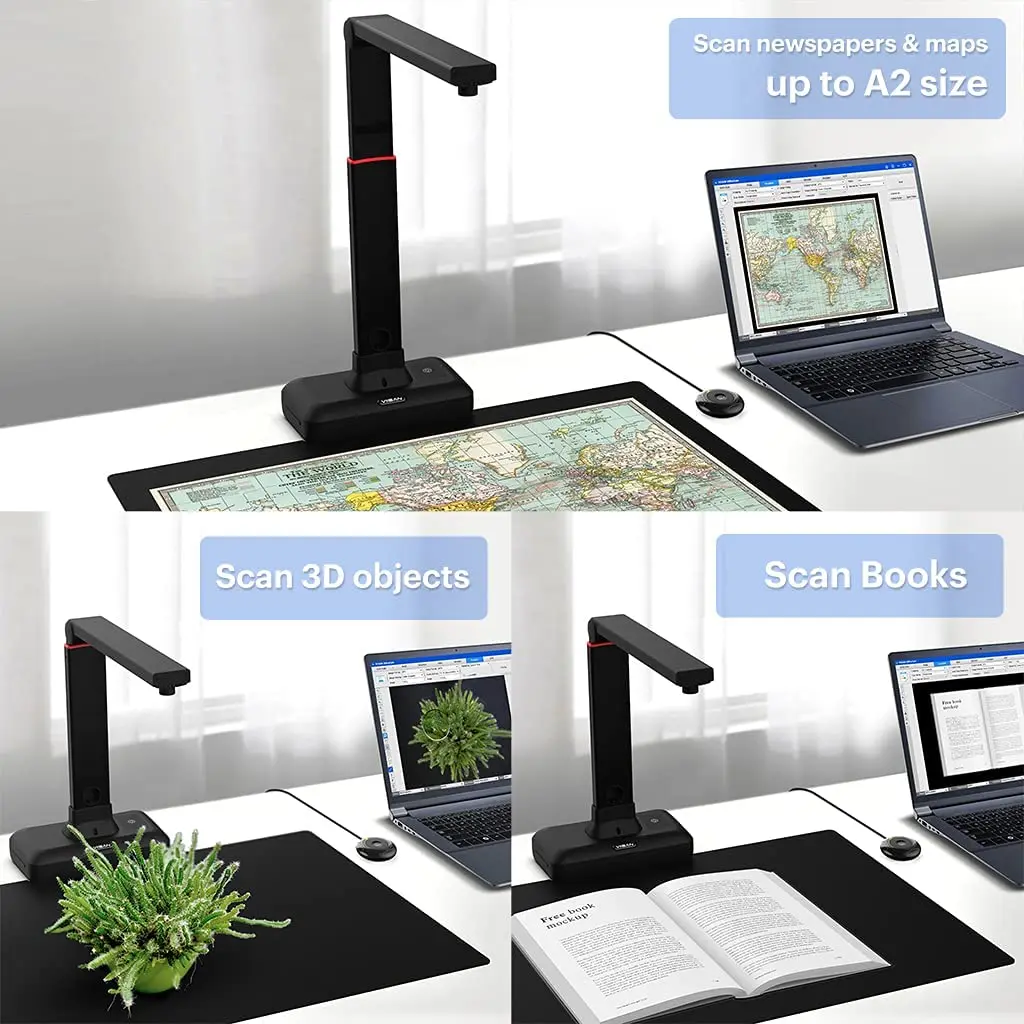
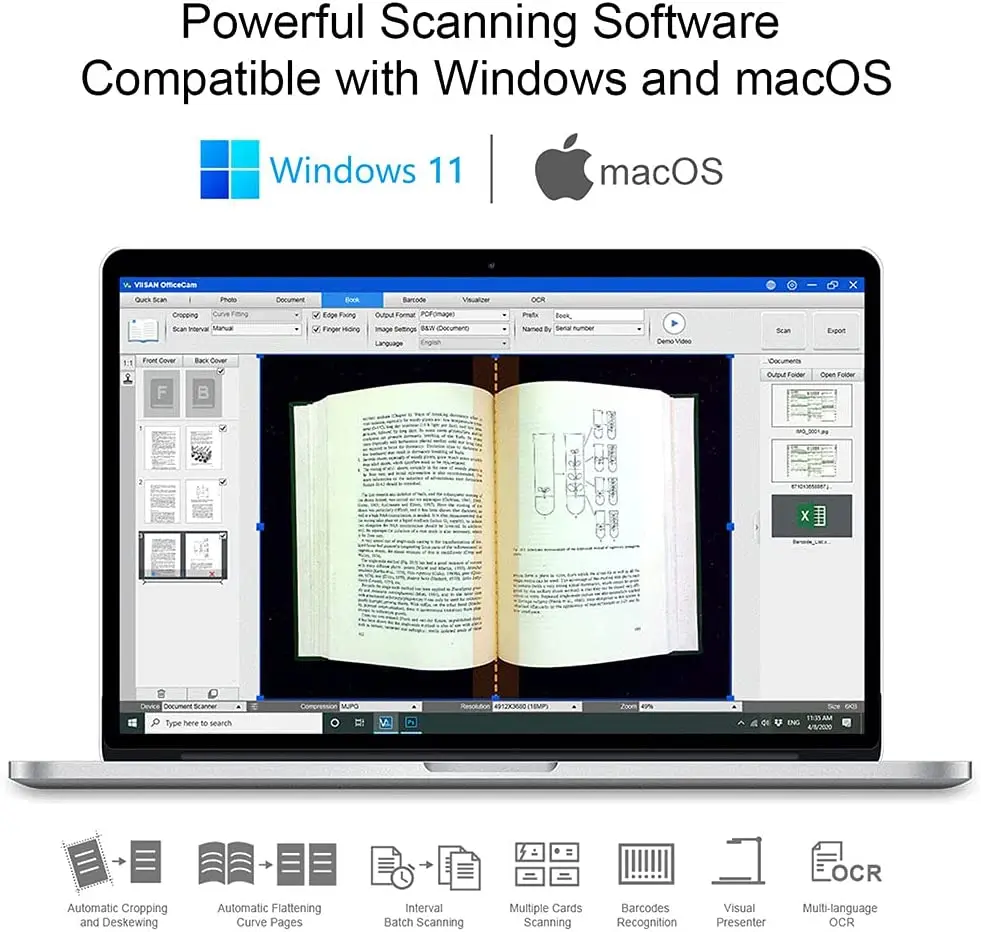
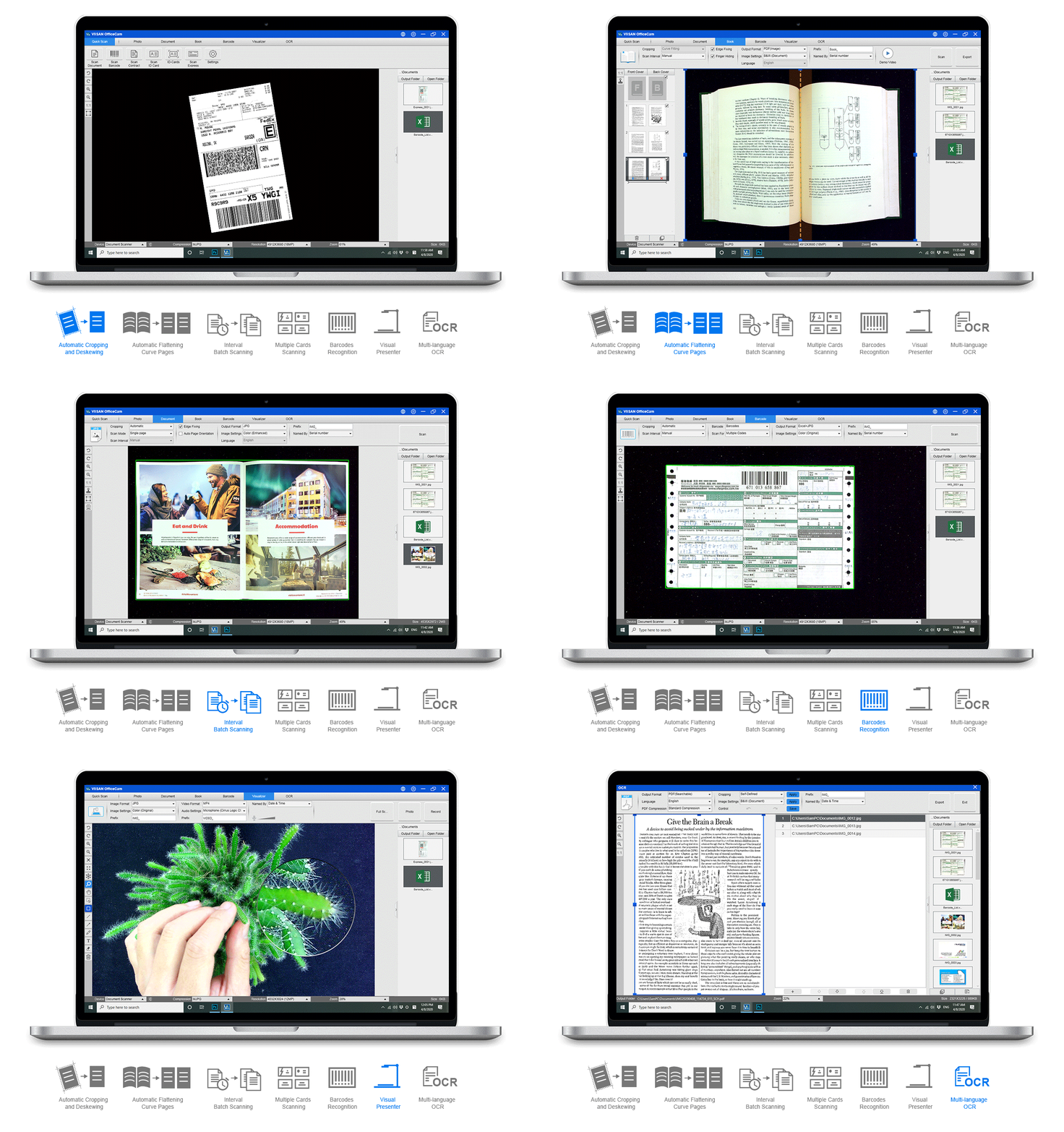
The VIISAN OfficeCam scanning software features an intuitive operating user interface with built-in a lot of image processing features.
Flattening Curve Technology
Automatic flattening of curled pages erases the finger images, purifies the background, and automatically split them into two pages.
Page Turning Detection
Scan a book using the page-turning detection, which automatically starts a scan when detected a page is turned. It’s a very useful feature and without dismantling of book, when you scan multiple pages in a book continuously.
Powerful OCR Recognition
The embedded Optical Character Recognition (OCR) function allows you to convert scanned images into searchable PDF and editable Word, Excel, and Text formats, it supports more than 130 different languages.
How to download OfficeCam software for the A2 book scanner?
Please visit VIISAN’s official website.
Download and install compatible software according to your operating system.
● VIISAN OfficeCam for Windows
● VIISAN DeskCam for macOS
For the more detailed operation of compatible software, you can watch the video tutorials or download the user’s manual from VIISAN’s support center on VIISAN’s official website.
NOTE: Launch the software and place a document facing up on the center of the black scanning pad and then click the [Scan] button to perform scanning.
Brighter Image In Any Environment
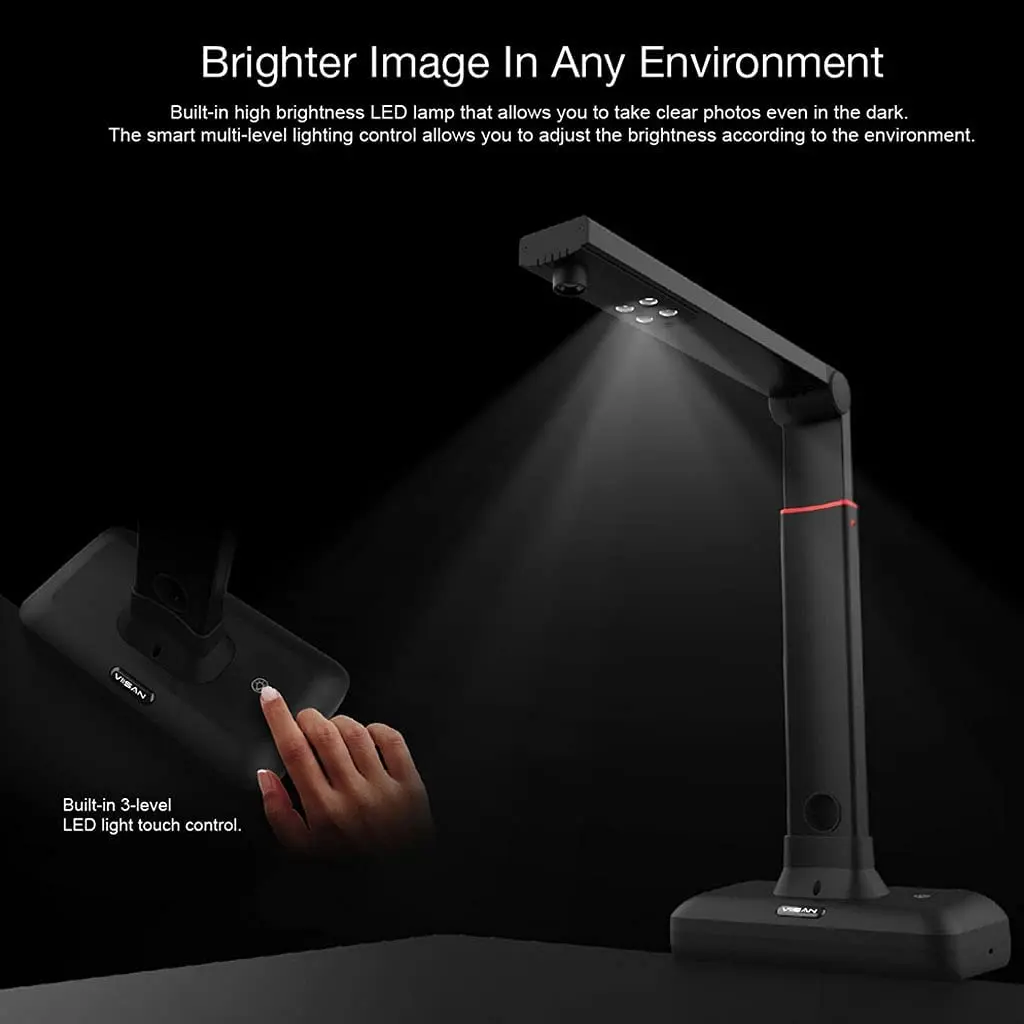
Built-in high brightness LED lamp that allows you to take clear photos even in the dark. The smart multi-level lighting control allows you to adjust the brightness according to the environment. (Note: Please do not turn on the LED light under strong light.)
Installation and connection steps
Assemble the Document Camera
1. Hold the camera arm and line up the holes in the base then insert it.
2. Securing it with the included screw by using the handy screwdriver.
NOTE: For details, please download the guidance manual.
Setting Up & Connecting to a Computer
1. Plug the supplied USB cable to the back of the document camera and connect another end into an available USB port on your computer.
2. Plug the supplied external [Hand Button] into the USB hub on the back of the document camera.
3. Place the scanning pad in front of the document camera.
4. Unfolding the arm to lift the camera head.
5. Before using the S21 document camera, please go to the following VIISAN’s website to download compatible software.
NOTE: Ensure the scanning pad is in contact with the scanner base.
S21
VK16
DL8
Sensor
20.1 Megapixel CMOS
16 Megapixel CMOS
13 Megapixel CMOS
Max. Output Resolution
5504 x 4128 Pixels
4608 x 3456 pixels
4208 x 3156 Pixels
Max. Shooting Area
A2 ( 594×420) mm
A3 (420 x 297 mm)
A3 (420 x 297 mm)
Max. Video Streaming
1080@30fps
1080@30fps
1080@30fps
Focus Mode
Fixed
Fixed
Fixed
Adjustable Height
Yes
N/A
N/A
Hot Keys
LED button
LED button
LED button
Support Software OS
Windows, MacOS
Windows, MacOS
Windows, MacOS
OCR Languages
130+
130+
130+





 Appliances
 Bedding
 Christmas Decorations
 Home Decor
 Health & Medical Equipment
 Lighting
 Smart Home
 Storage
 ARTS AND CRAFTS



J***z –
Everything was correct with the shipping and the product.
When using, be careful with the upper and lower edges of the book. If it has a bookmark, it may cause the page to deform during automatic curvature recognition.
With old and blurry books, you shouldn’t illuminate too much as the letters get lost.
Be careful with the shadows of the fingers that external light could cause on the device, as they can cause smudges if they remain on the letters.
To scan books with images, use grayscale or color, and for those that are only text, black and white looks great.
Please consider the storage space of your PC when scanning large books with many pages, as color photos can weigh up to 150MB when using the highest quality. They need to be deleted from the left side of the program after exporting the book. I recommend going from 50-100 pages and combining the parts with a PDF editor. (AppData/Local/Viisan)
The OCR fails very little and recognizes the columns.
d***r –
Excellent
M***k –
The goods arrived in Ukraine quickly, but were delayed at customs for almost a month, and I paid the customs fee. The scanner is not bad, but I expected better quality scans; it feels like the quality of good smartphones, lacking sharpness. Scanned copies sometimes have a strong effect; perhaps the manufacturer needs to work more on the software to achieve higher-quality images. In my opinion, there are not enough filter and scanning mode options.
i***r –
Great scanner, really interesting functions and the final file quality is very satisfying.