





Please check whether the Android unit or monitor supports AHD camera:
Go to Car settings >> Factory settings >> Reverse (picture) settings >> Select AHD720P
SO, if the monitor does not support AHD signal, it can be switched to CVBS
Conversion Line Control
Note: Our cameras usually default to CVBS. After cutting the cable, they
will switch to AHD. Before cutting the cable, please switch to AHD channel
in the car display settings, otherwise there will be no signal or black screen.
After setting it up, it canrun normally
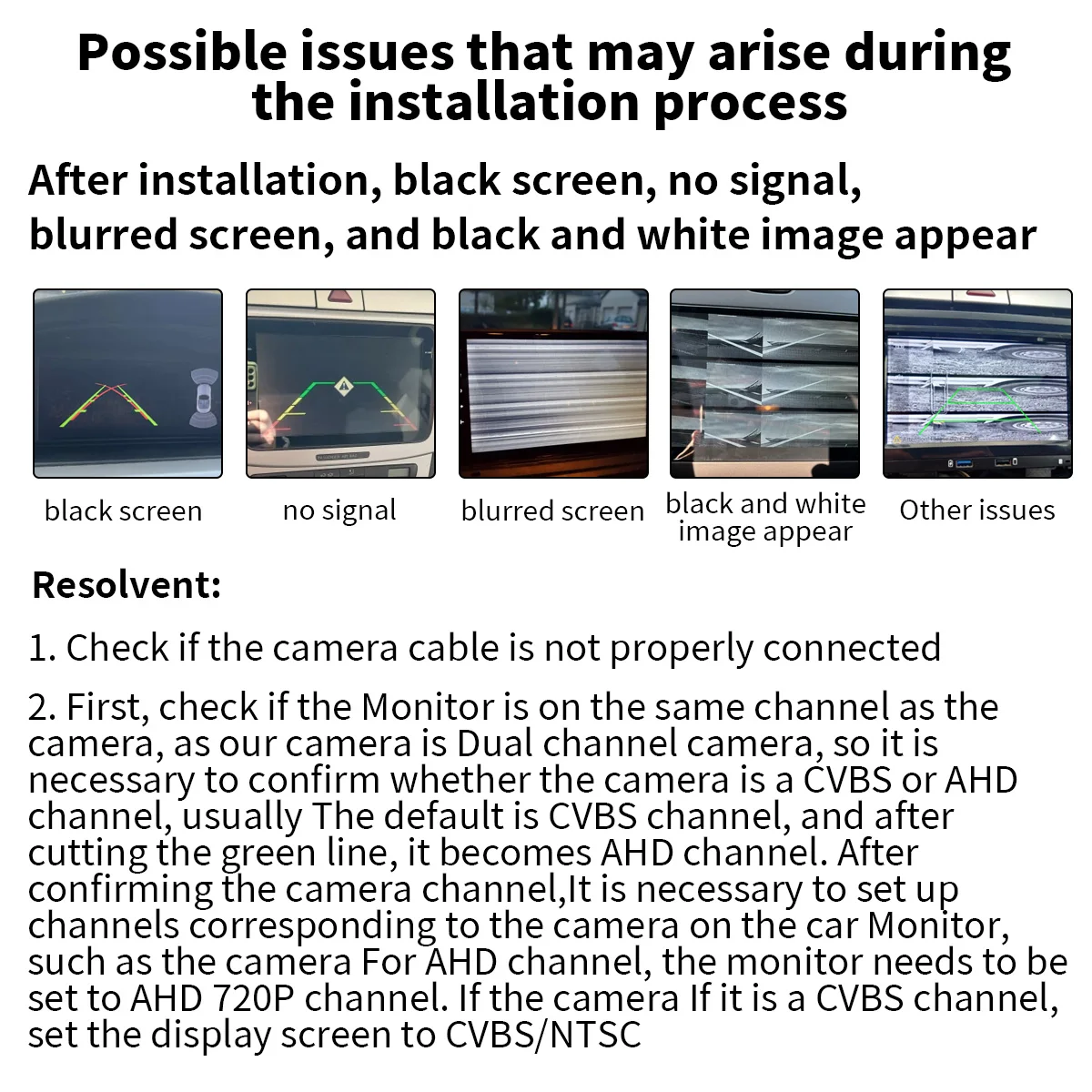
Possible issues that may arise during the installation process
After installation, black screen, no signal, blurred screen, and black and white image appear
Resolvent:
1. Check if the camera cable is not properly connected
2. First, check if the Monitor is on the same channel as the camera, as our camera is Dual channel camera, so it is necessary to confirm whether the camera is a CVBS or AHD channel, usually The default is CVBS channel, and after cutting the green line, it becomes AHD channel. After confirming the camera channel, It is necessary to set up channels corresponding to the camera on the car Monitor, such as the camera For AHD channel, the monitor needs to be set to AHD 720P channel. If the camera If it is a CVBS channel, set the Monitor to CVBS/NTSC





 Bedding
 Christmas Decorations
 Home Decor
 Health & Medical Equipment
 Lighting
 Smart Home
 Storage



Reviews
Clear filtersThere are no reviews yet.