

Processor:2Gbit DDR3
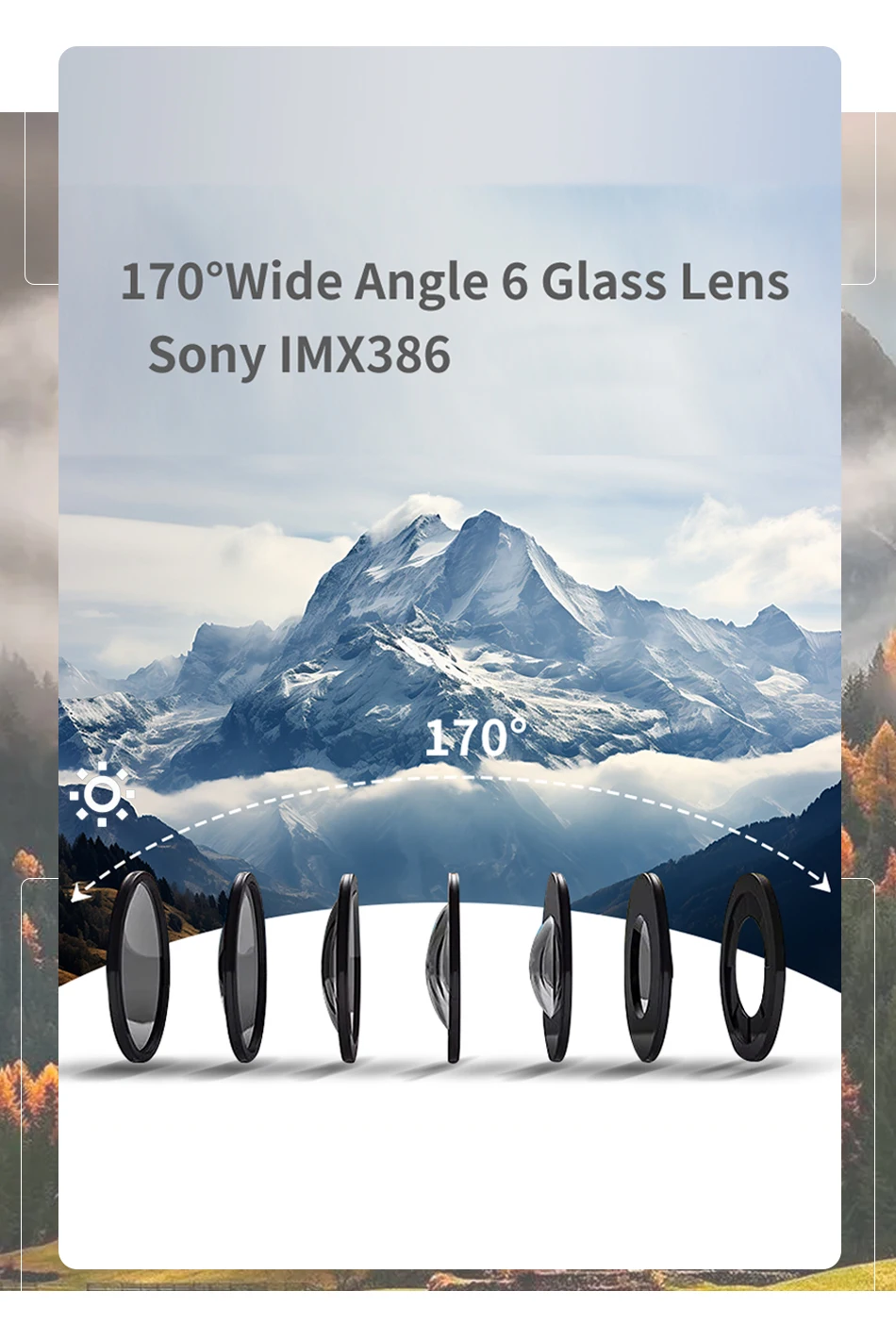
sensor: The Sony IMX386
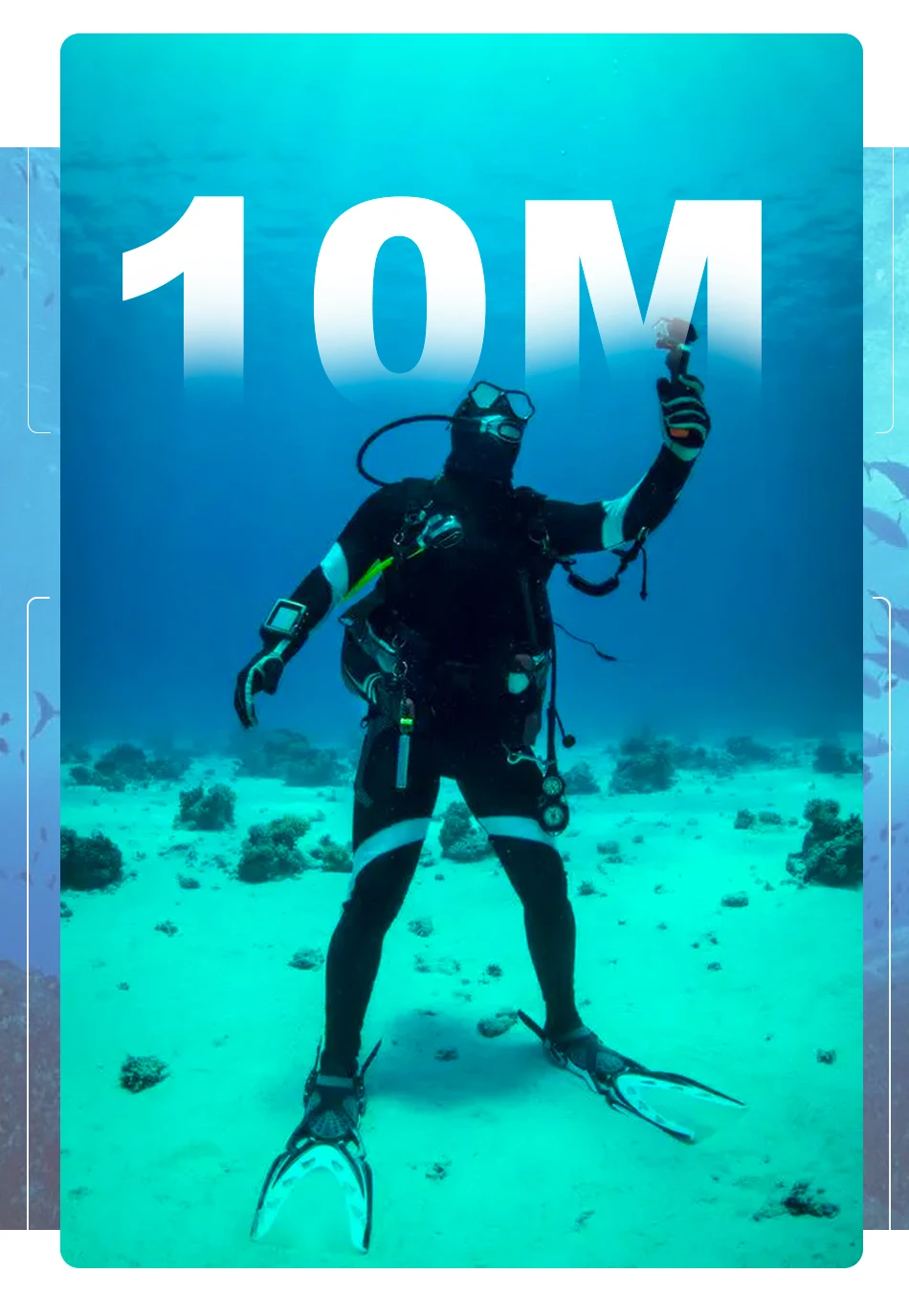
Waterproof grade: IP68, machine waterproof 5 m (no waterproof shell)
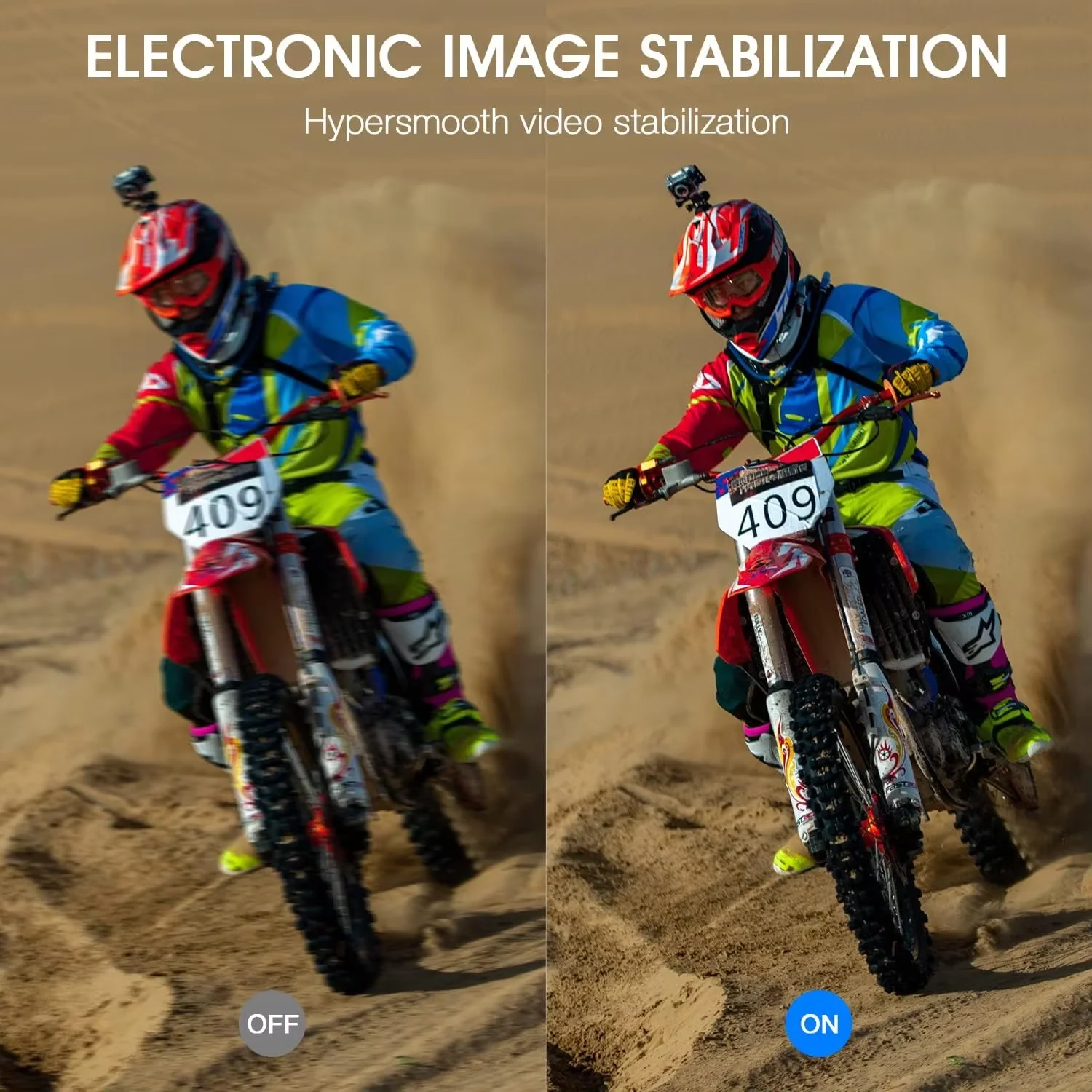
anti-shake: Electronic image image stabilization (EIS)
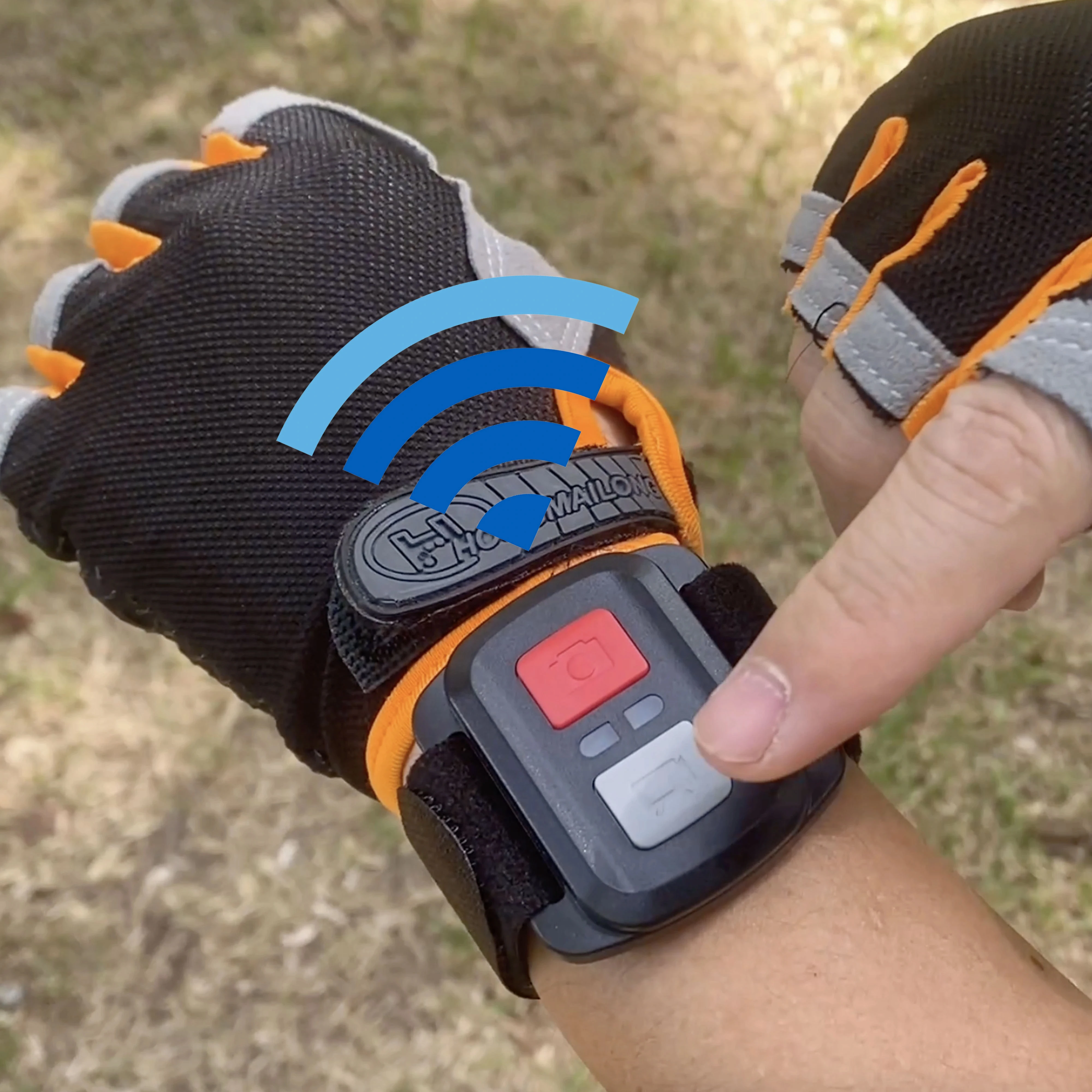
WIFI: Support (mobile phone APP control). (Remote control)
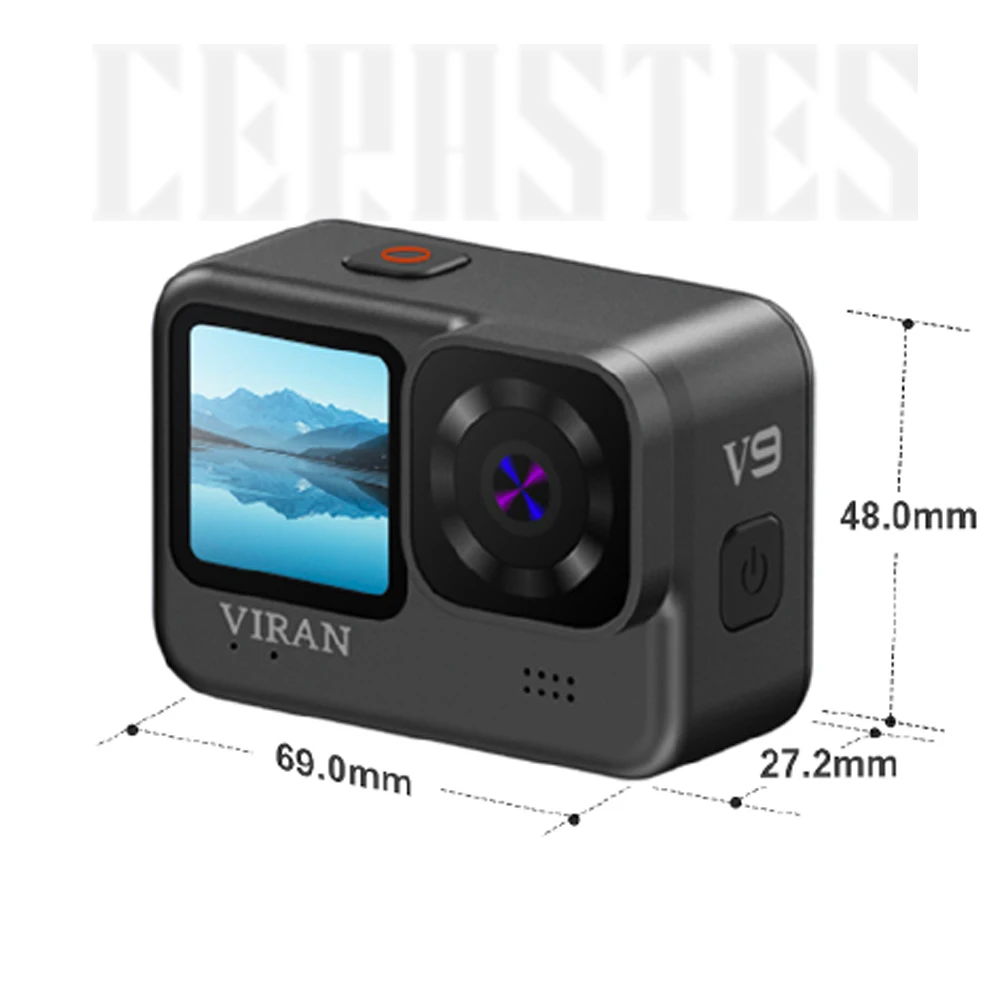
Display screen: Home screen: 2.0 IPS touch high definition screen, selfie screen 1.4-inch IPS high definition screen
batteries:1200 mAh polymer lithium battery
Camera lens:170 Large wide-angle 6-glass lens
Video resolution:
4K(3840 × 2160)30/60fps
2.7K(2704 × 1520)30fps
1080p (1920 × 1080)60/30fps
720p (1280 × 720)120/60fps
Stores the photo resolution:20MP/16MP/12MP/10MP/8MP/5MP/3MP/2MP
Charging interval: About 2.5 hours
Car mode: support
Photo function: Single shot, regular shot, continuous shot, remote control shooting, etc
Video function: Support ordinary video, loop video, shrink video, slow / fast motion video, etc
Adjustable viewing angle: Support is wide. Medium and narrow three perspectives
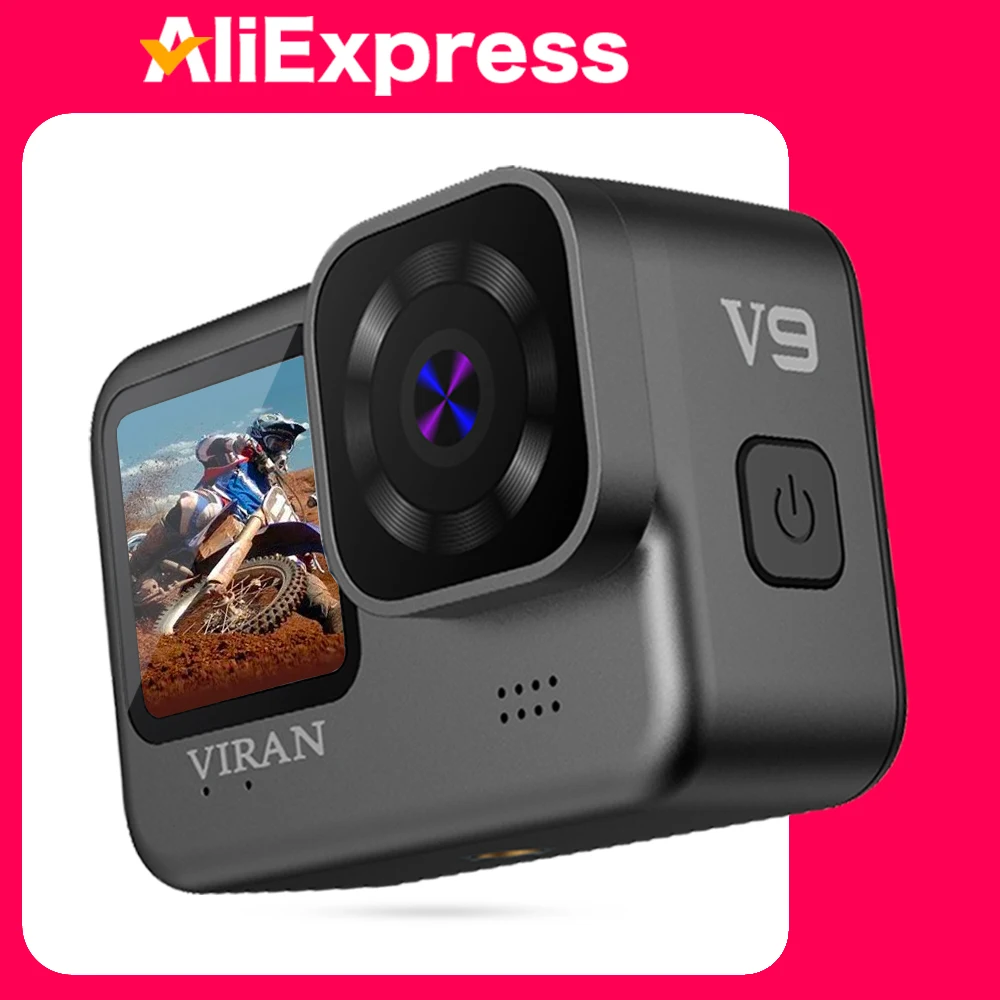
brand: CERASTES
Size:
Length * width * height: 69*48*27.2mm
weight:115g
pigment: calx
language: English, French, German, Italian, Japanese, Spanish, Portuguese, Russian, Simplified Chinese, Traditional Chinese
Fittings of a machine: Helmet seat, transfer bracket transfer joint, wipe cloth, data cable, instructions, remote control
Application Scenarios: Extreme sports, outdoor sports, cycling, diving, driving records, security, etc
Front screen switching:
Long press and hold the ‘shutdown key’ button for 3~5 seconds to switch to the front screen!
During the product upgrade, apart from the logo adjustment, there are no changes to other functions. Both the “viran” and “CERASTES” brands are owned by our store and are genuine products. During the product upgrade period, the two types of packaging will be sent in a mixed manner. This is to notify you accordingly.
Brand: CERASTES
Body material :Super PC + hardware
Master :V35AX
DDR :1Gbit DDR3
Sensor : Sony 386 + 6G lens
LCD size : Home 2.0-inch HD Selfie screen 1.4IPS
Fuselage size :69*48*27.2mm
Net weight :115g
Battery capacity : 1200 mAh
Work hours :95 min
Charging time : About 2 hours
Date link :USB 2.0
Dual lens selection :Rear camera support
Photo resolution:
16m (4640 × 3480)
12m (3648 × 2736)
8m (3264 x2448)
5m (2592 × 1944)
2m (1600 × 1200)
Video resolution:
4K(3840 X2160)60fps
2.7K(2704 × 1520)30fps
1080p (1920 X1080)60/30fps
720p (1280 X720)120/60/30fps
Storage: Micro SD (maximumsupport128GB)
Special function: Timing video, automatic shooting, IF link, wireless remote control, slow motion video, car mode, circular video.
Note
* 1.This product is a high precision product, do not fall or impact.
* 2. Do not bring the camera close to objects with strong magnetism, such as magnets and motors. In addition, avoid bringing the product close to objects that emit strong radio waves. A strong magnetic field may cause product failure or damage images and sound.
* 3. Do not place the camera in a high temperature or direct sunlight.
* 4. Do not store this machine in or near the strong magnetic place to avoid losing the stored data in the camera.
*5.During the process of charging, if there is overheating, smoke, or odor, please immediately pull out the power supply and stop charging to avoid fire.
*6.When charging, please place the product in a place out of reach of children. The power cord may cause accidental suffocation or electric shock.
*7.Please place the product in a cool, dry and dusty place.
*8.This product contains a battery, do not discard the product in the trash bin. Please select the appropriate processing procedure.
* 9. Special attention: When diving, do not check whether the waterproof plug is plugged tightly.
Please select the official recycling point to recycle the product or its batteries, and do not abandon it in the garbage.
Use the operation
1. Turn on and off the camera
A: Long press and hold the power switch for about 3 seconds to turn on / off.
B :Long press and hold the ‘shutdown key’ button for 3 seconds to switch to the front screen!
2. Battery charging
A. The local charging cable must use the original data cable.
B. Connect the computer and the power adapter to charge.
C. Charging the car directly can also charge it on the car.
D. Video recording function while charging. E. Shutdown state can also be charged.
3. Photography mode
After opening the camera, press the “boot” key, which will appear in the upper left corner of the screen Icon, indicating that the camera has been set in photography mode. After pressing the “OK” key, the yellow dot in the upper left corner will start to flash as 00:00:00 to start recording. Press OK again during recording to stop recording.
4. Photo mode
After opening the camera, press the “boot” button and select the “photo mode”, which will appear in the upper left corner of the screen Icon, indicating that the camera has been set to the photo mode. Press the OK “to take a picture.
5. Set
A. The camera enters the camera mode, click the screen “set icon”, can choose to open the anti-shake function, video resolution, cycle video, vehicle mode and WIFI, etc.
B. When the camera enters the camera mode, click on the screen to “set the icon”, and you can choose the photo size, continuous shooting, shooting method, image quality, exposure compensation and color, etc
6. Image storage and playback
A. Use the data cable to connect the computer, notebook, pull out the image file in the camera / pull out the T card and copy it with the U disk to the computer.
B. After opening the camera, press the “file icon” on the screen, and select the image replay mode to browse the stored image files.
7. For WIFI connection, follow these steps:
A. Install the mobile phone software “iSmart DV” to a smartphone or tablet computer. Android devices can be downloaded at Smart DV (China), and Apple devices are available at ios. Foreign system equipment can be downloaded at google.
B. After the camera is opened, open the wireless network hotspot in the Settings, and the WIFI interface will appear on the screen (exit the WIFI interface, click on the lower right corner)
C. Turn on WIFI on the mobile device, search for and connect “Action Cam” with an initial password of 1234567890.
D. After WIFI is successfully connected, the screen will show that WIFI has been connected. After entering the Smart DV, you can take photos and videos, and the photos and videos can be downloaded to the mobile phone.
Brand: CERASTES
SD/TF Memory Card Description:
4K/5K high-definition videos require high TF/SD cards. Please make sure to use memory cards with U3 and higher performance models to improve reading speed â‰Â¥110MB/S


 Appliances
 Bedding
 Christmas Decorations
 Decor
Decor Health & Medical Equipment
 Lighting
 Smart Home
 Storage
 Textiles
Shopper –
Good but can’t connect to wifi
I***d –
For the price you pay for an action camera you cannot want anything else. Really robust, easy interaction, and easy menu. I need to test its functionality, but I have no doubt about the brand and I’m sure the seller puts all their effort into solving if something happens. This is the second camera I have bought from you and I am sincerely very satisfied.
P***i –
fantastic, probably the best action cam on the market at this price. Taking advantage of a period of discounts and using an coupon I paid €72 for it, I will probably buy another one to do several frames at the same time
M***d –
7 days delivery, menu exactly same as a cheaper one i have hope the battery is not same
Shopper –
Nice camera
M***r –
This is the second device I am purchasing. The first action cam really satisfied me so much that I decided to buy another one to have two points of reference on the motorcycle.
D***a –
The camera is good but the memory card arrived damaged. 😞
Shopper –
Really good camera and even the second screen with a high refresh rate highly recommend
V***r –
It’s very good for the price, just that you can’t change the battery. I imagine you’ll have to disassemble it when it stops working. It comes with good controls, good accessories, good weight, the quality is fine for the type of action camera, and the stability is good.
S***n –
Very well packed. Looks nice.
k***r –
Came in today made few videos took few pics didnt try under water yet but from what i seen seems great for the price . I will see how it will be inside water on my trip .
S***s –
Very nice camera. And it went in the ocean a few times so it is waterproof. The remote stopped working immediately as it got wet. I can’t hear the audio so need to play with the settings but the picture quality is excellent. Thankyou!
R***v –
Great set of accessories but unfortunately the video quality is very bad no 4k recording at all like VGA terrible work otherwise seller is very honest 😊
M***e –
Fast delivery, product tested and really very good video quality.